

AI file search for Windows and Mac.
By meaning. Privately.
BeaconFind searches inside your files, even when you’ve forgotten what you named them. The AI runs entirely on your machine, so your files, their contents and your searches stay with you.
Windows 10 & 11 · macOS on Apple Silicon · on-device search · no telemetry · 14-day trial




- AI-powered searchFind by meaning
- Your files stay privateOn your device
- Works offlineSearch without a connection
- Windows & macOSNative apps



You know it’s in there
somewhere.
The right file always exists, buried under a thousand others, with a name that made sense six months ago. Folder-diving and keyword search give up right when you need them.

Getting started
AI search, in three steps.

Add your folders
Point BeaconFind at where your files live: Documents, Desktop, that chaotic Downloads folder.

It reads everything, on your device
A local AI quietly understands every document, image, and note. No cloud, no uploads: your files stay on your machine.

Press Ctrl K⌥Space and ask
Describe what you remember in plain language. The right file surfaces instantly.
See it work
AI file search, shown in under ninety seconds.
Nothing loads from YouTube until you press play. Watch on YouTube instead.
Inside the app
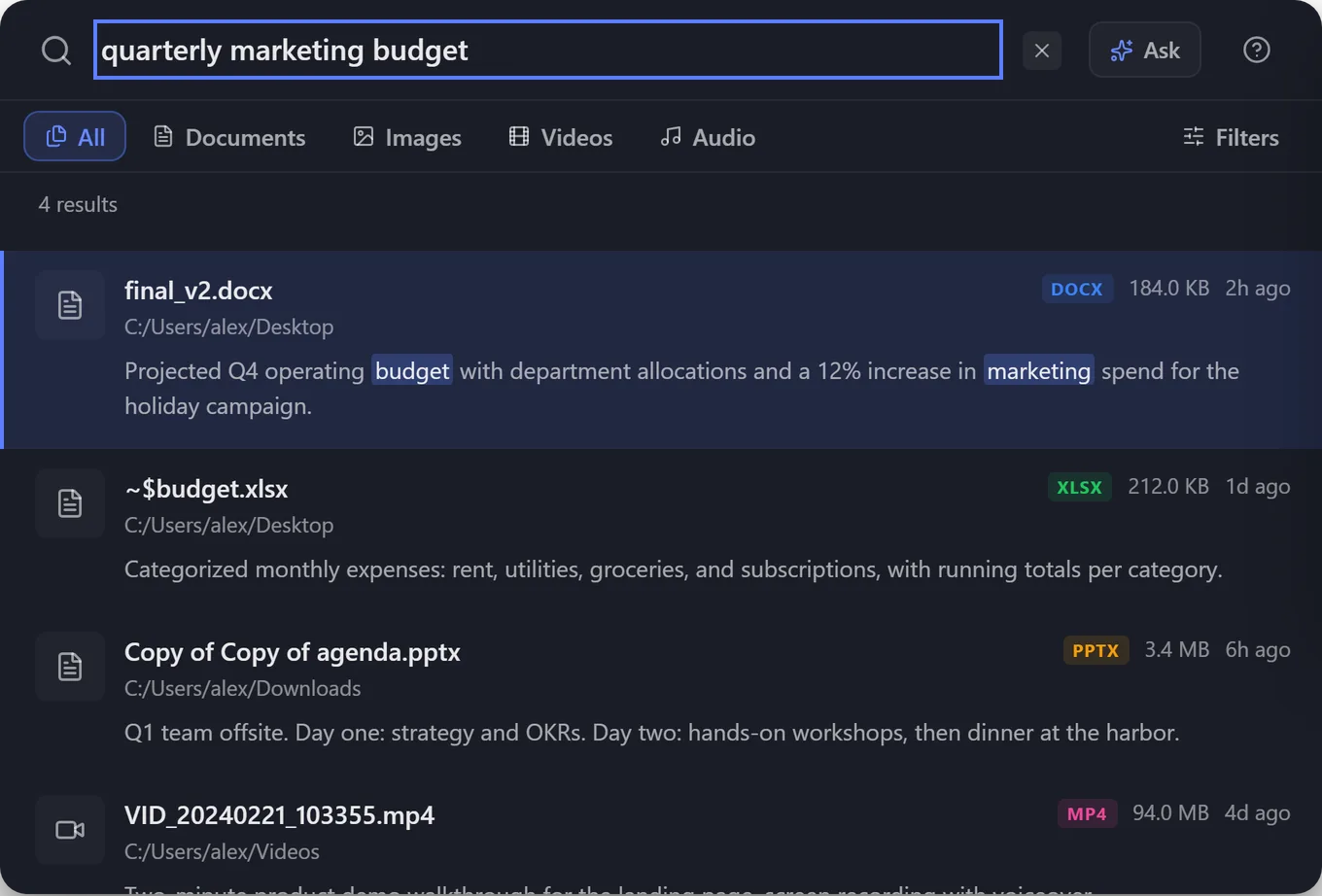
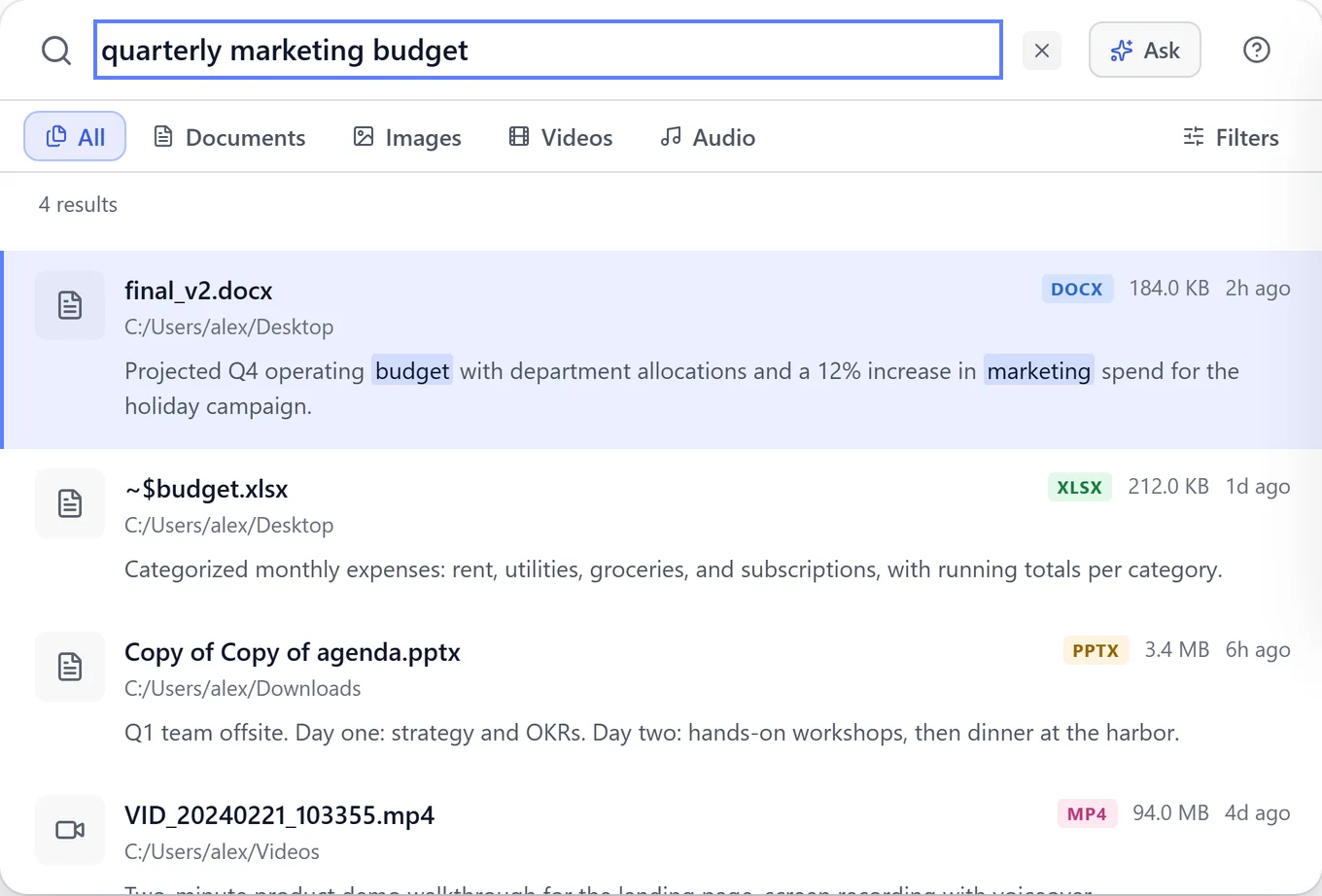
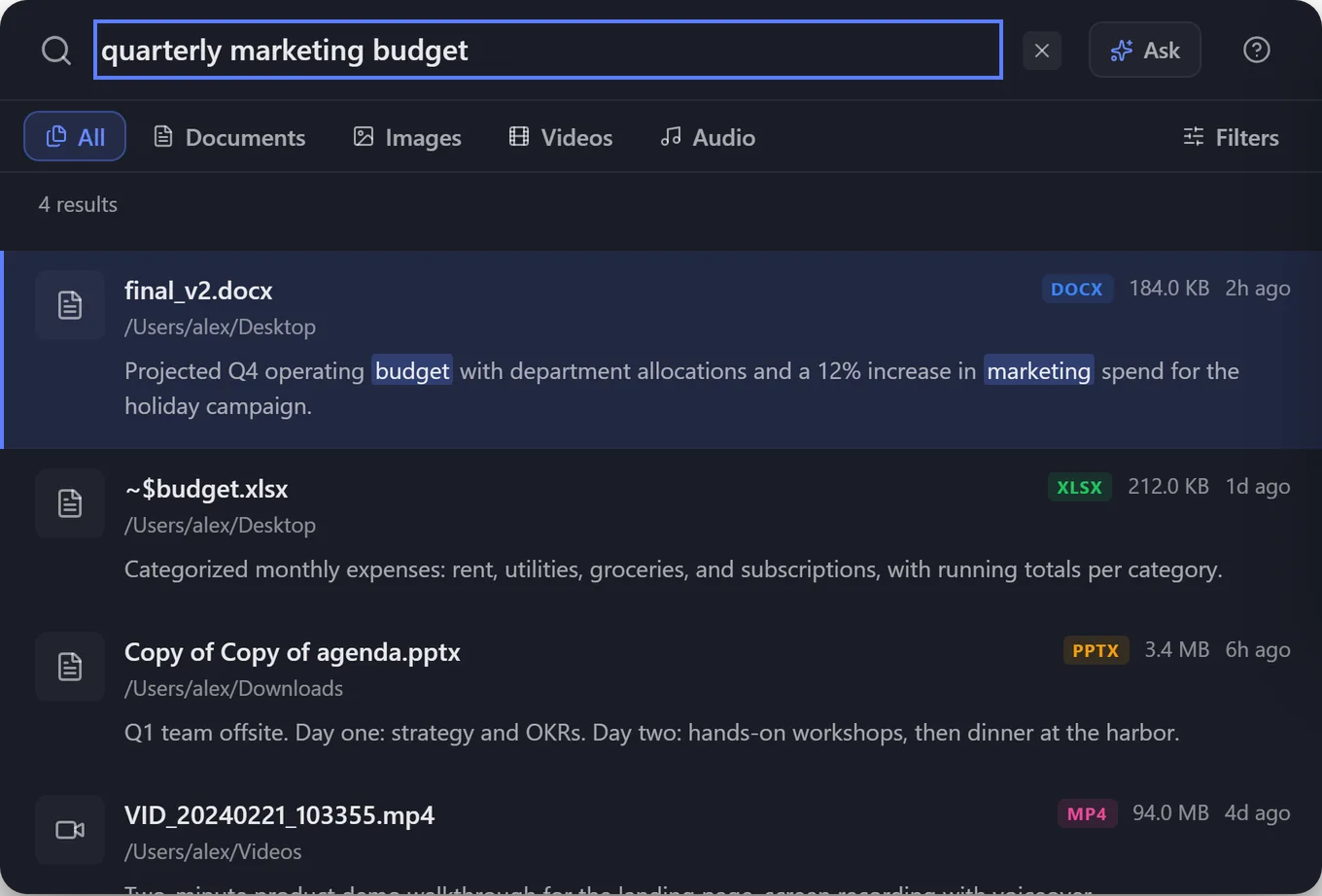
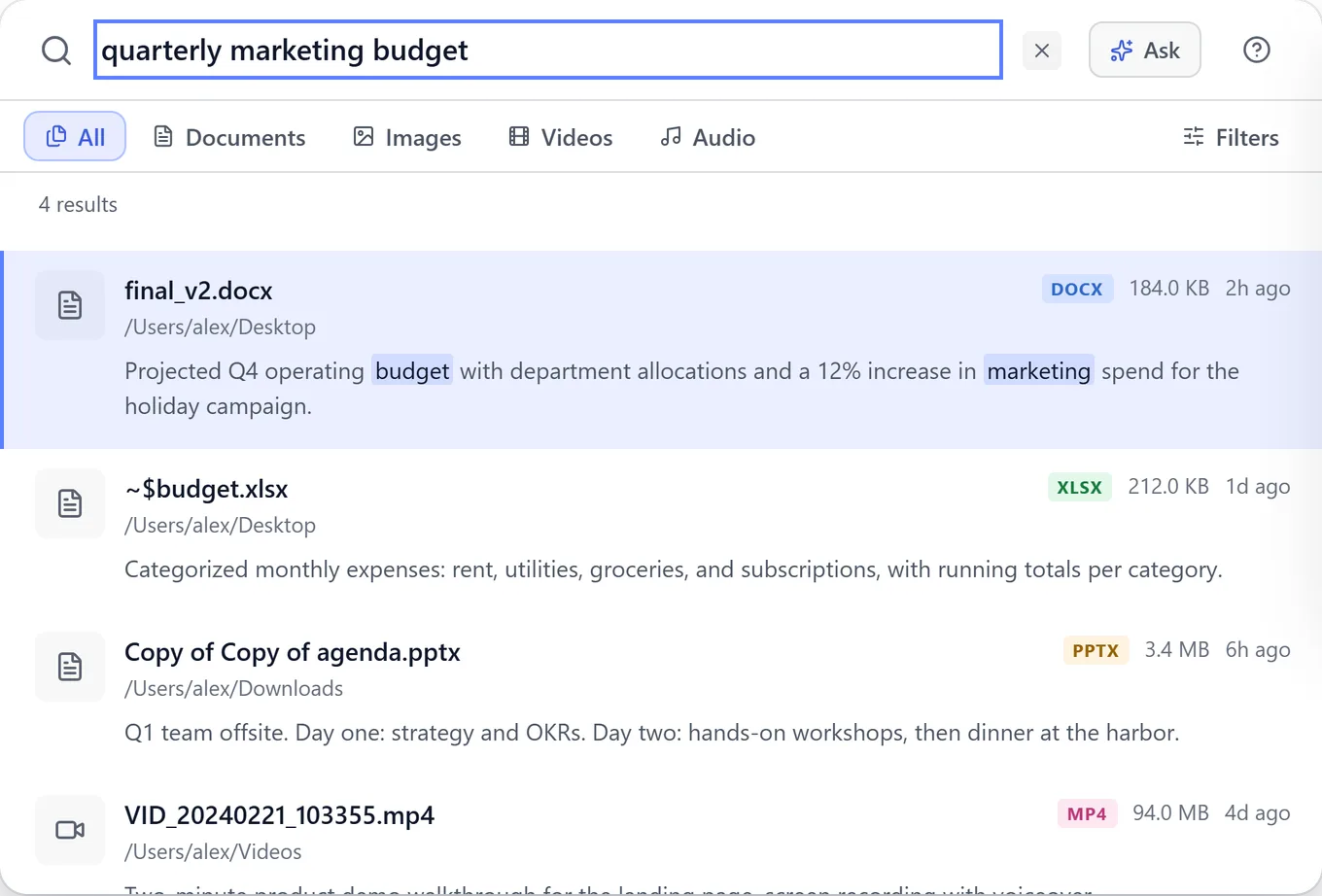
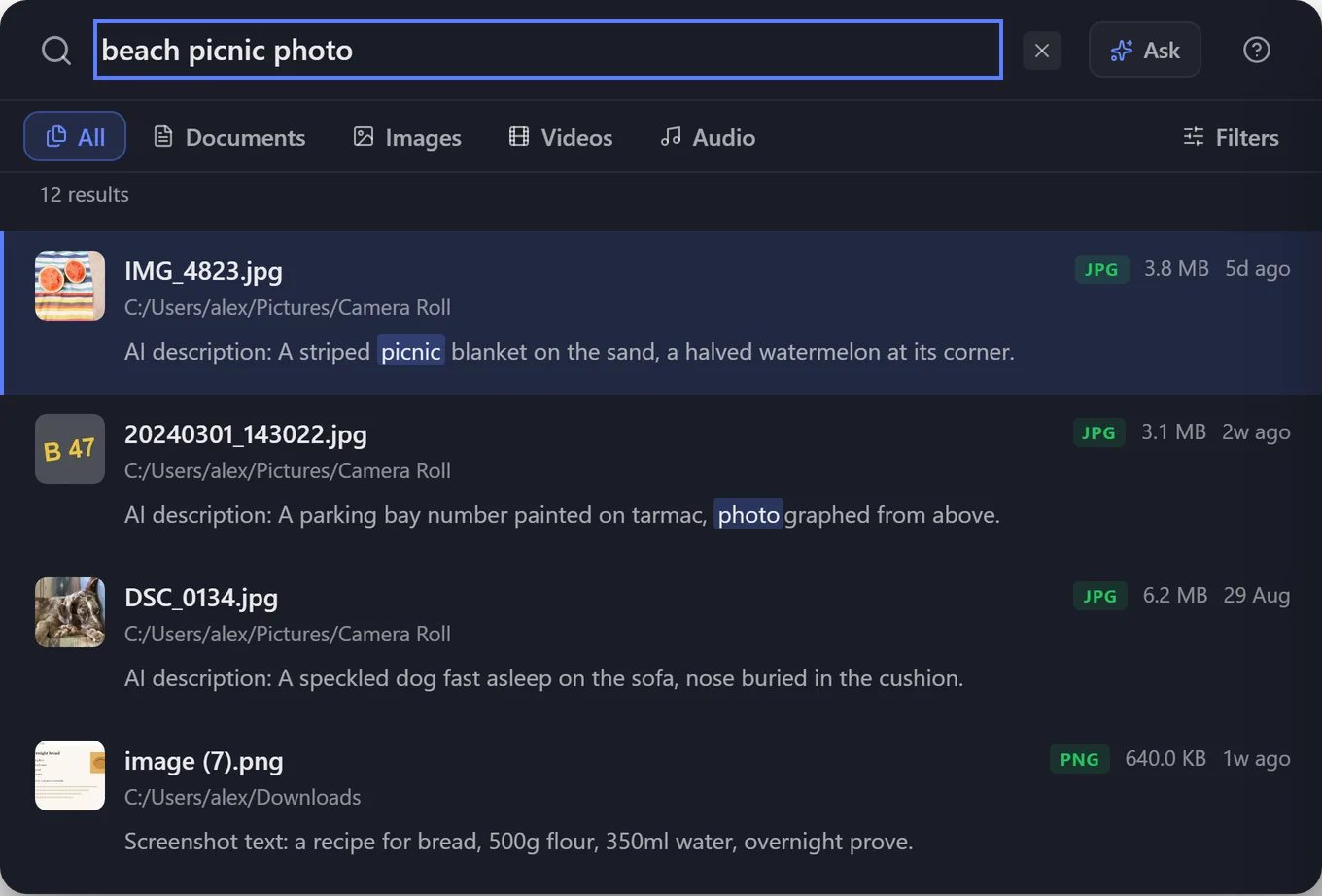
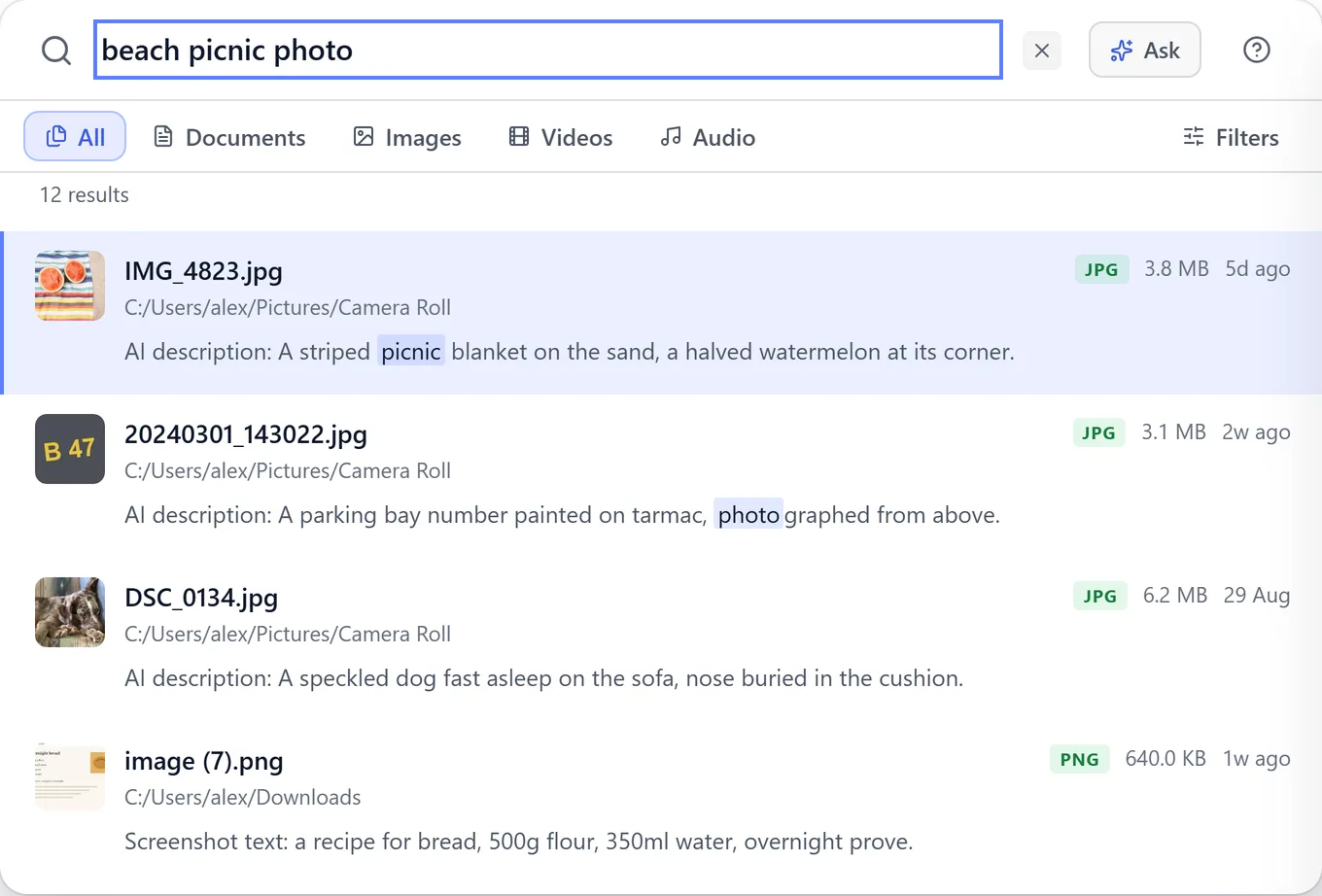
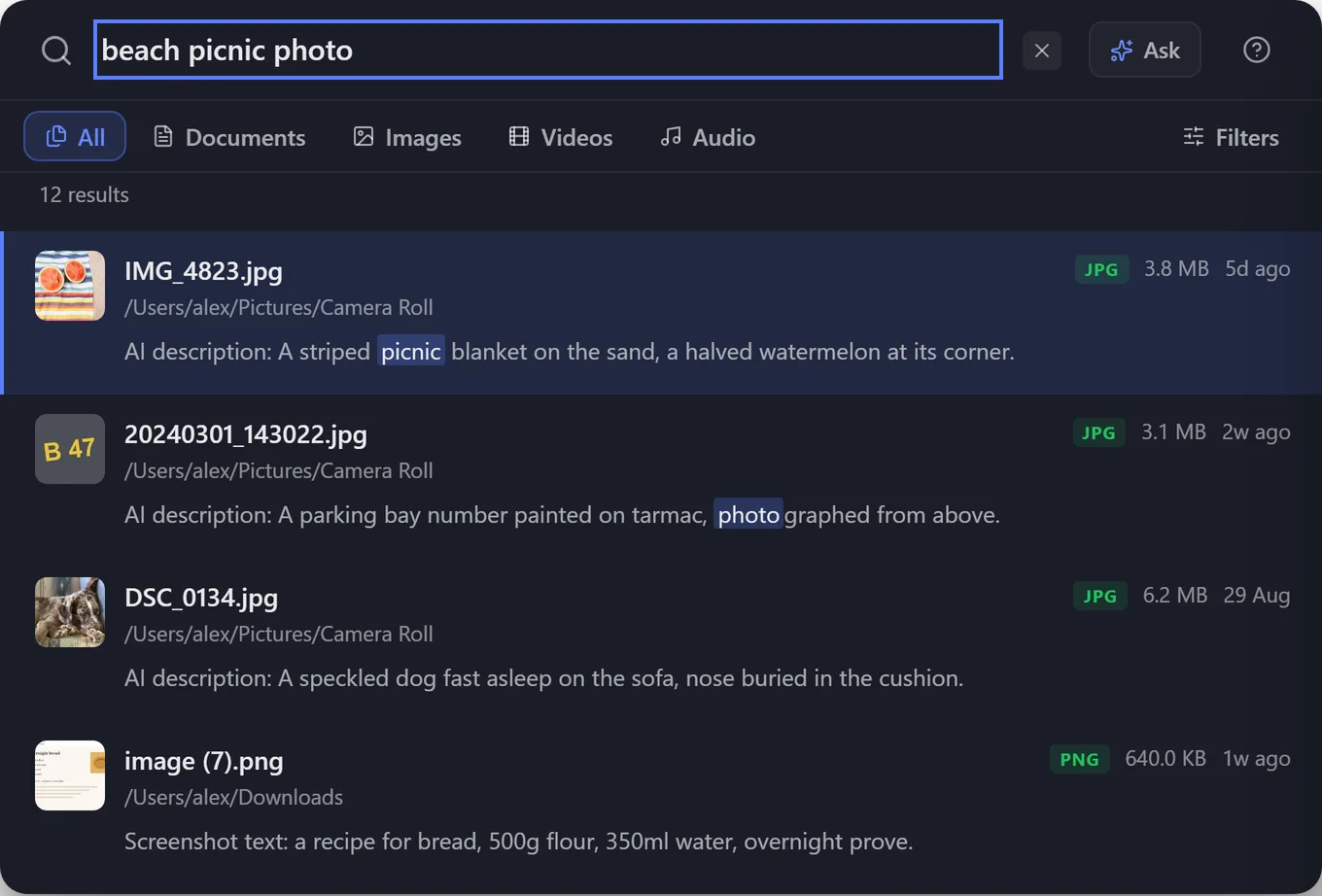
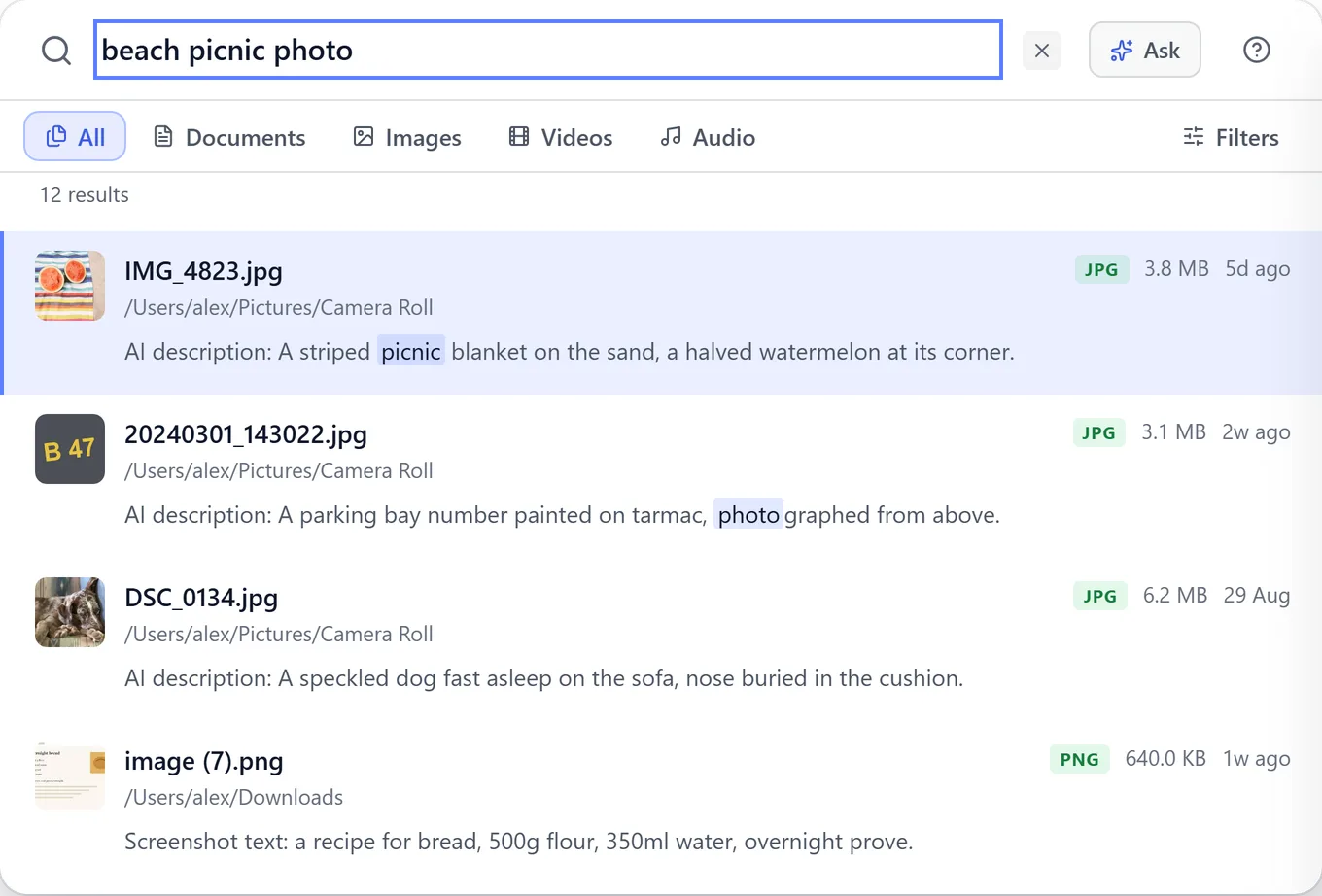
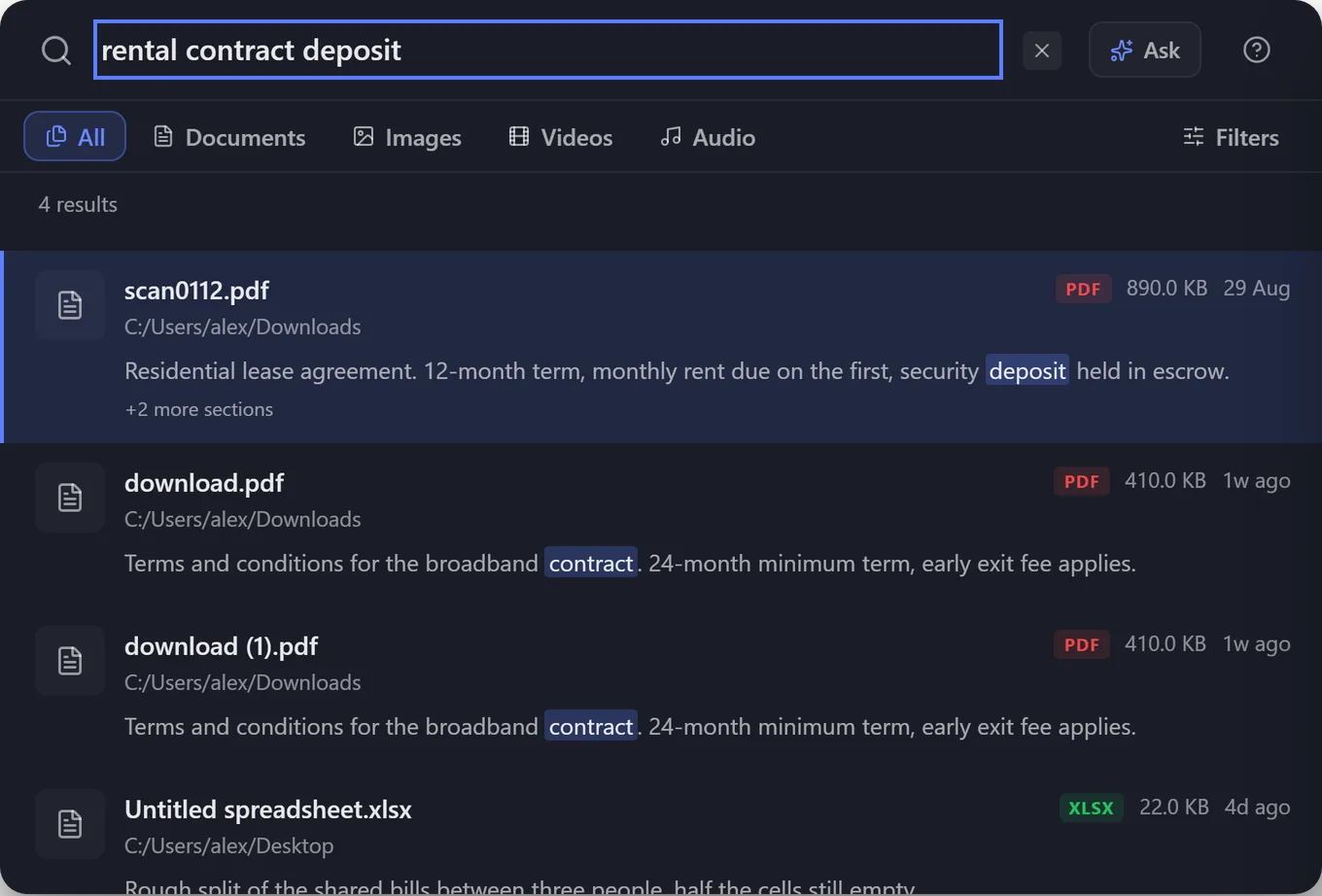
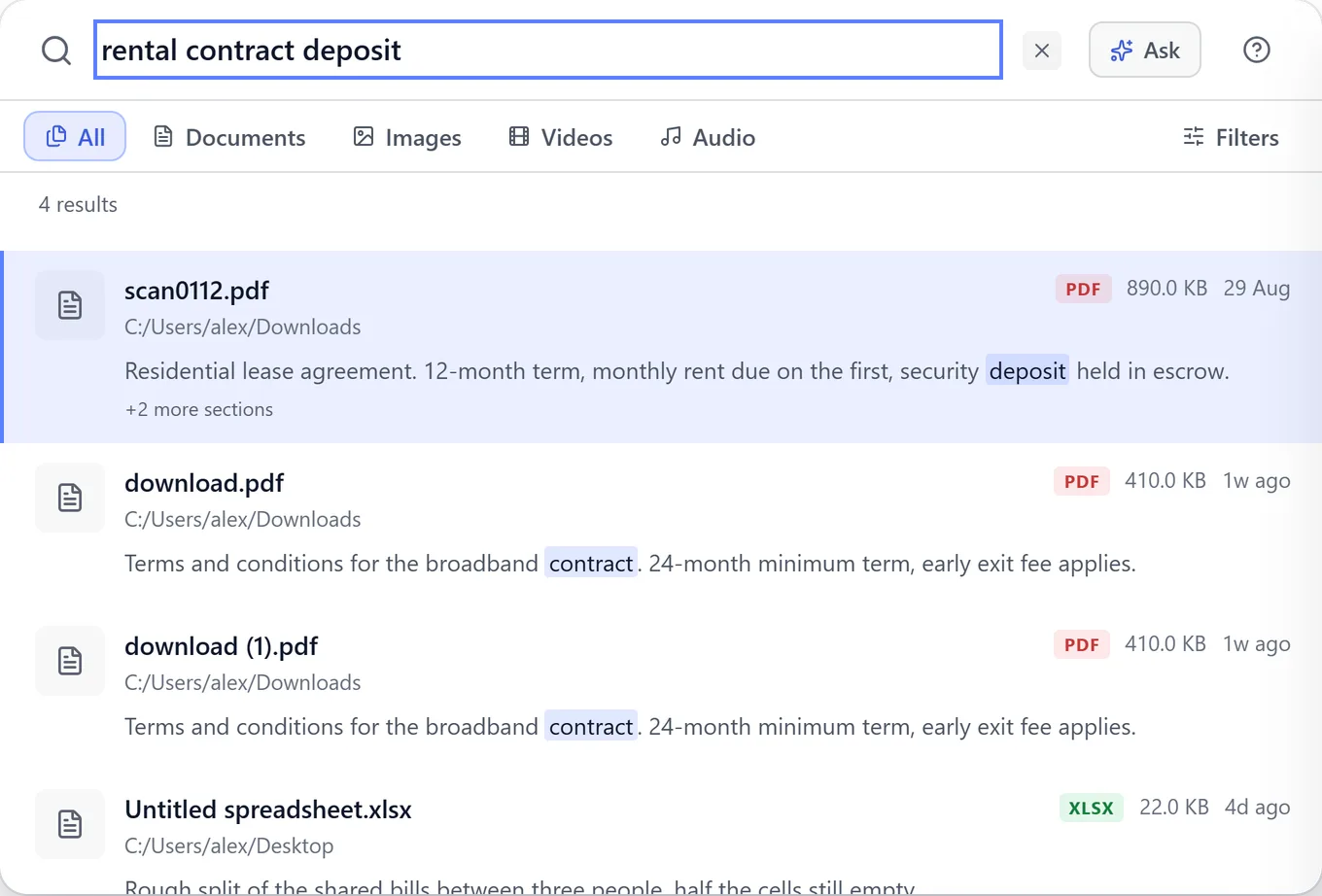
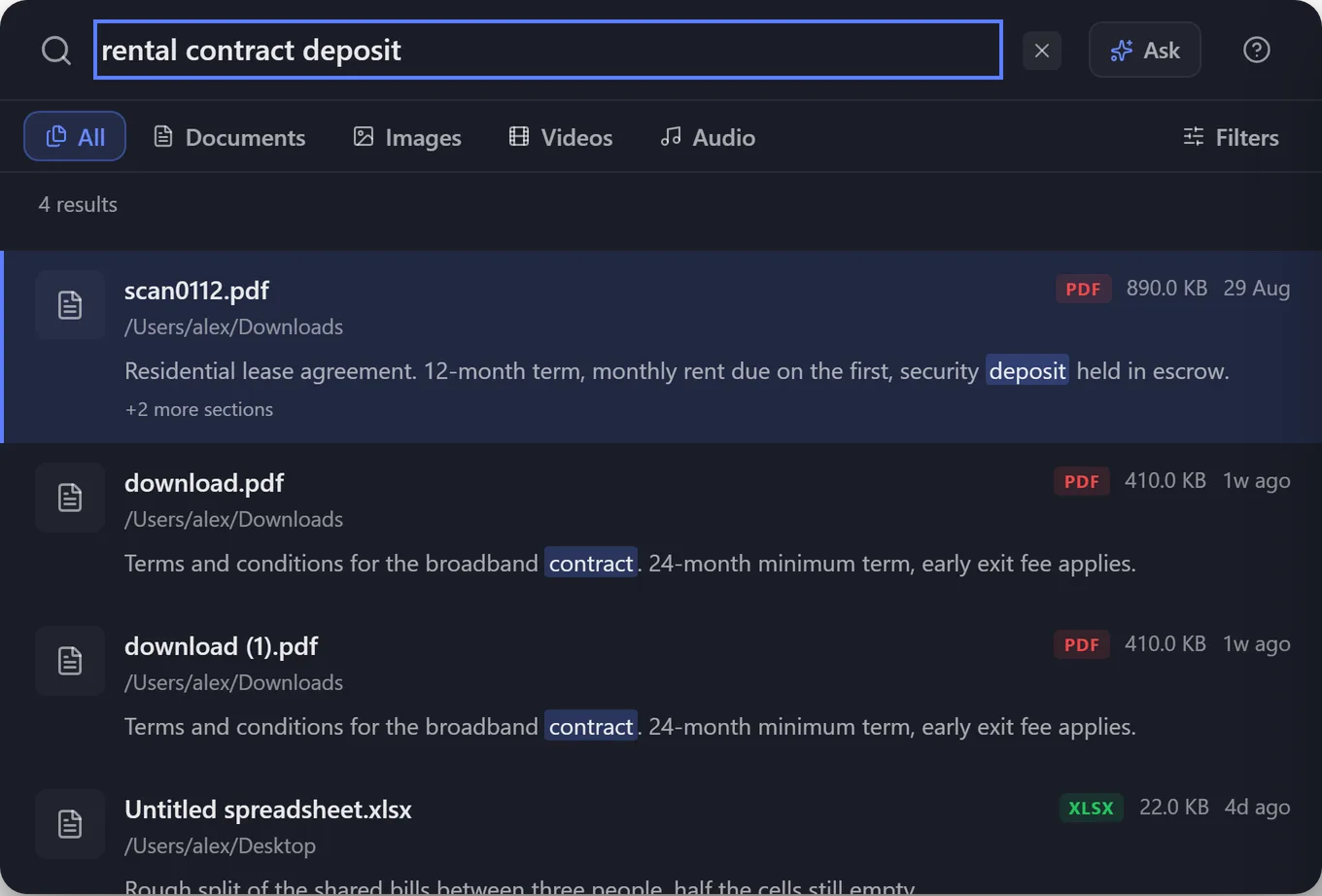
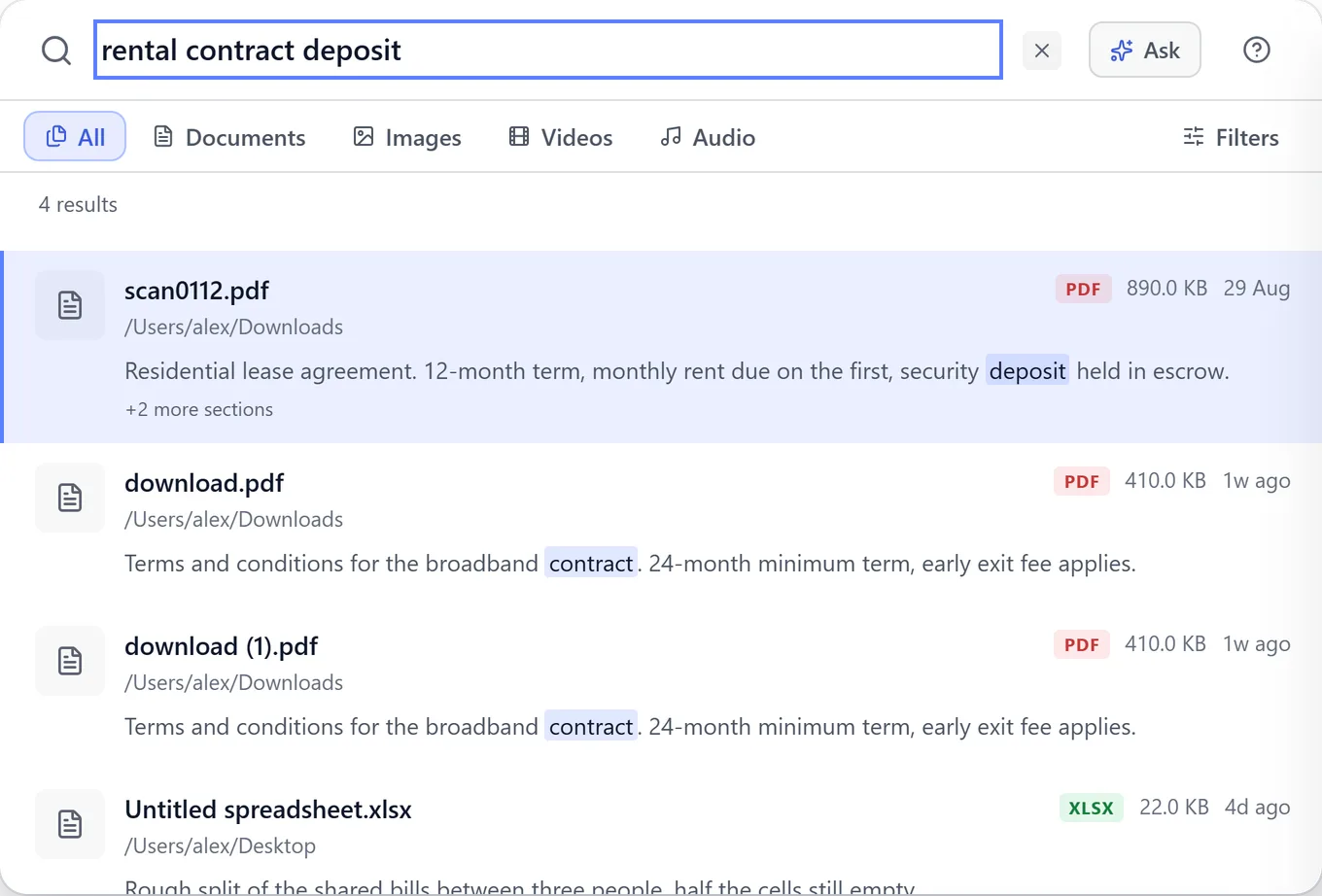
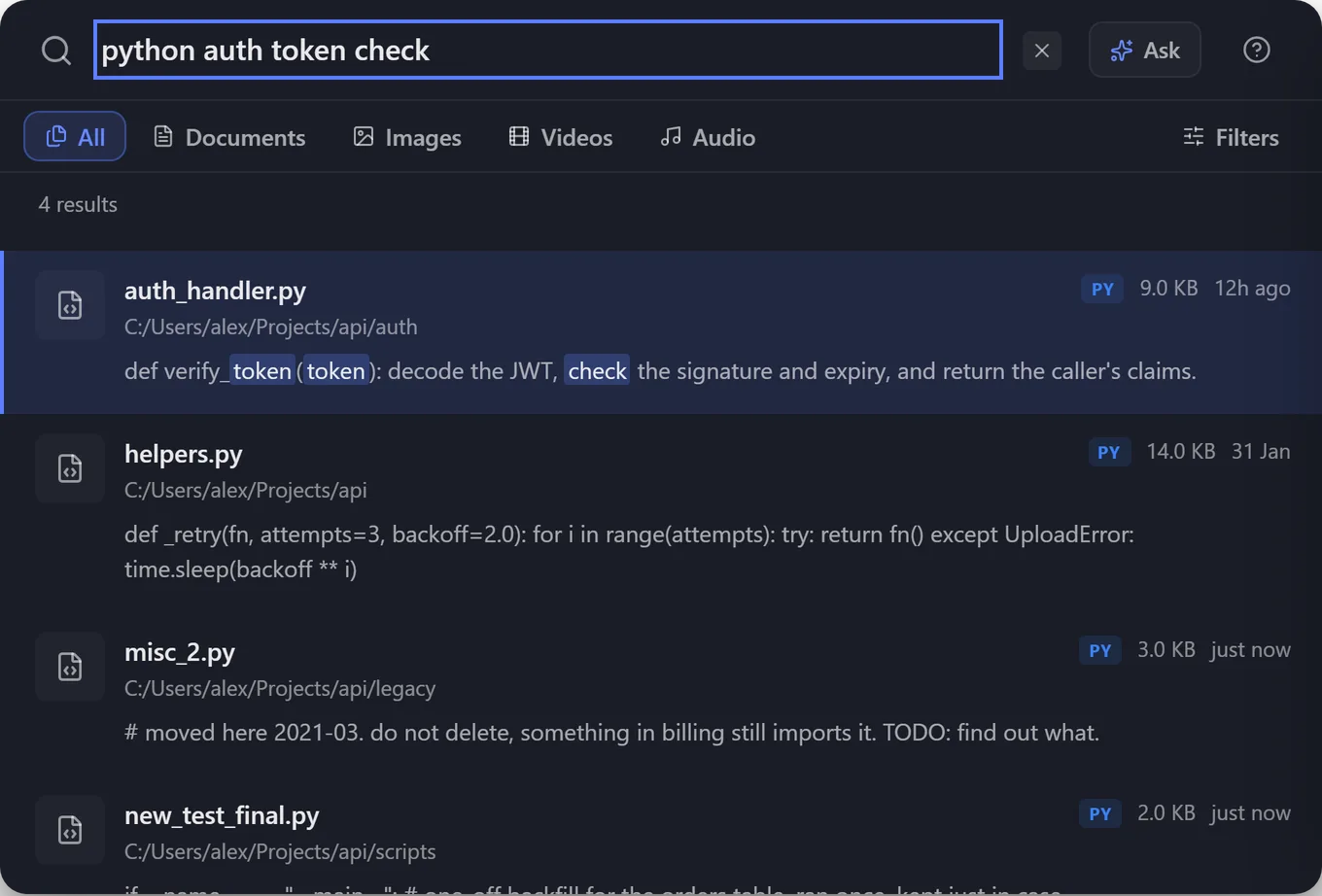
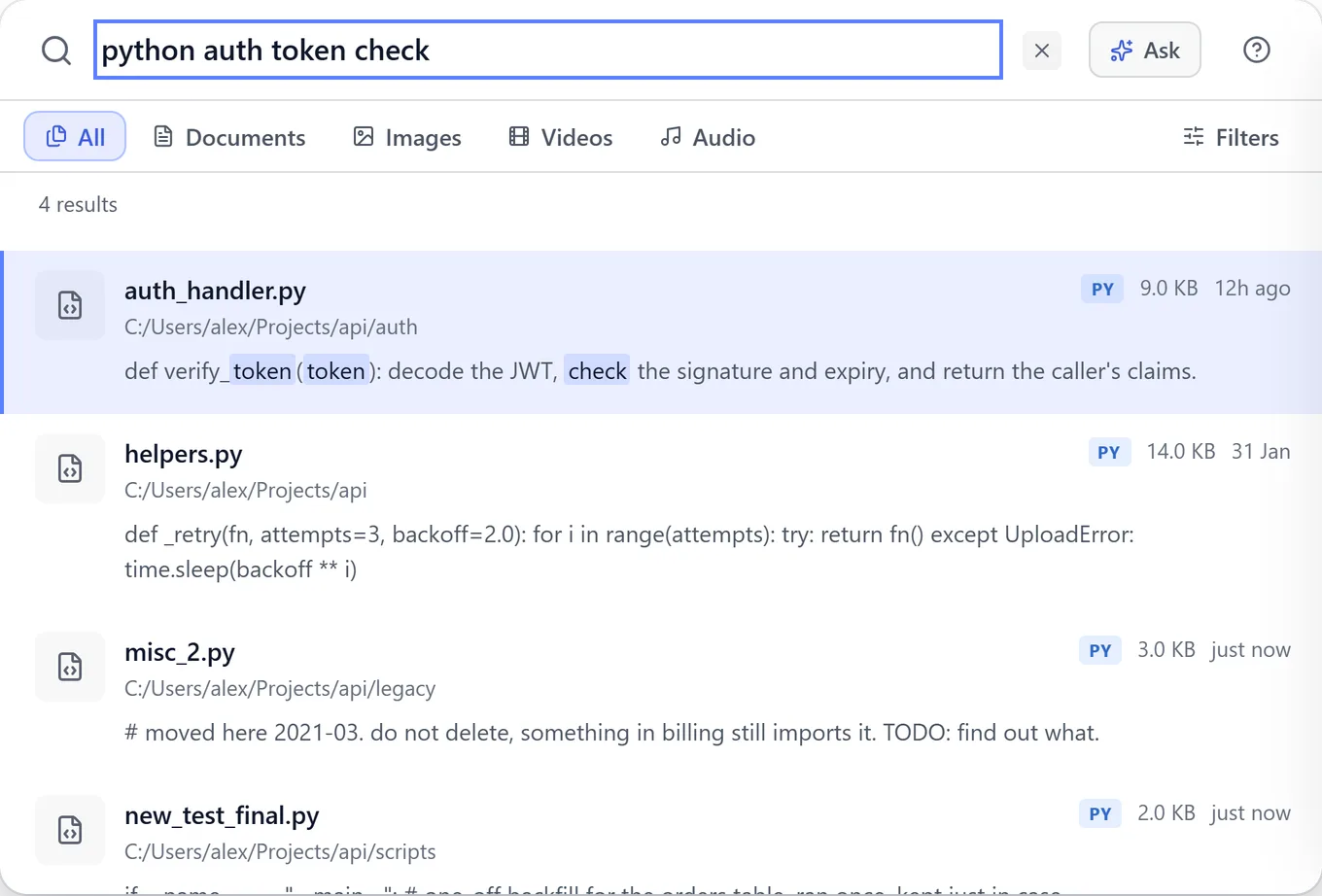
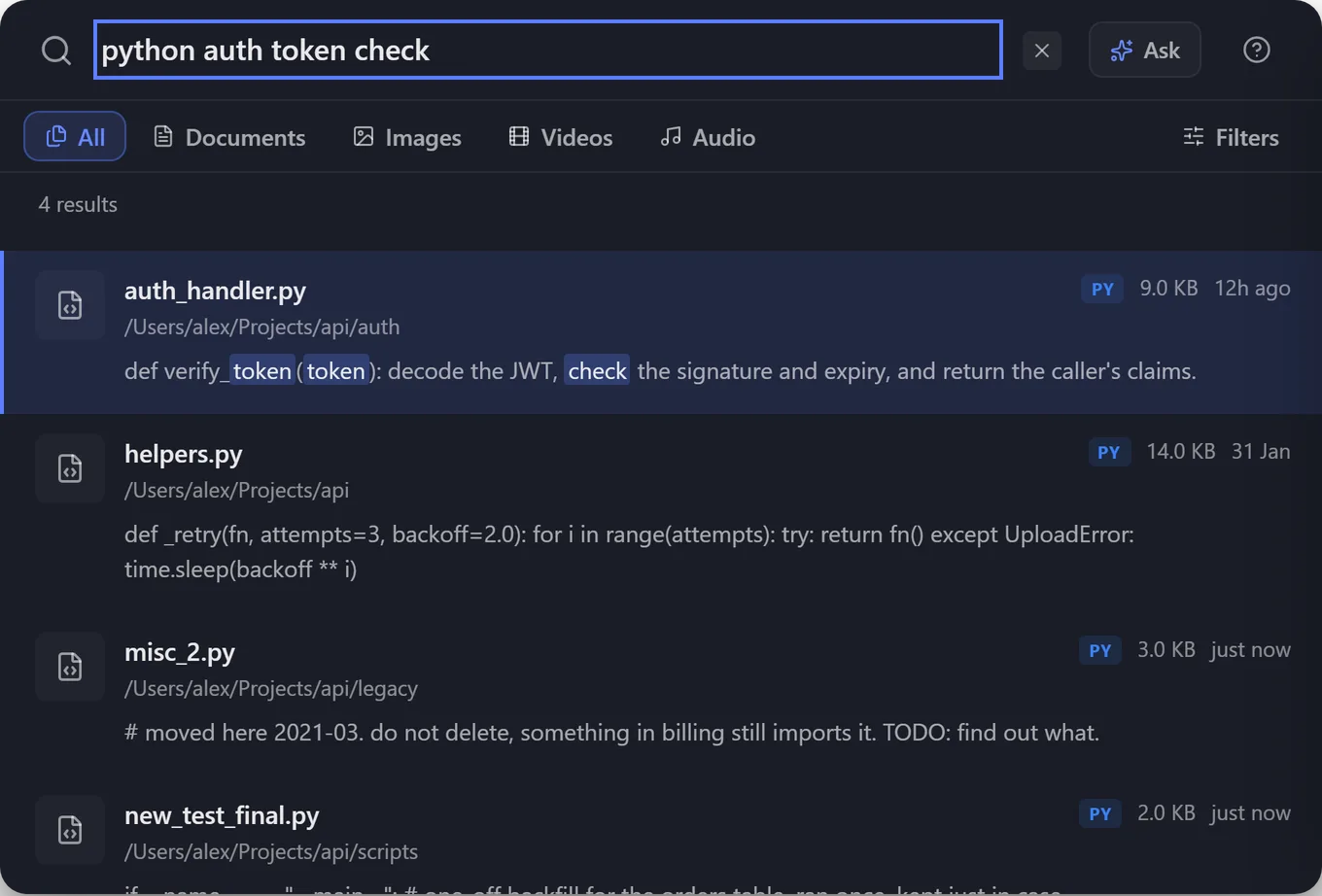
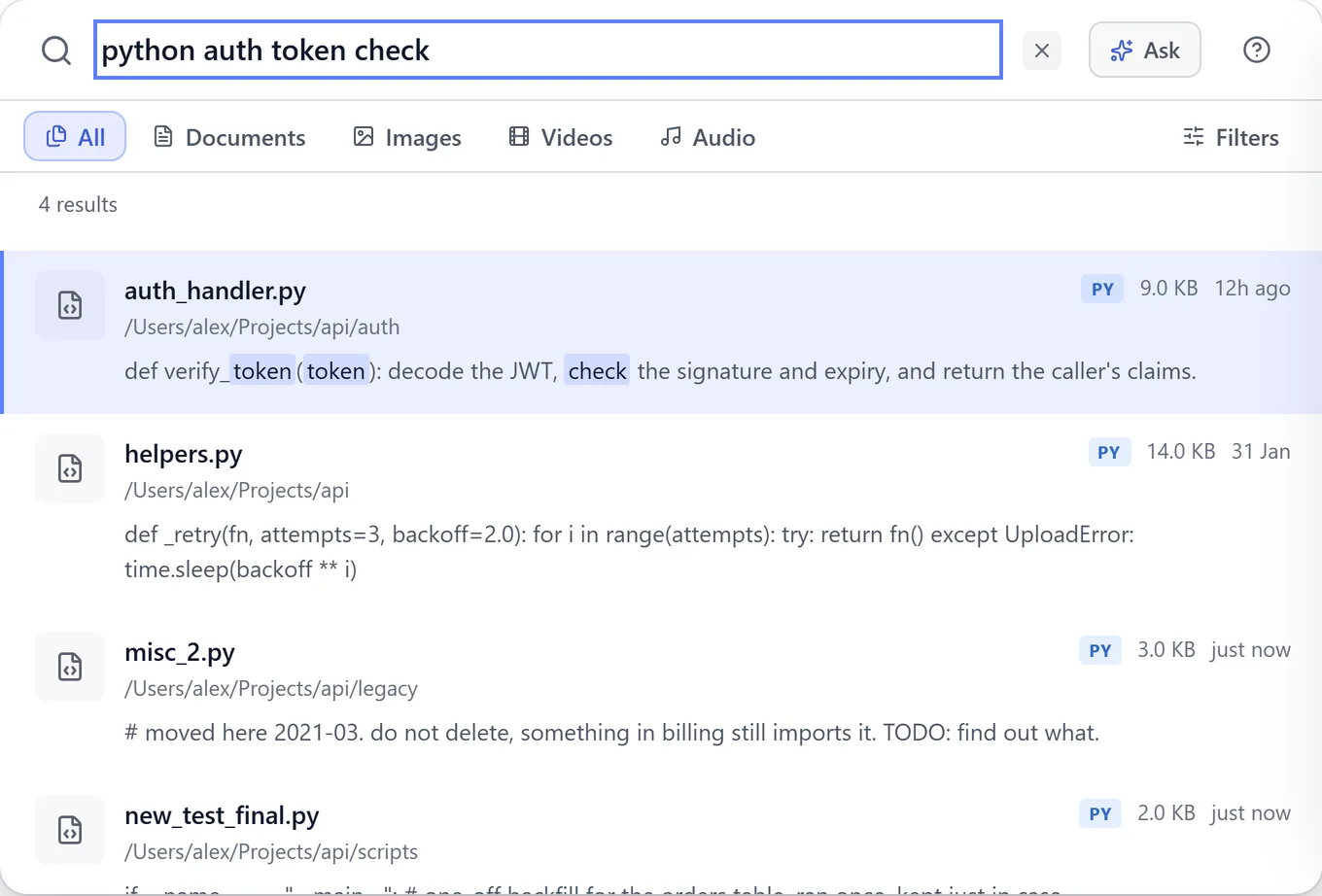
Describe what you half-remember, and it finds the file.
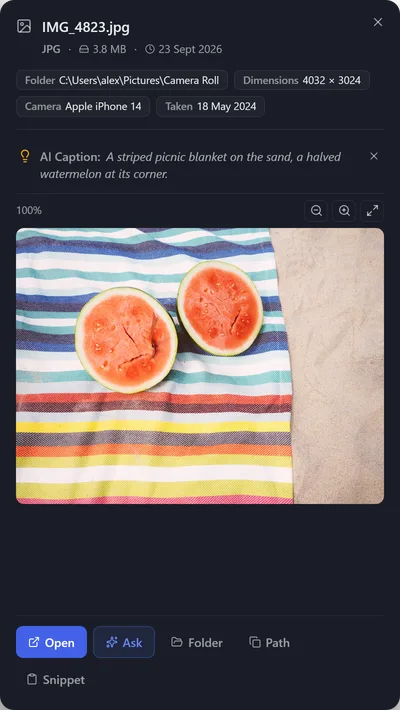
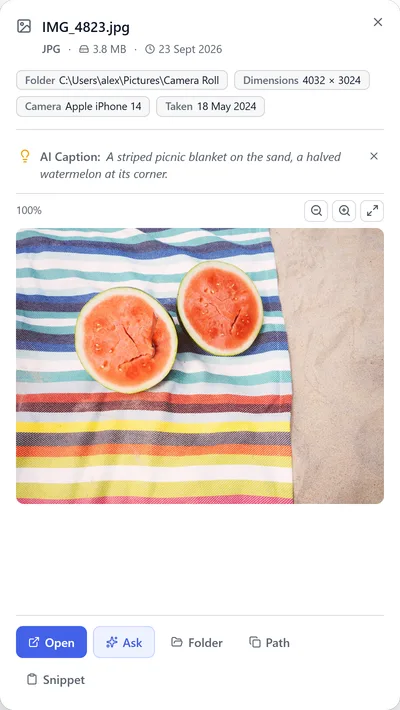
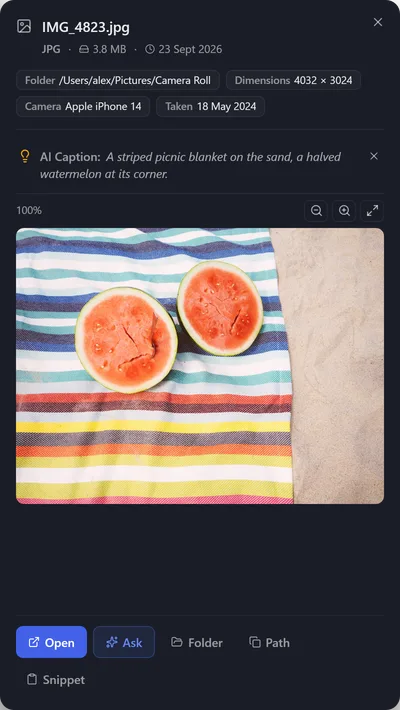
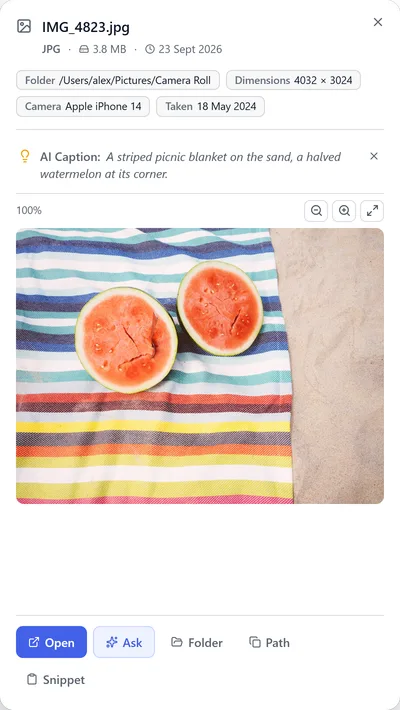
It even looks inside your images.
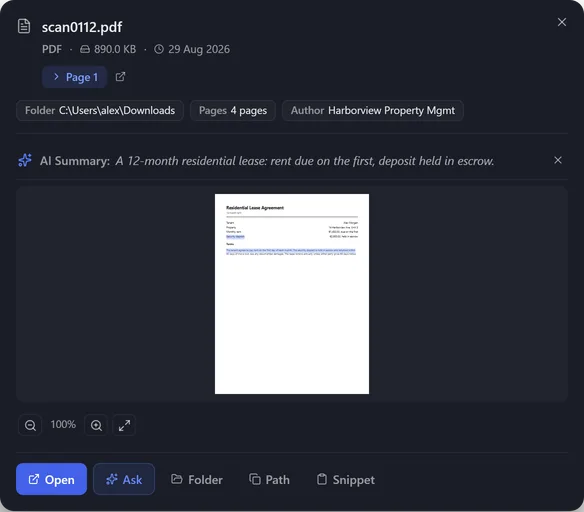
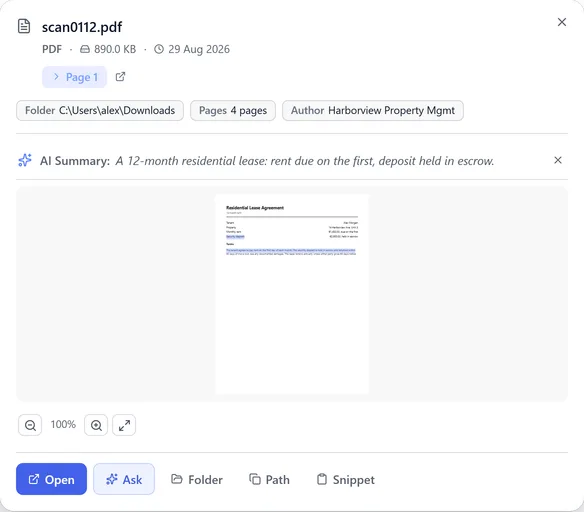
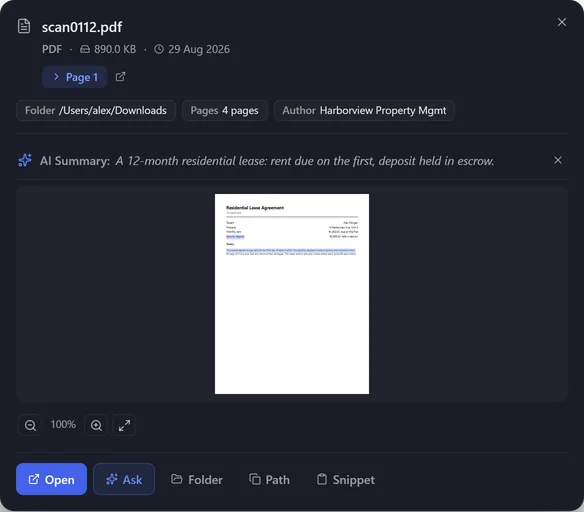
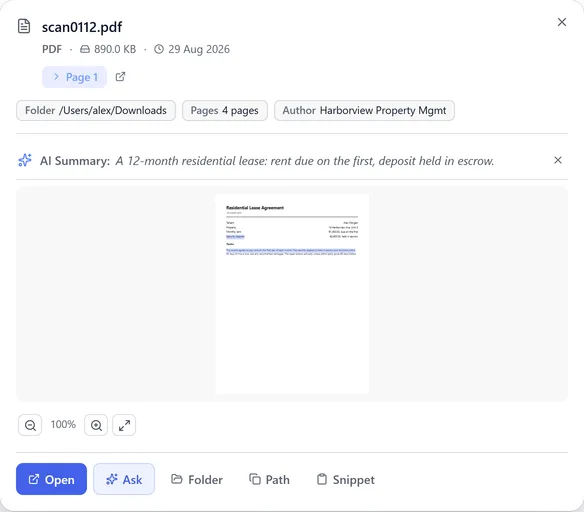
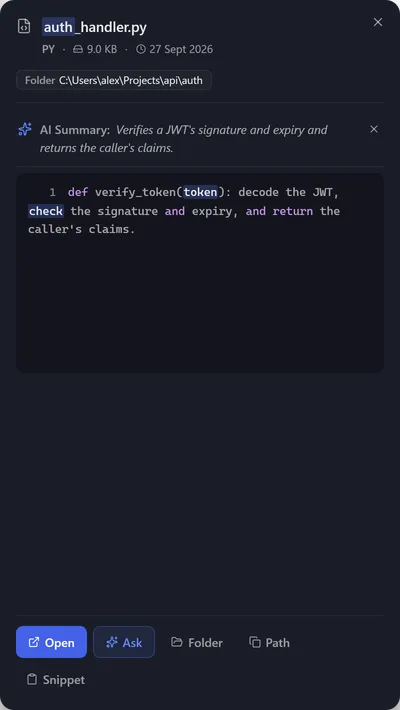
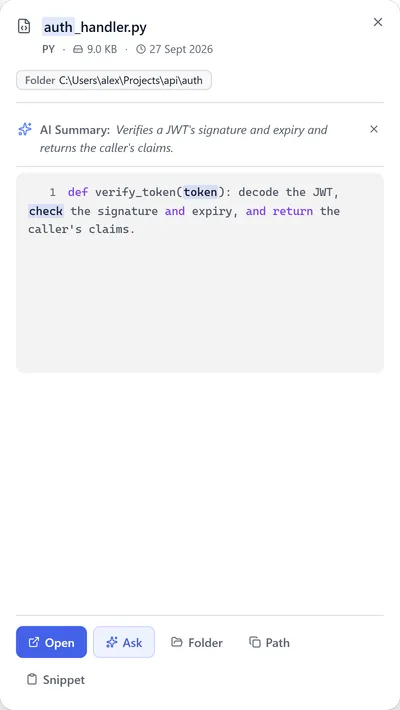
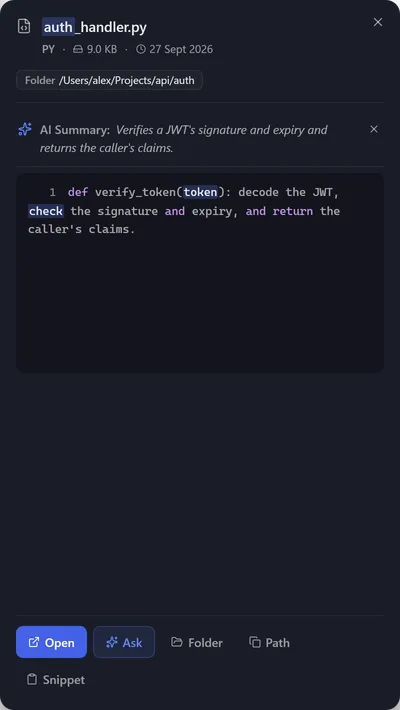
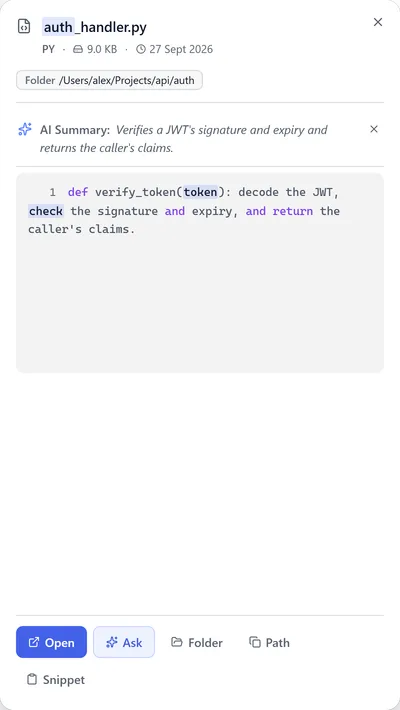
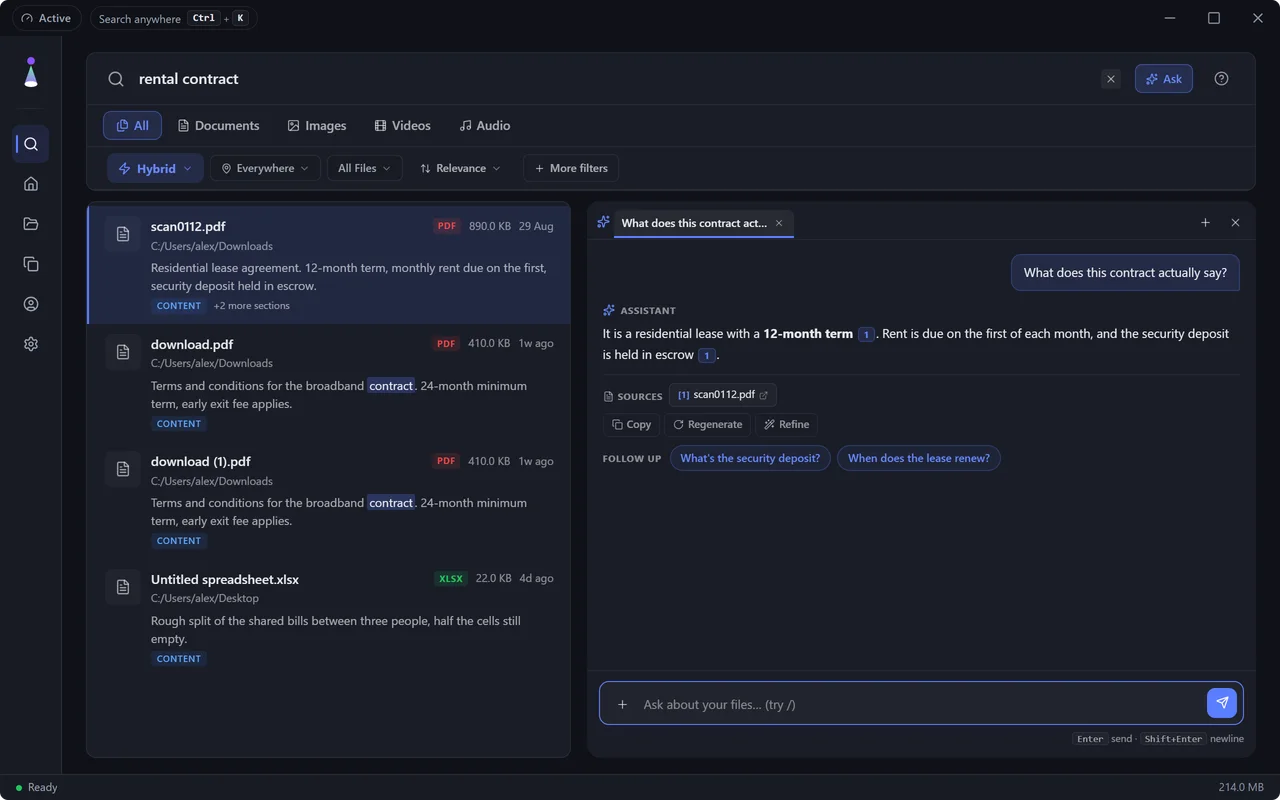
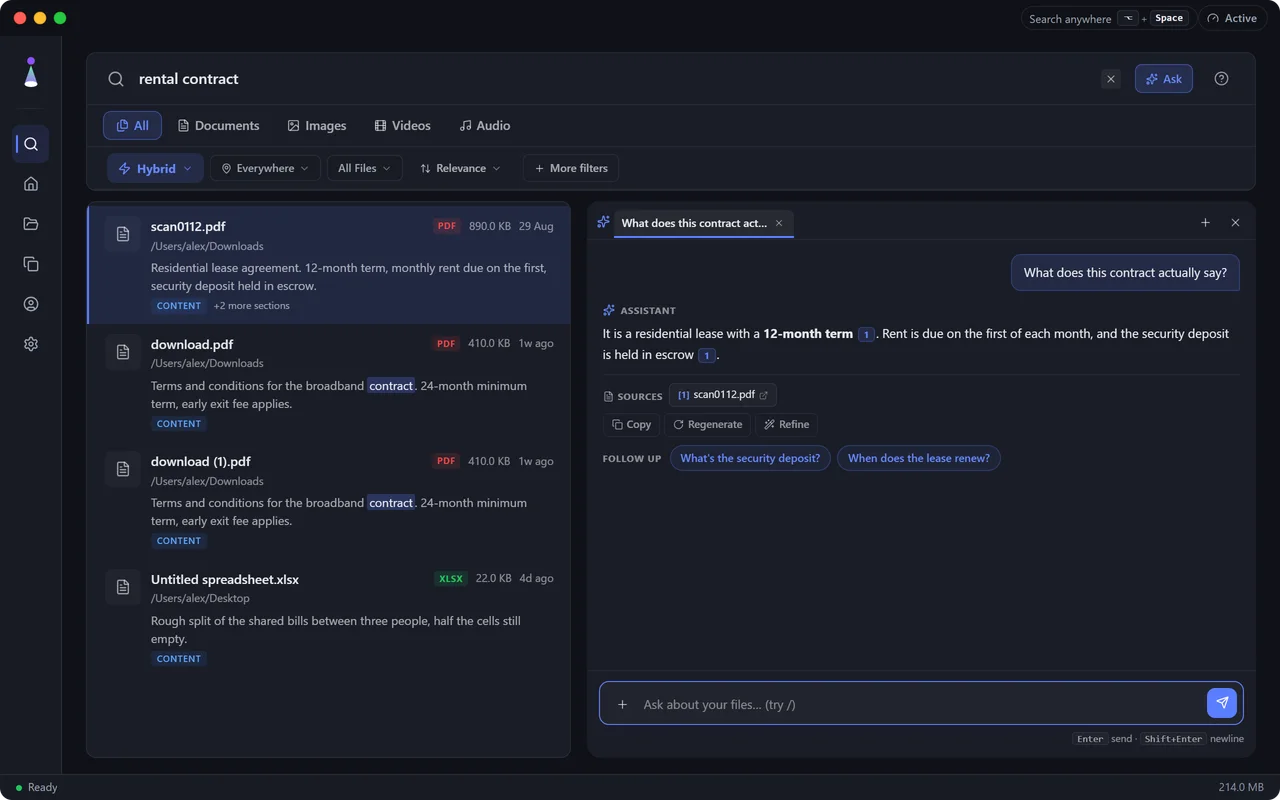
What does this contract actually say?
Read it without opening it.
Pick how it searches, then stack the filters.
It reads the text inside a screenshot.
You choose the folders, and when they run.
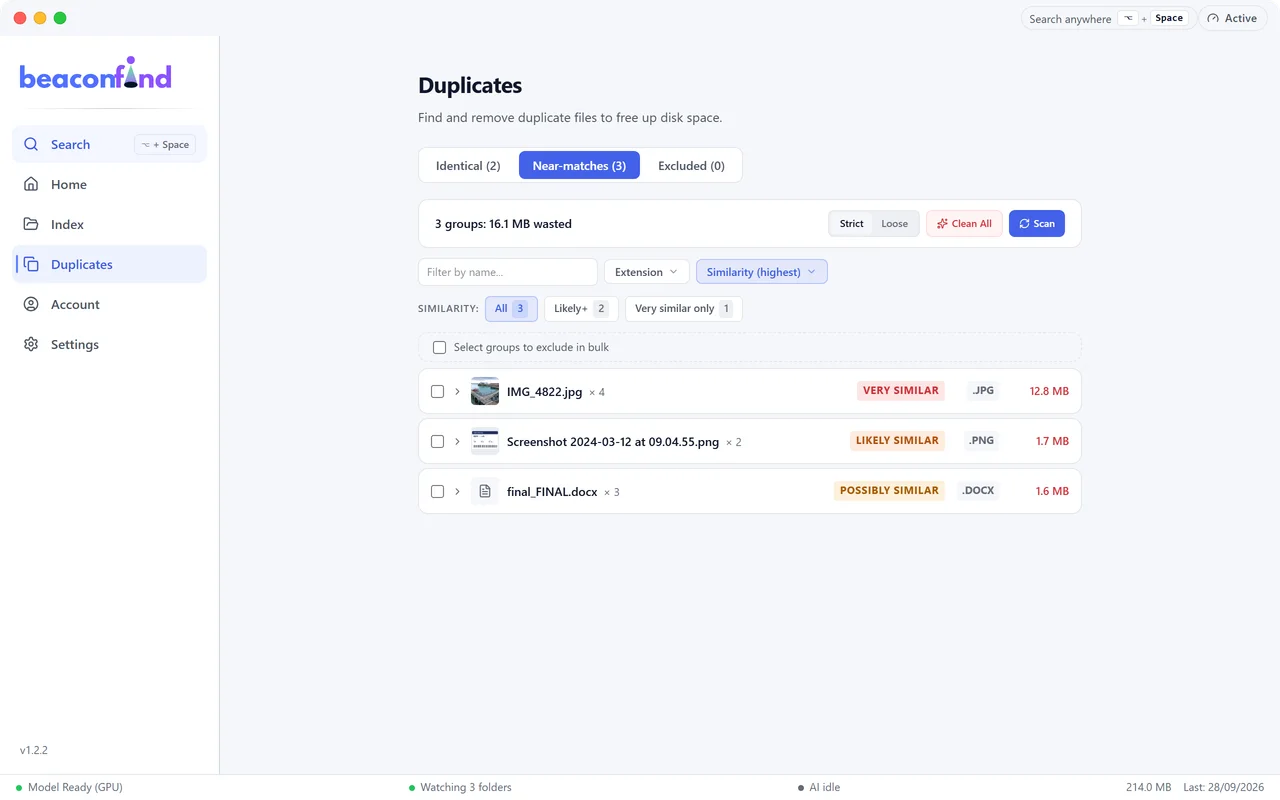
Find what is duplicated, take the space back.
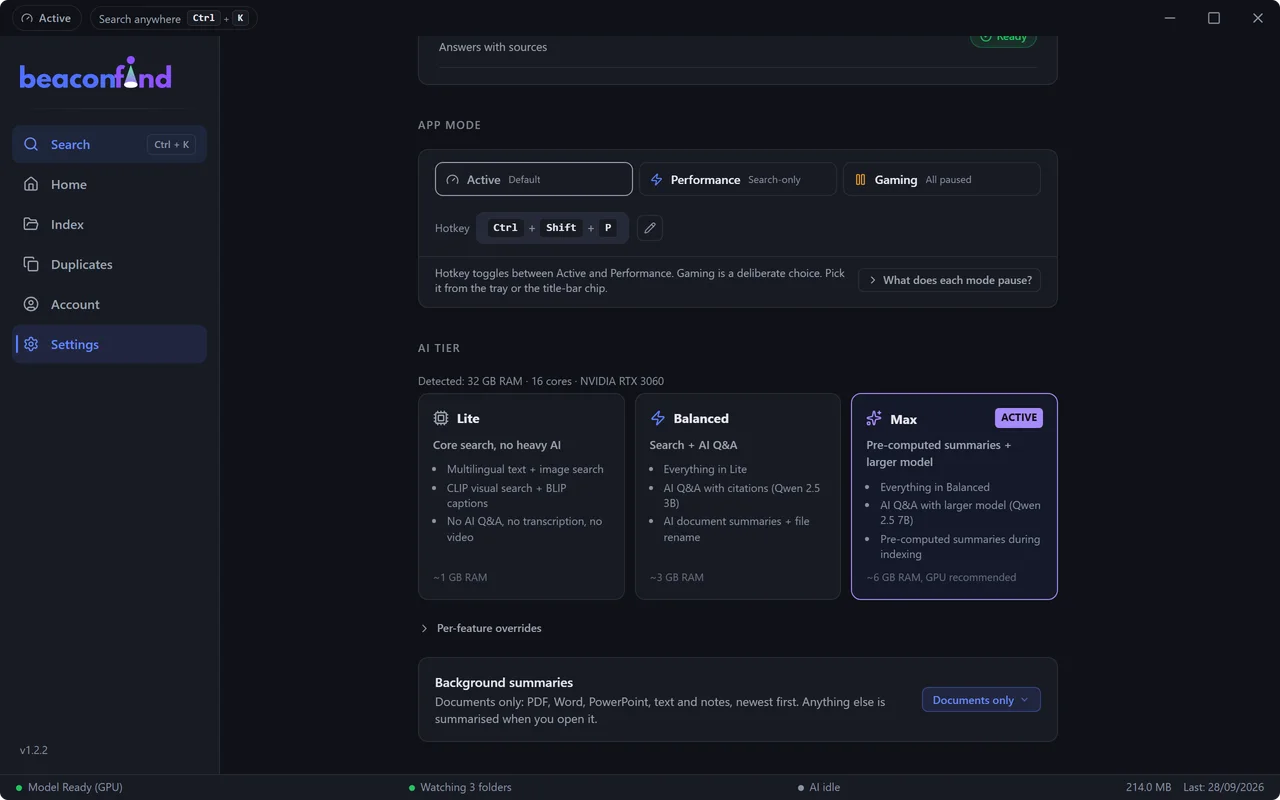
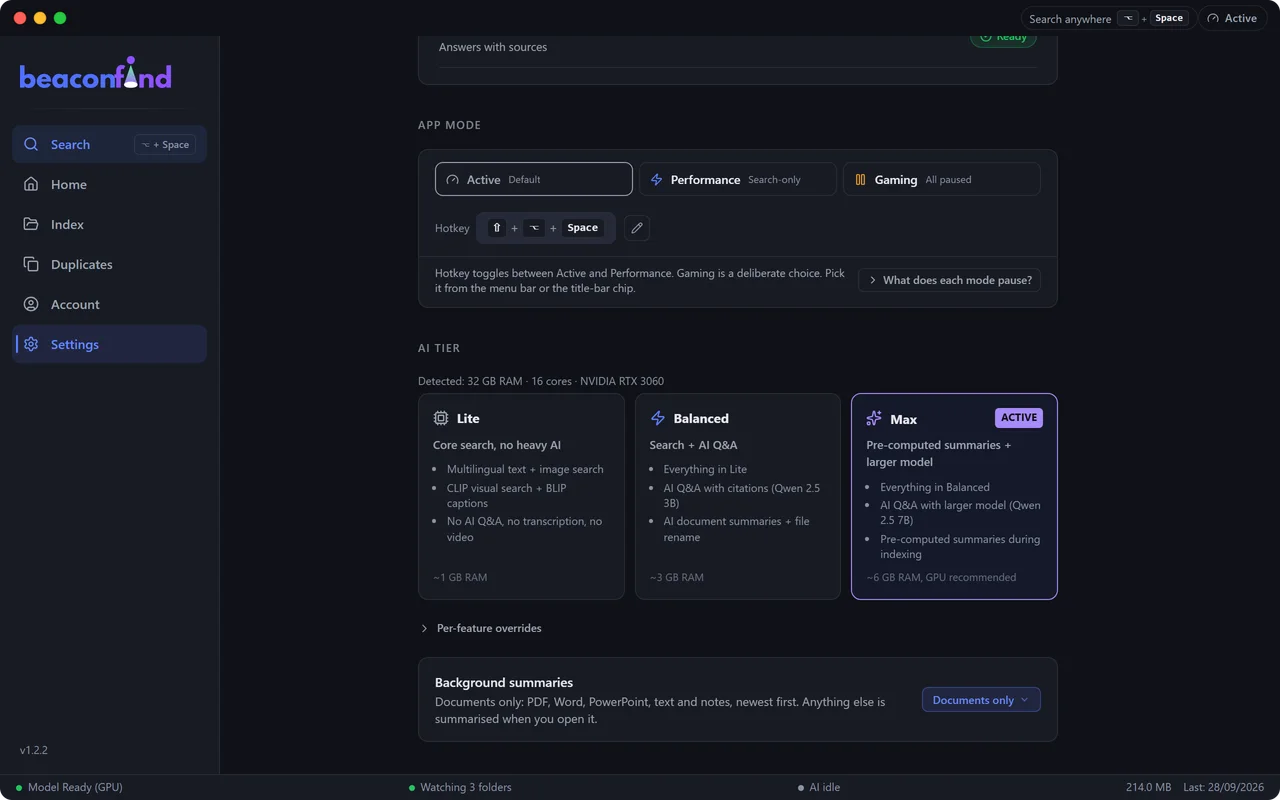
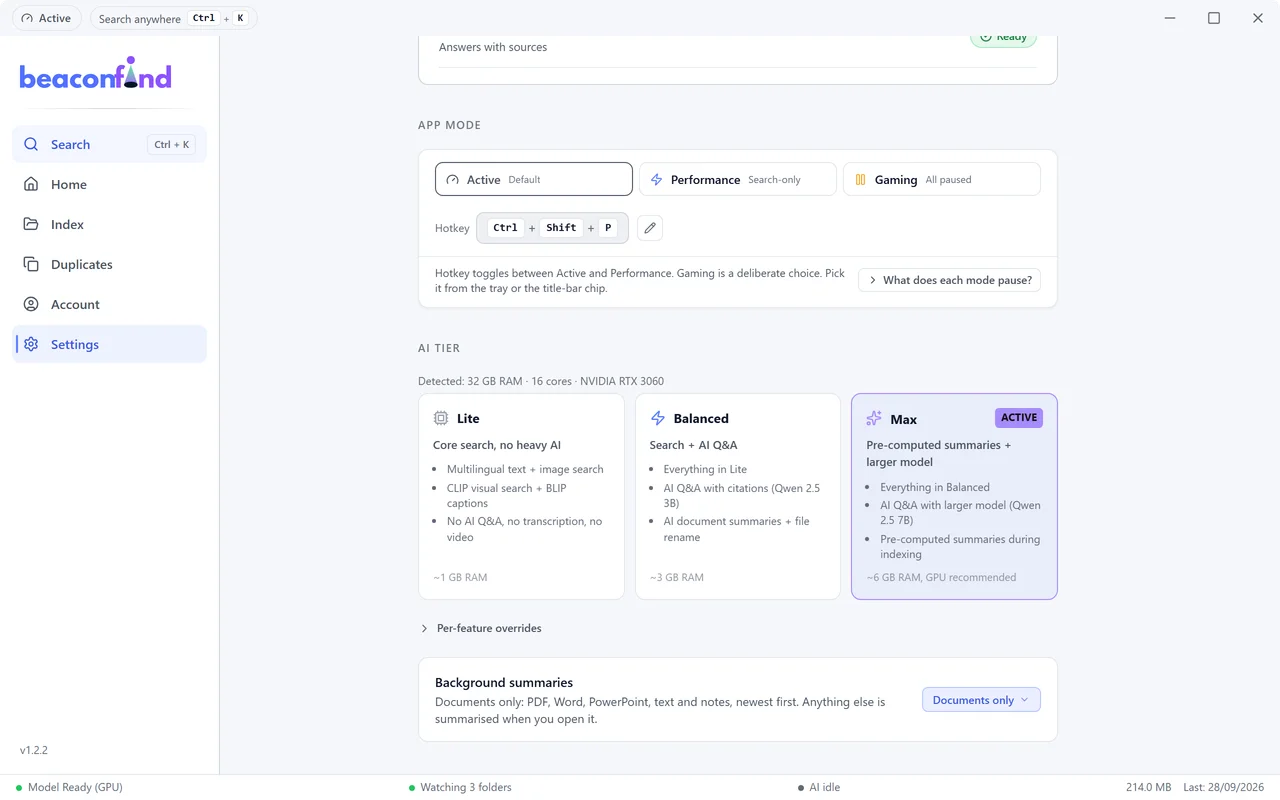
It steps aside when you need the machine.
The models run here. The index is encrypted.
Summon it from anywhere, find what you meant.
Ask it a question without leaving what you are doing.
Narrow it down without breaking your flow.
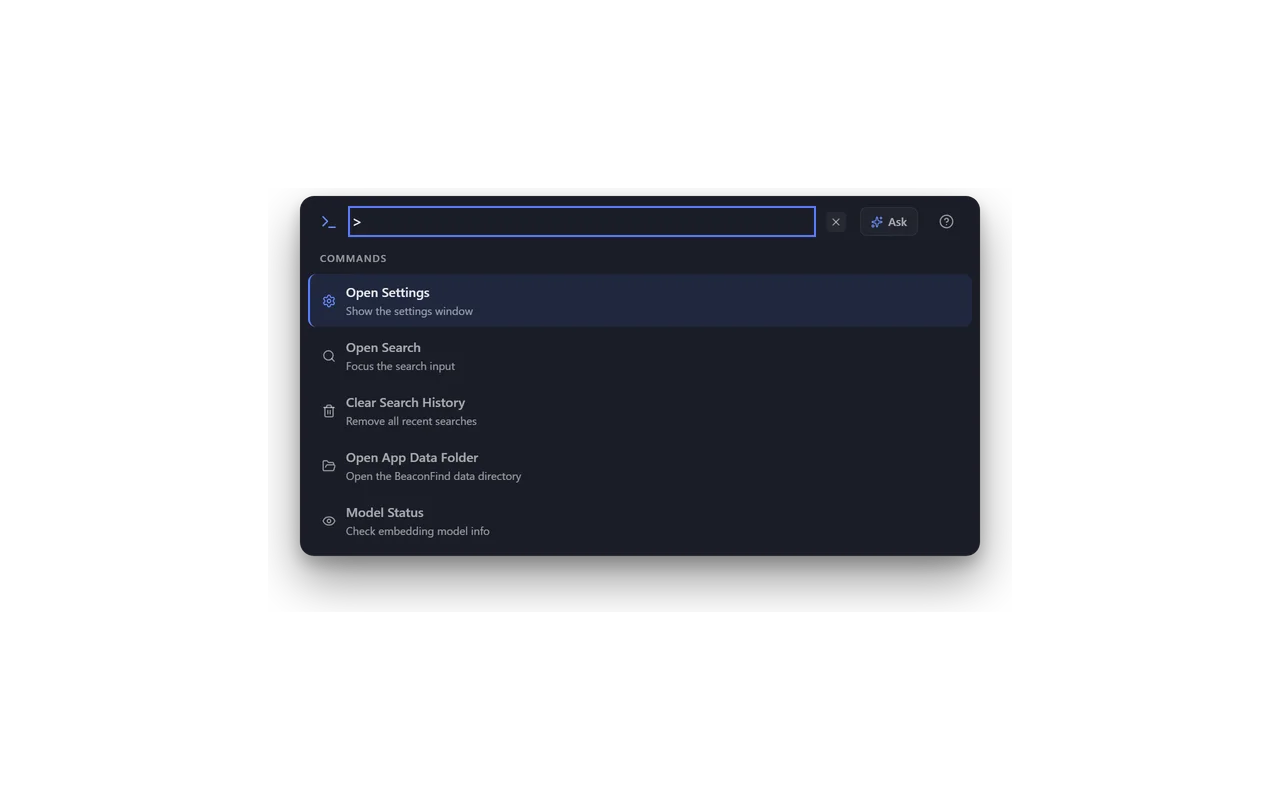
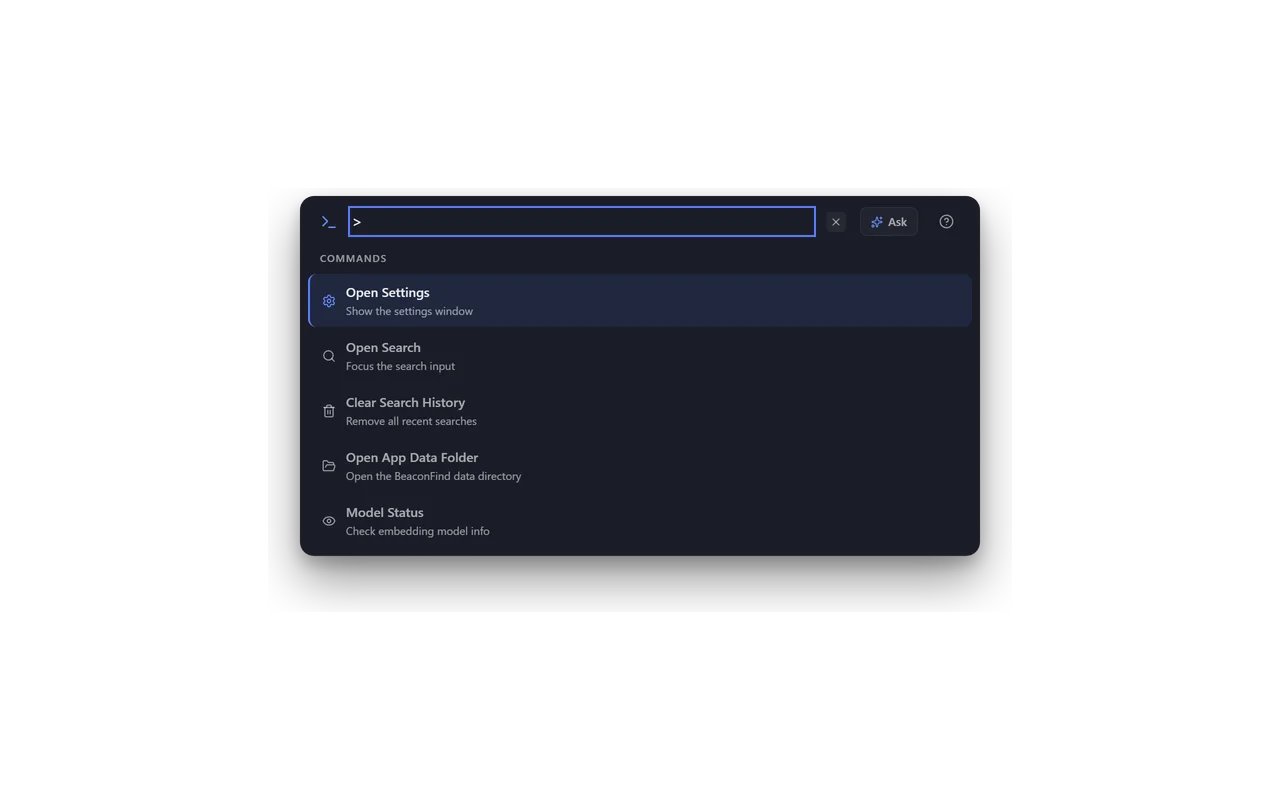
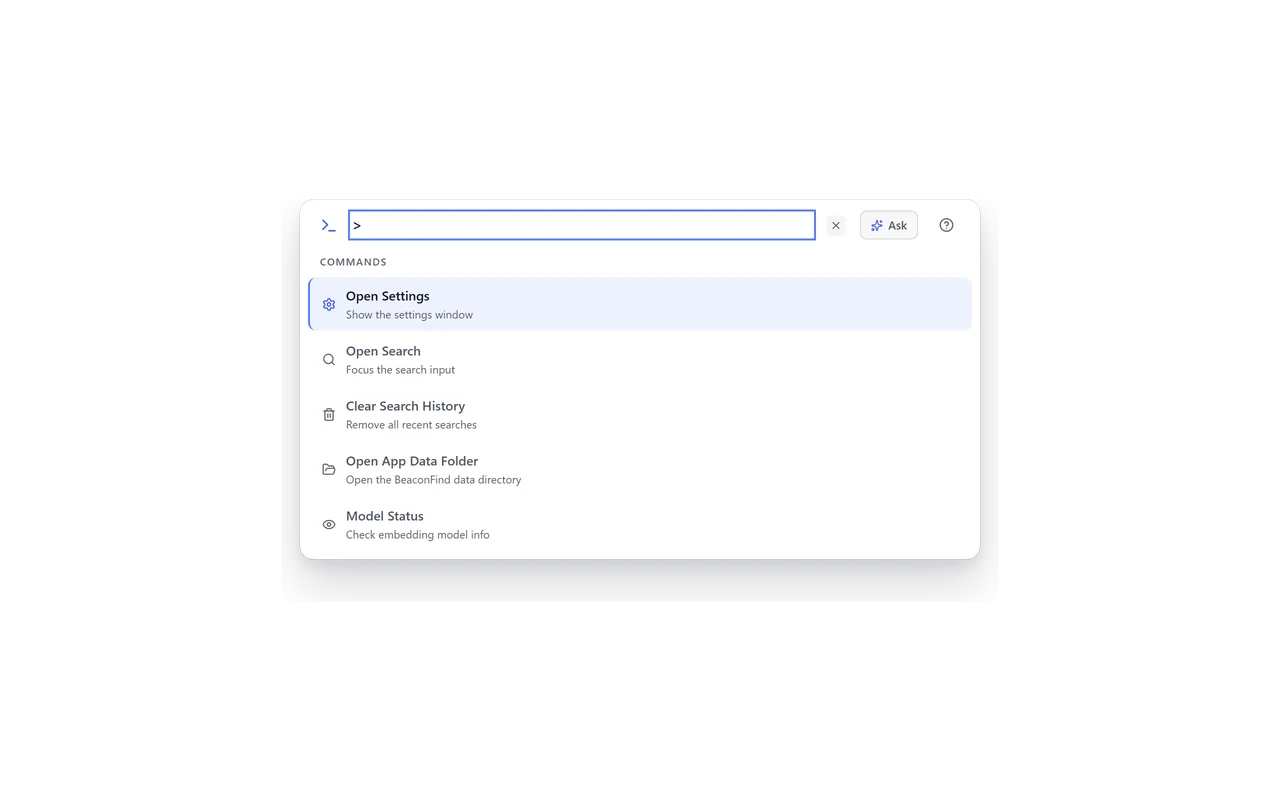
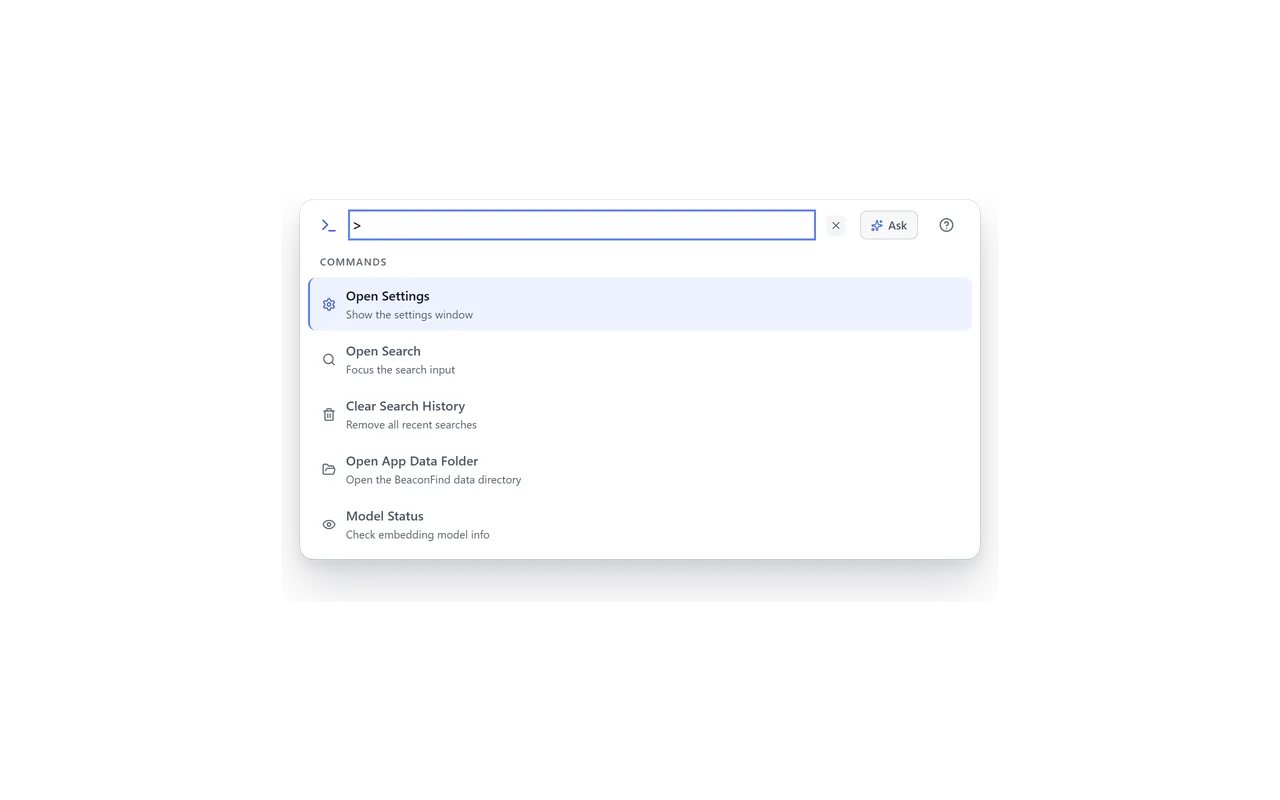
A command line hiding behind one keystroke.
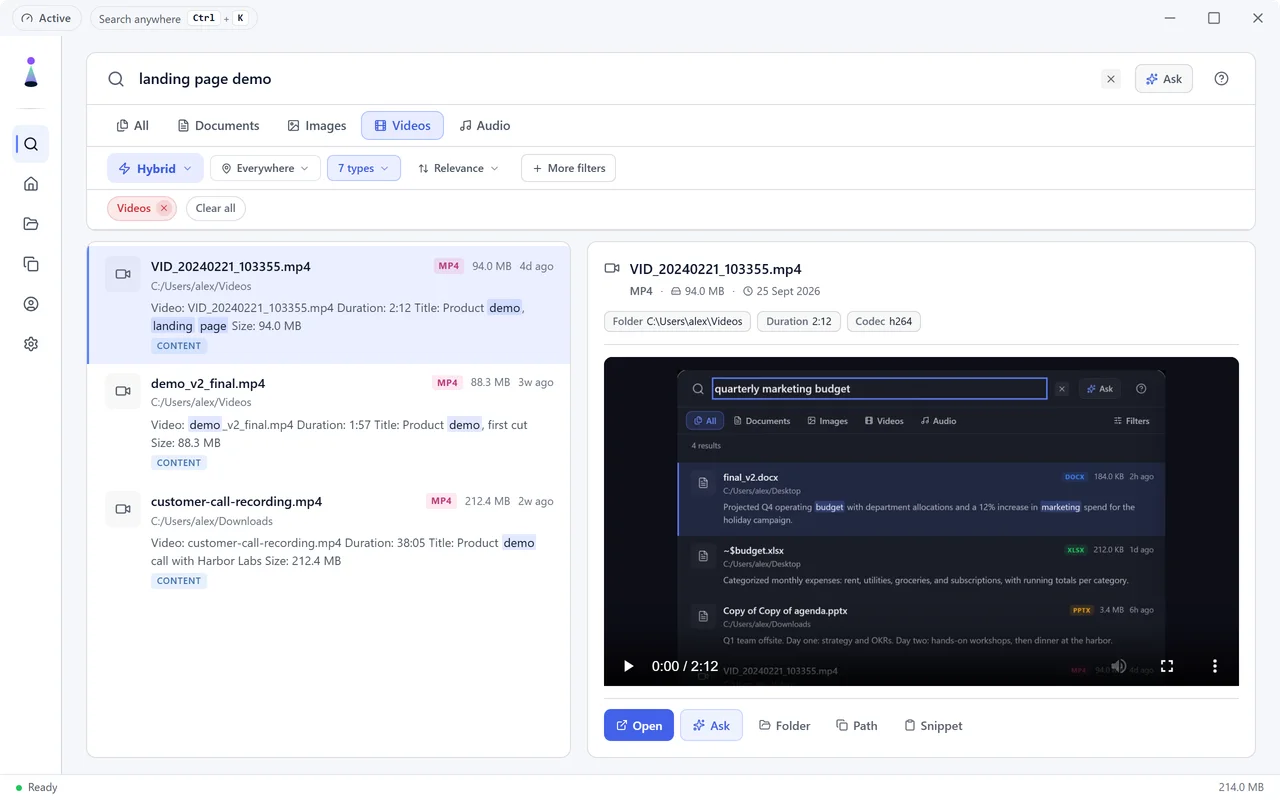
Your videos, found by their titles.
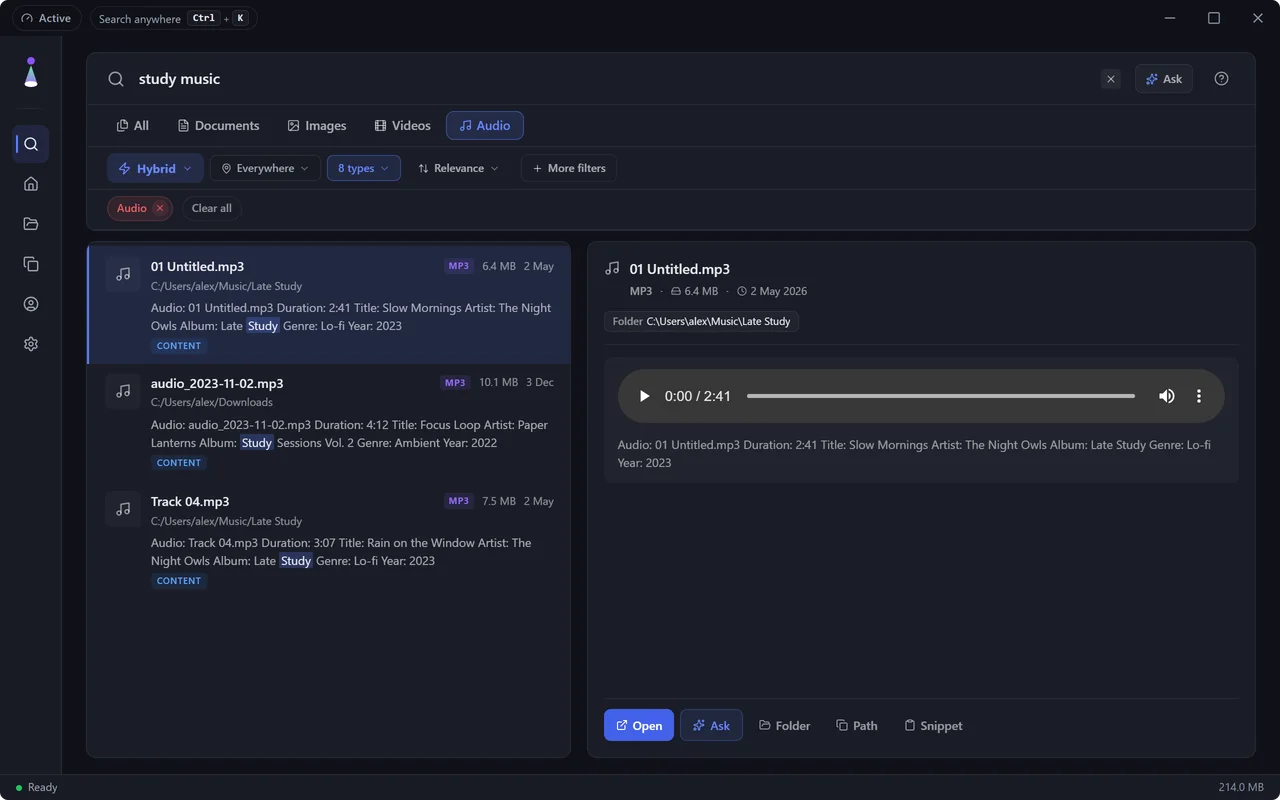
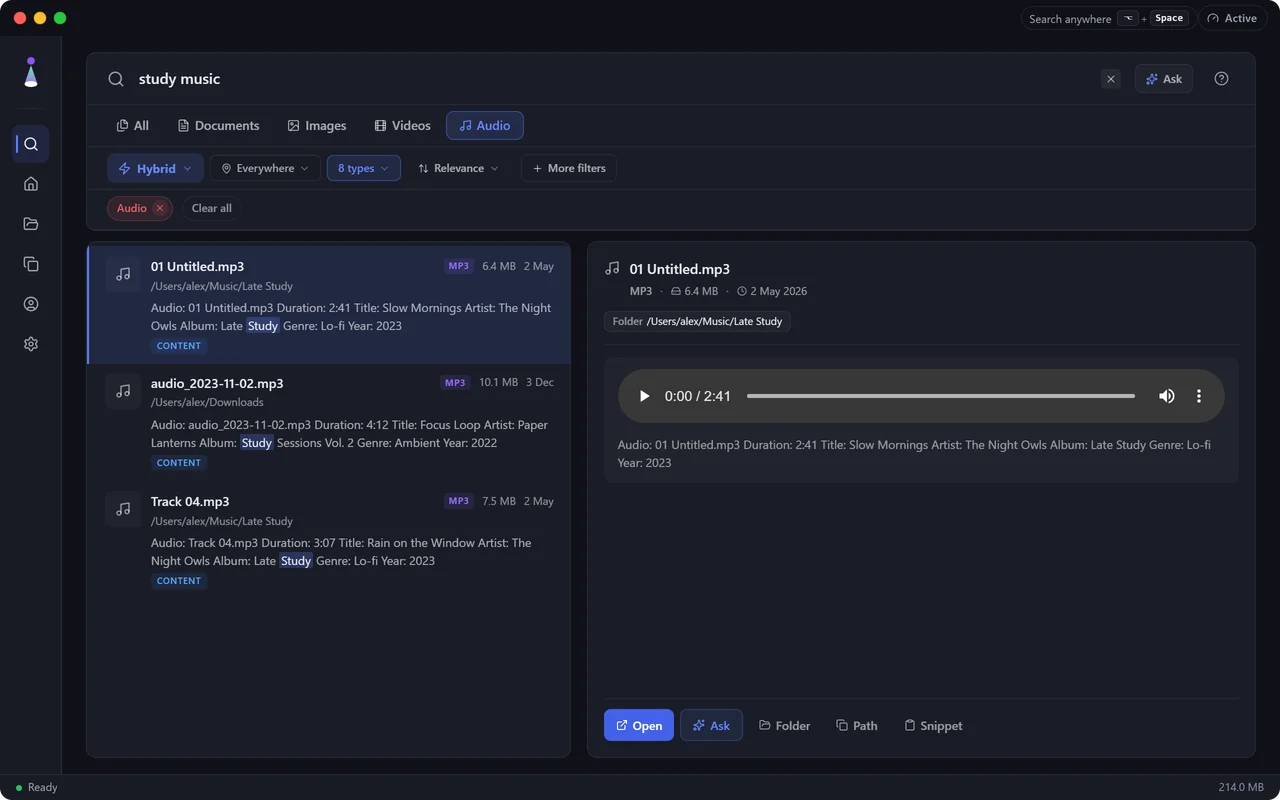
Music and recordings, found by their tags.
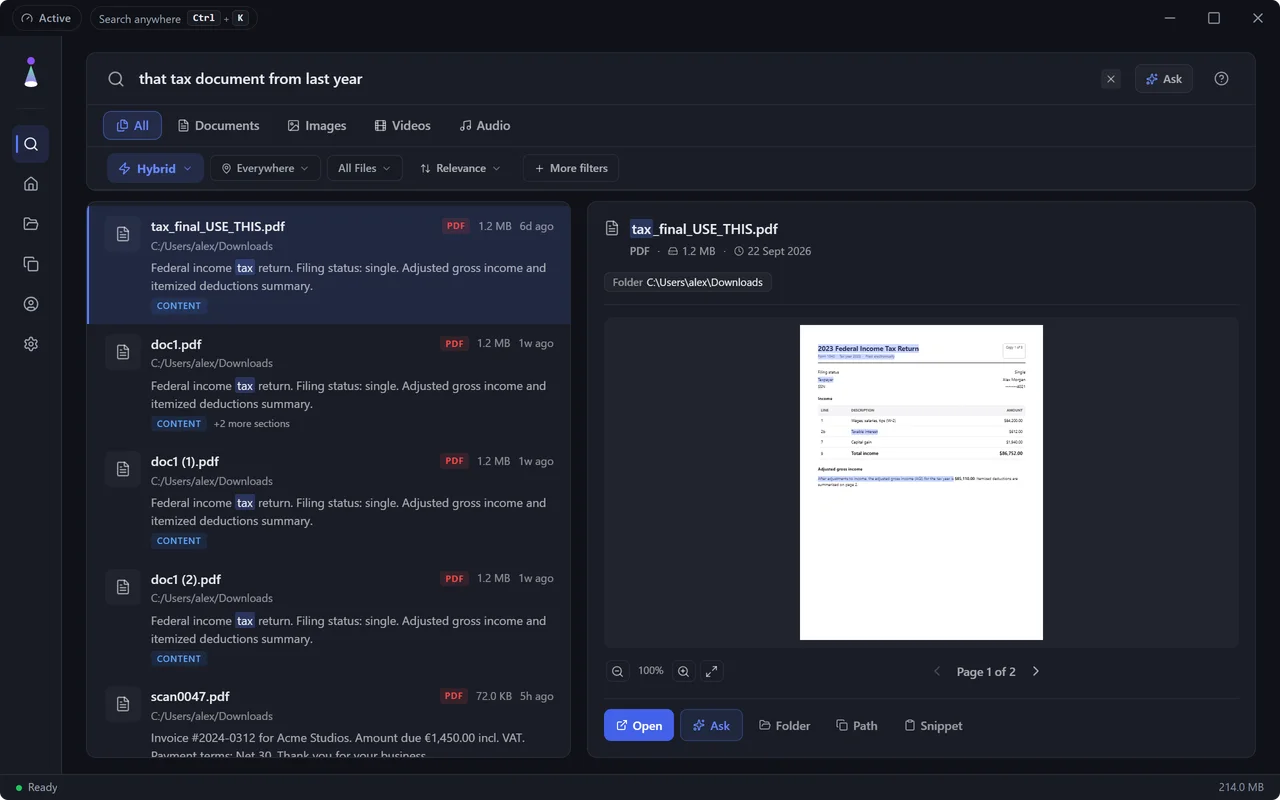
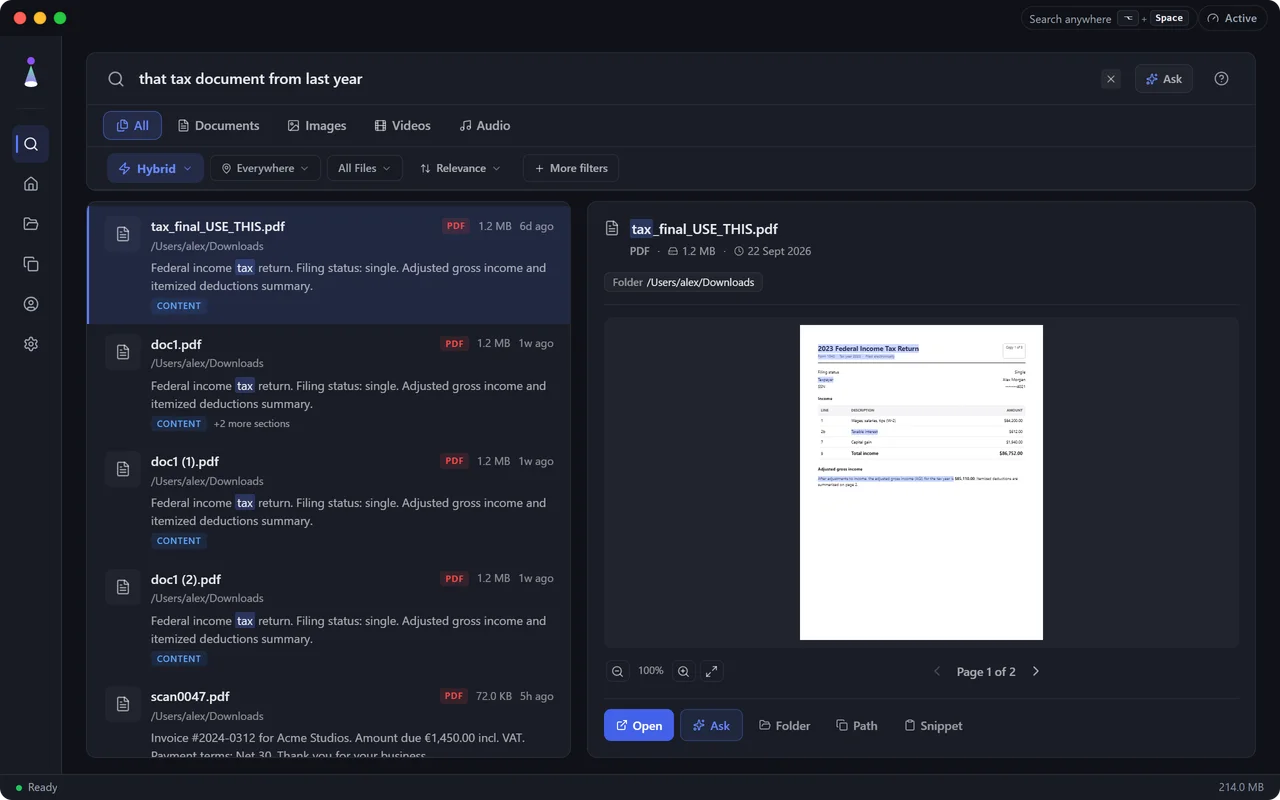
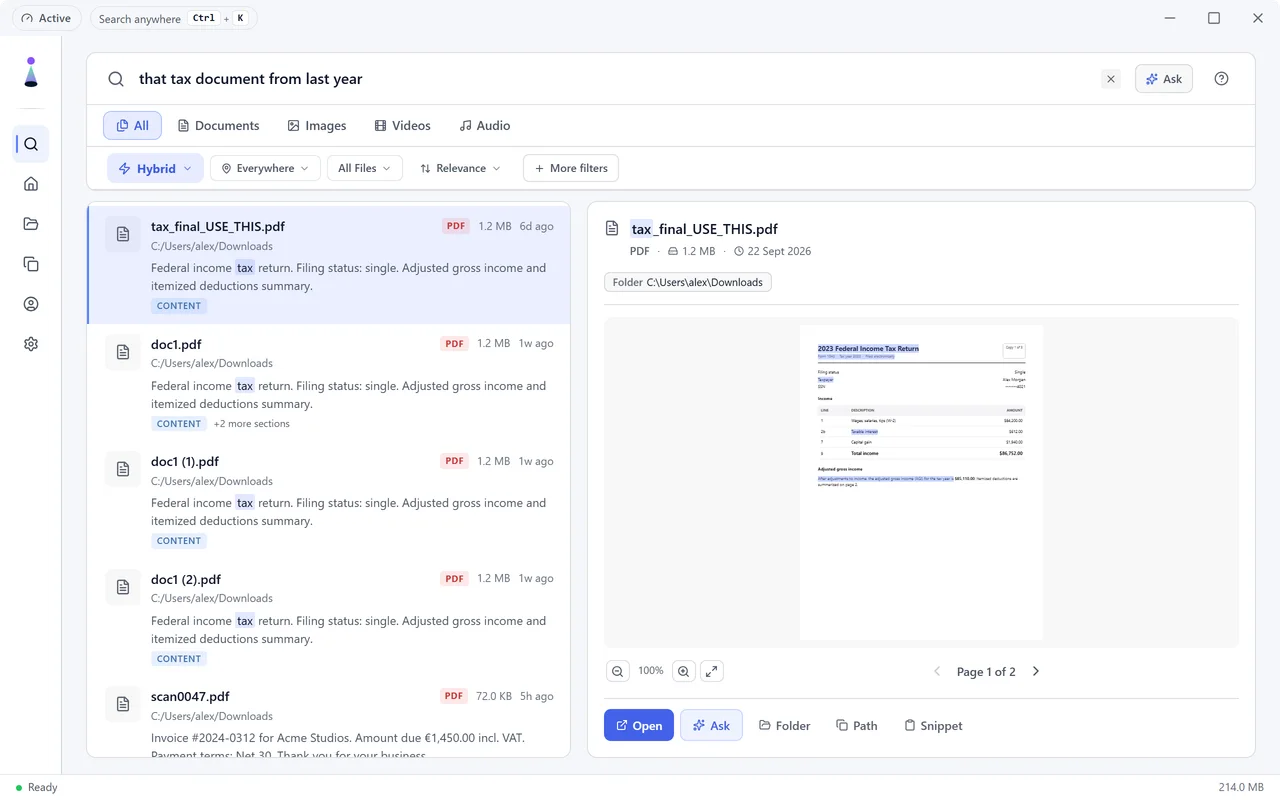
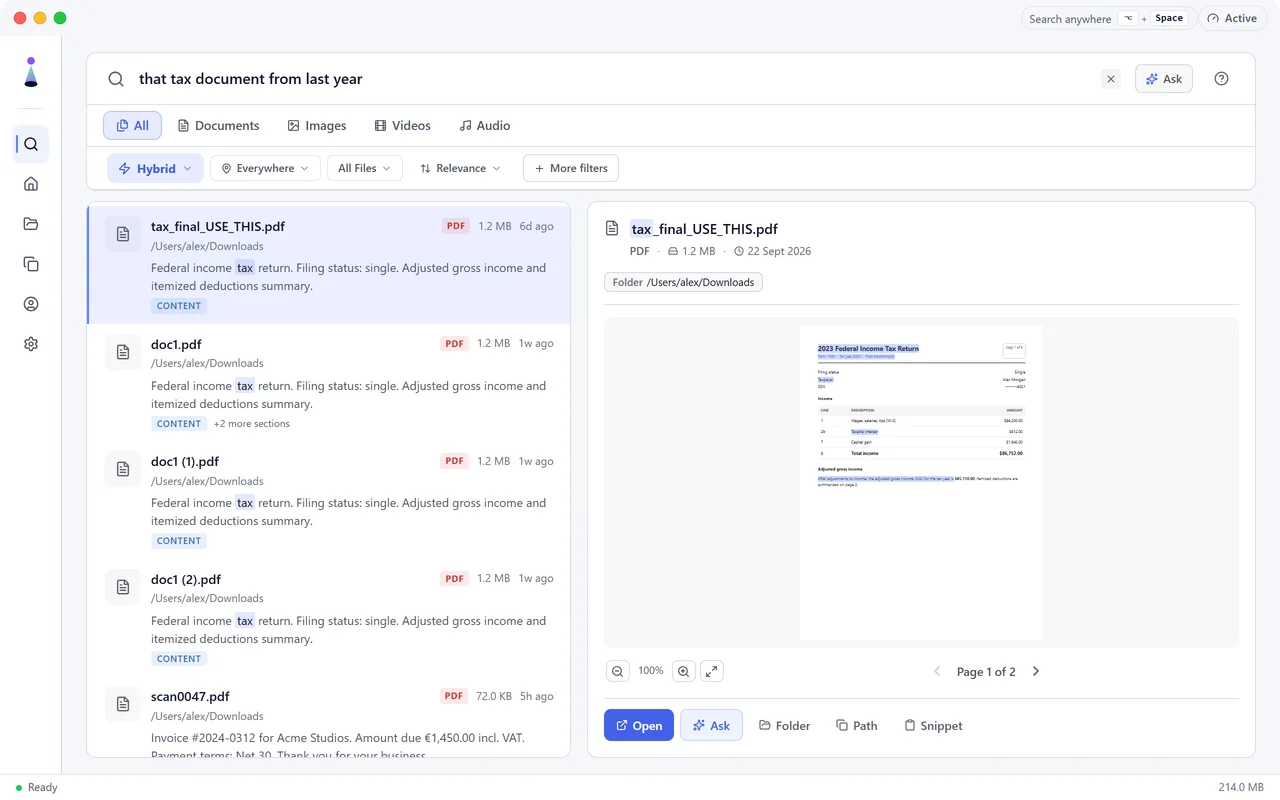


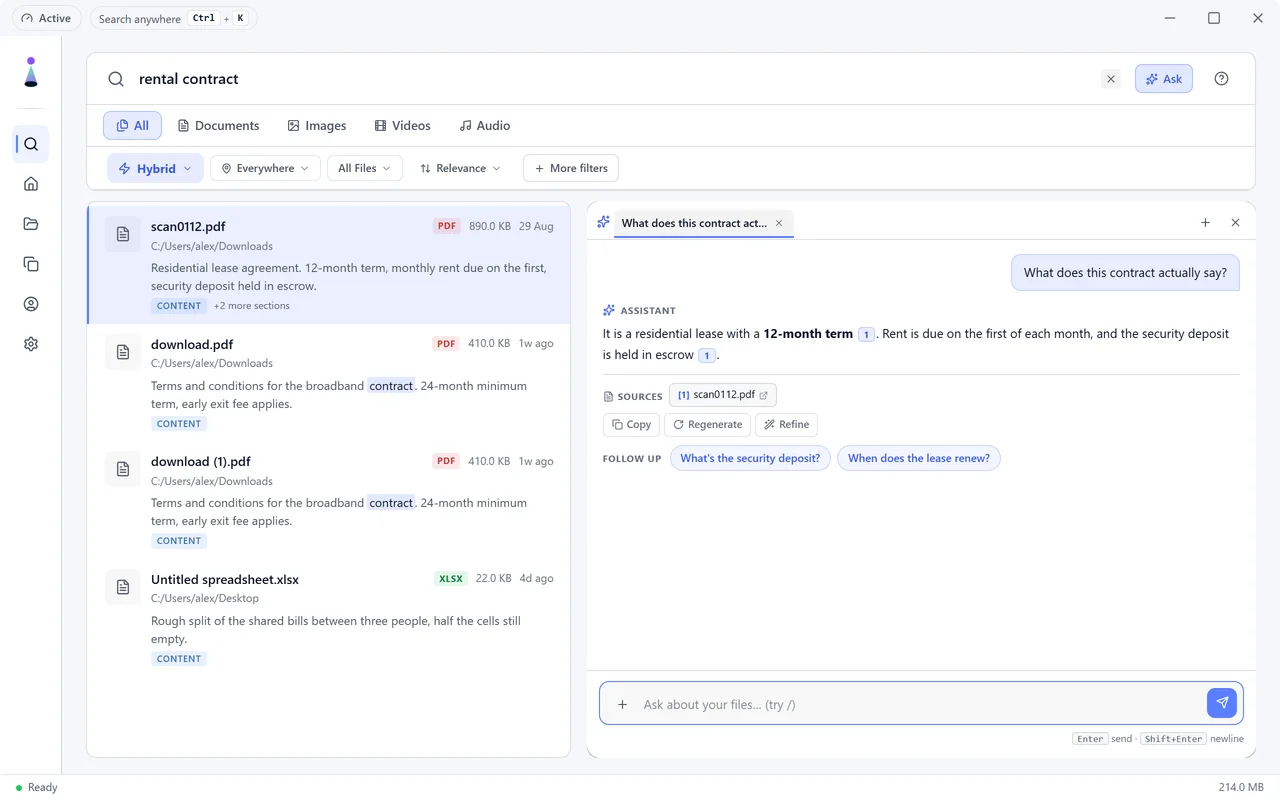
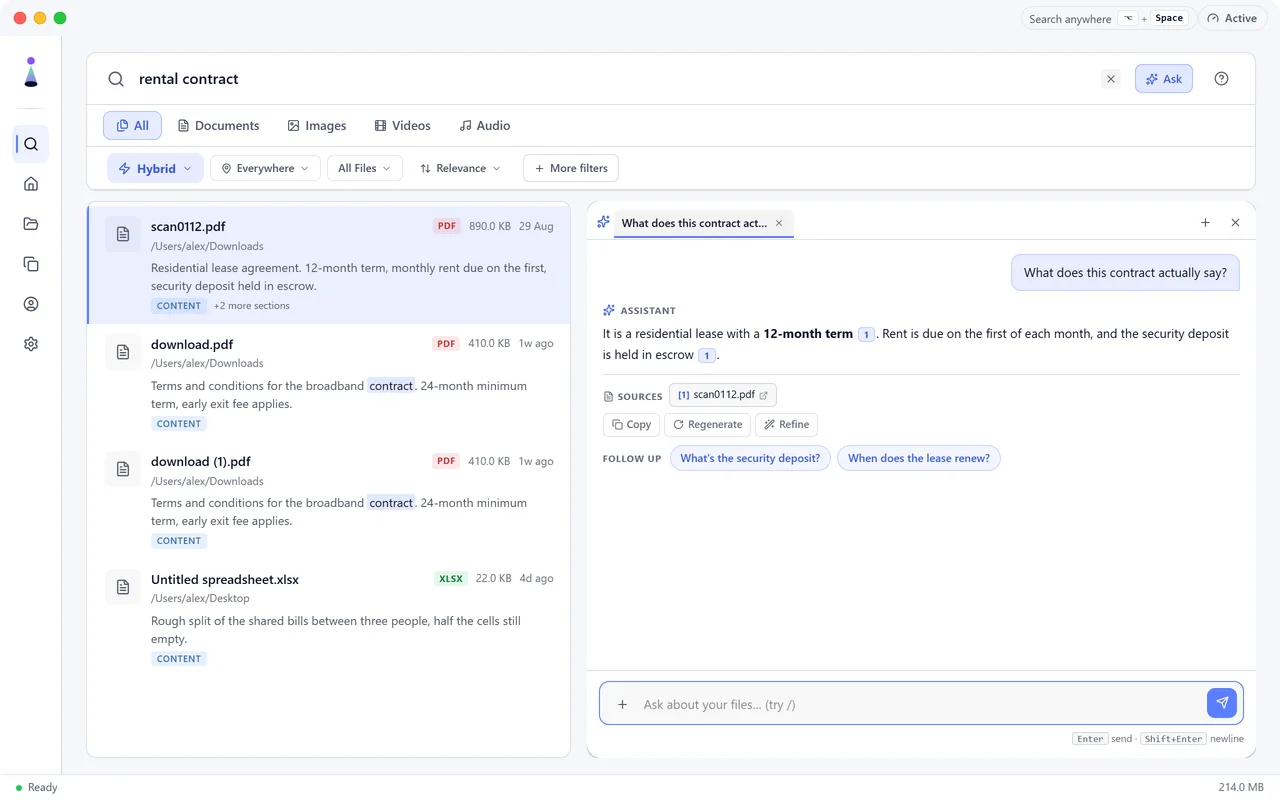
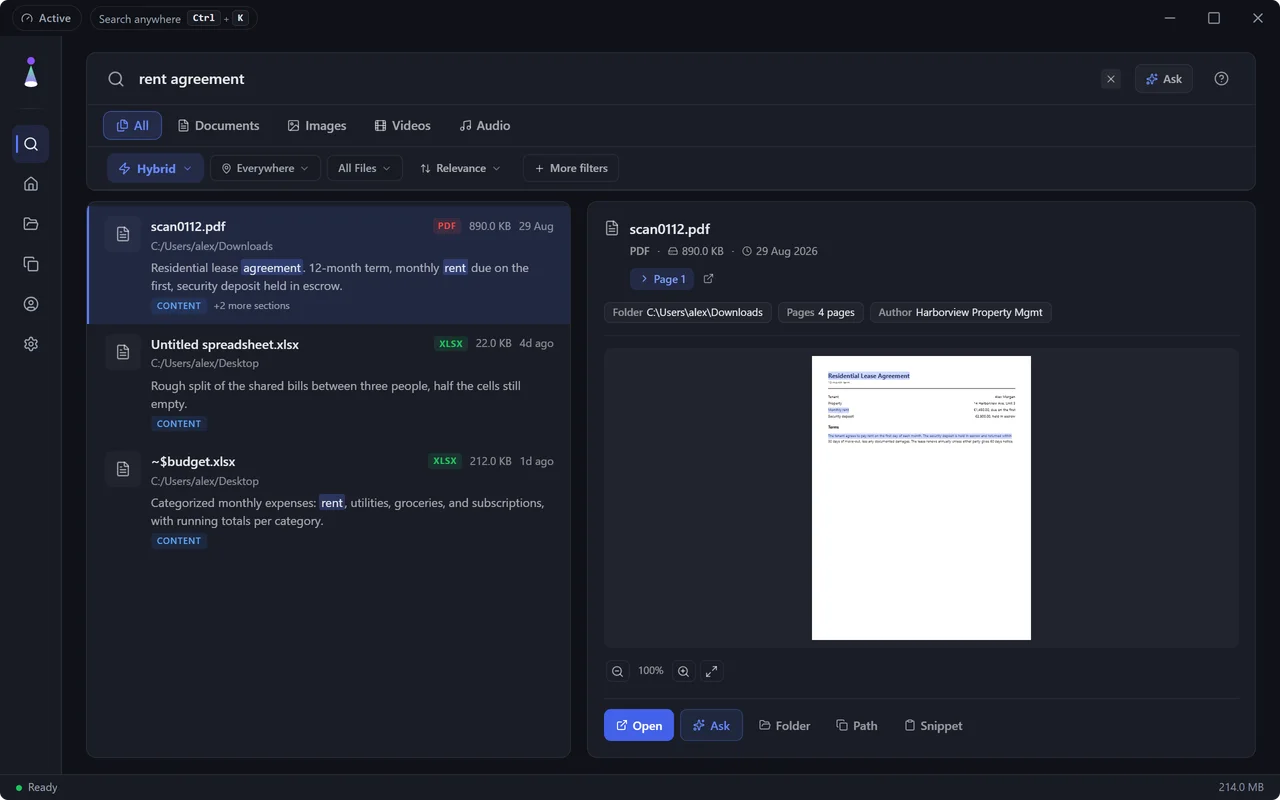
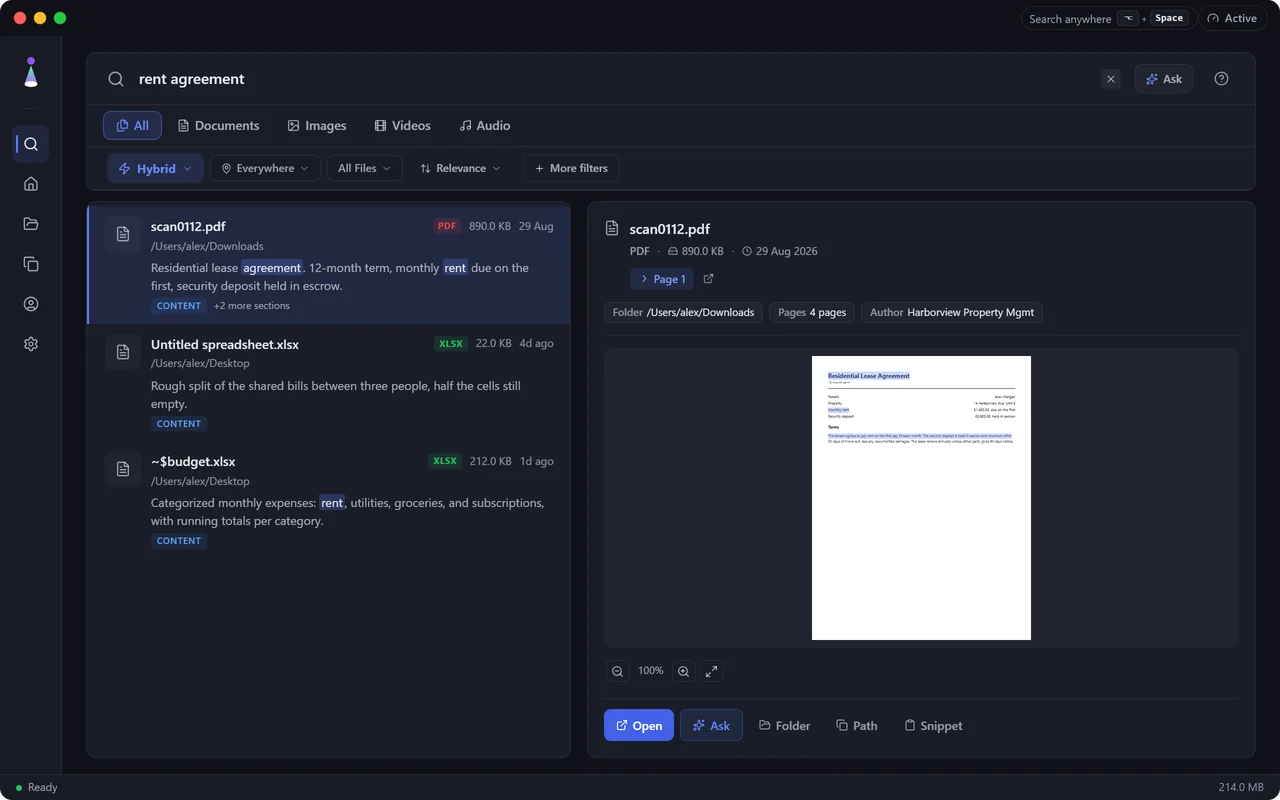
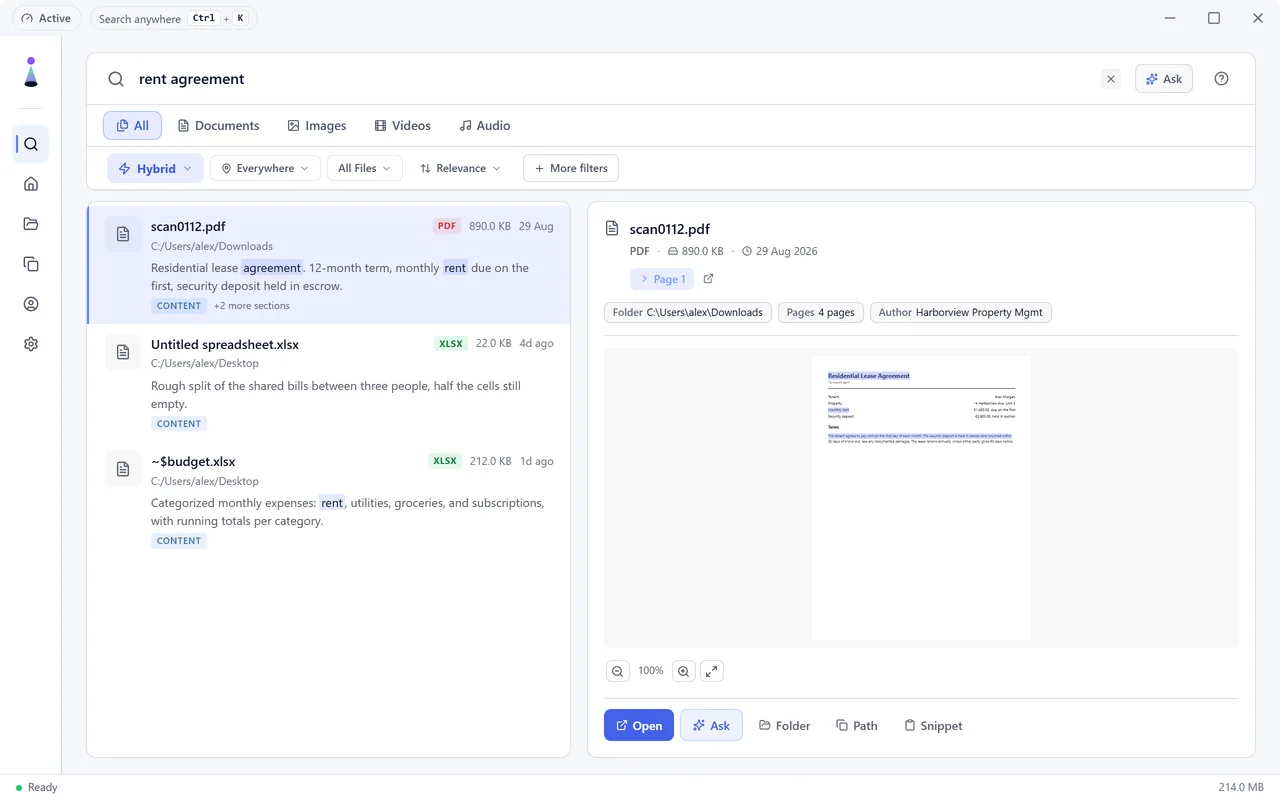
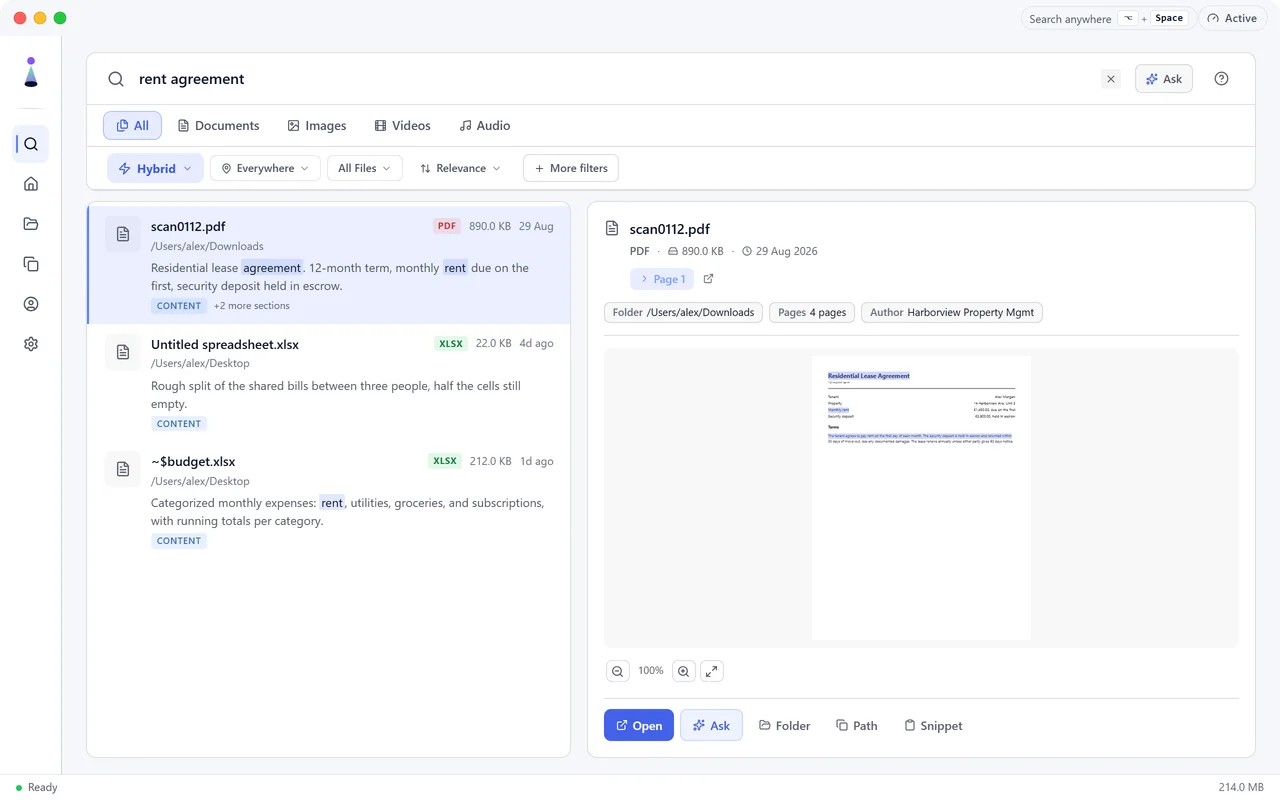
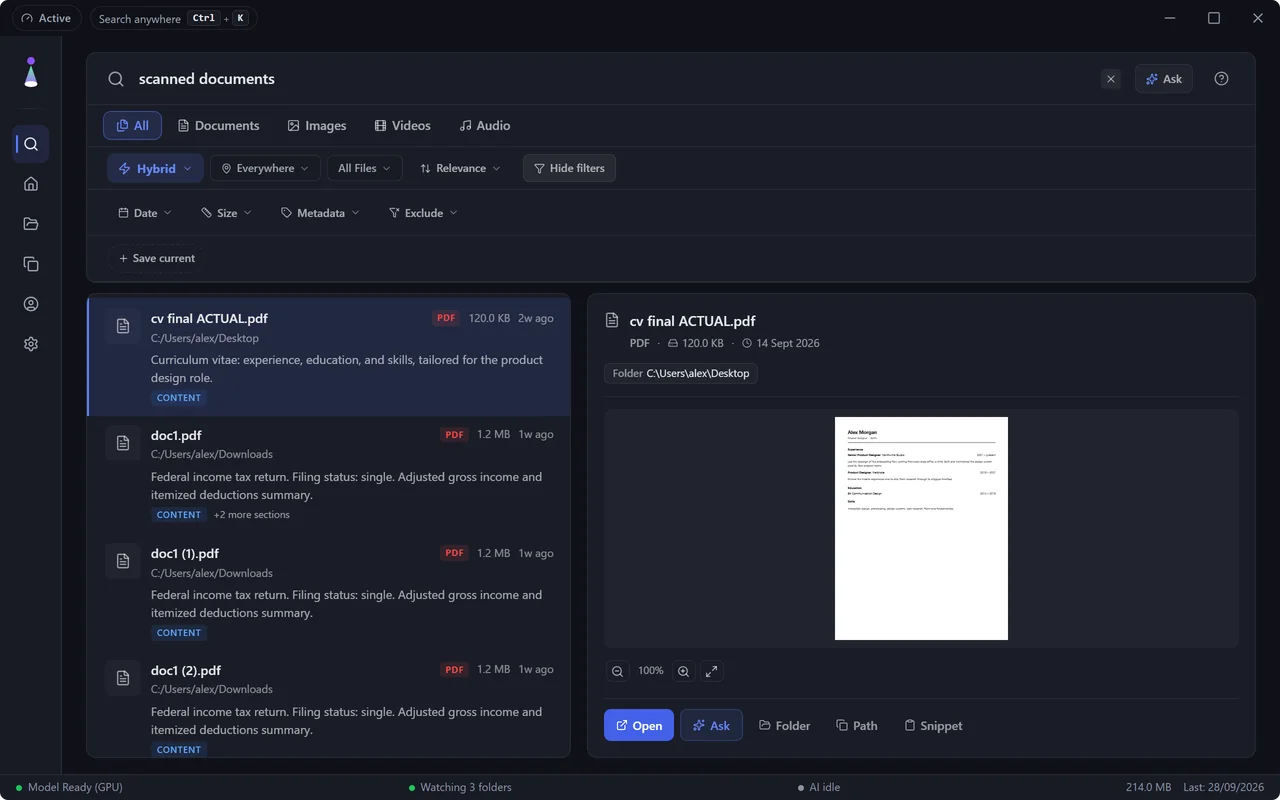
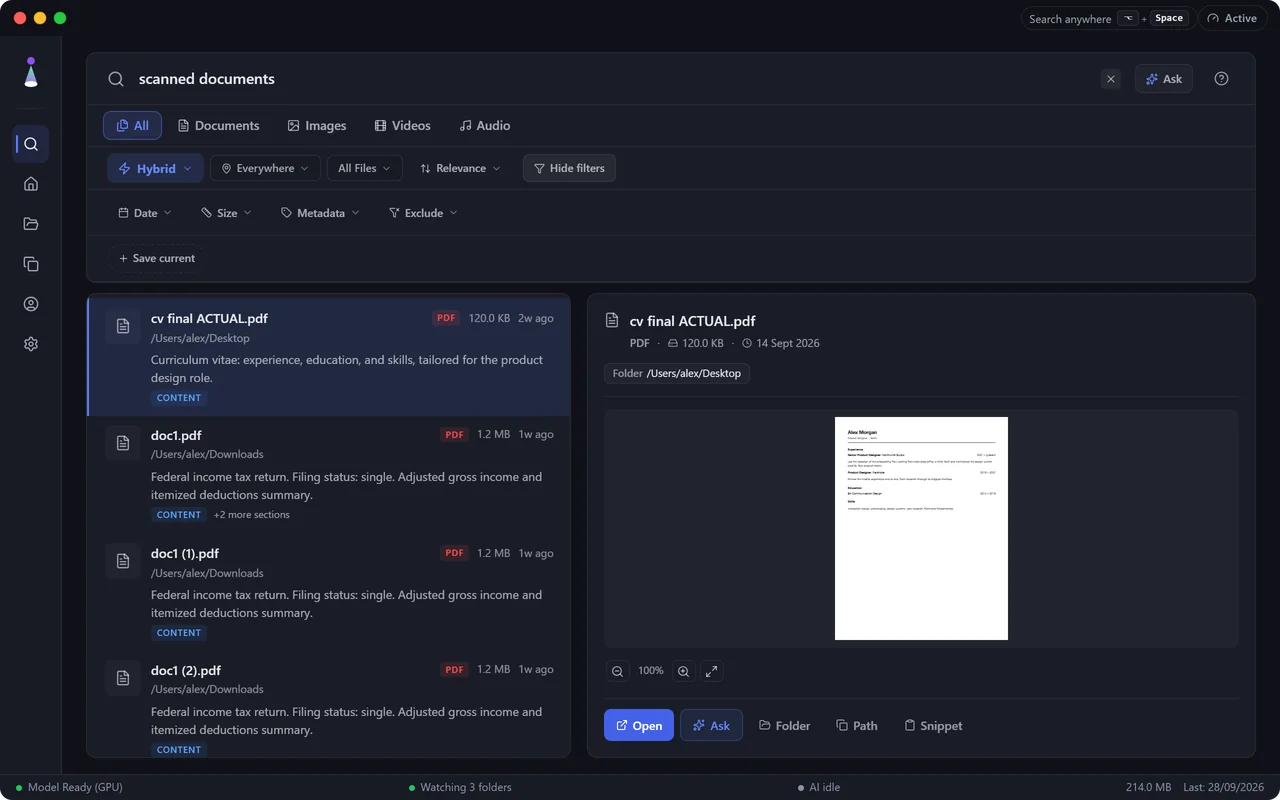

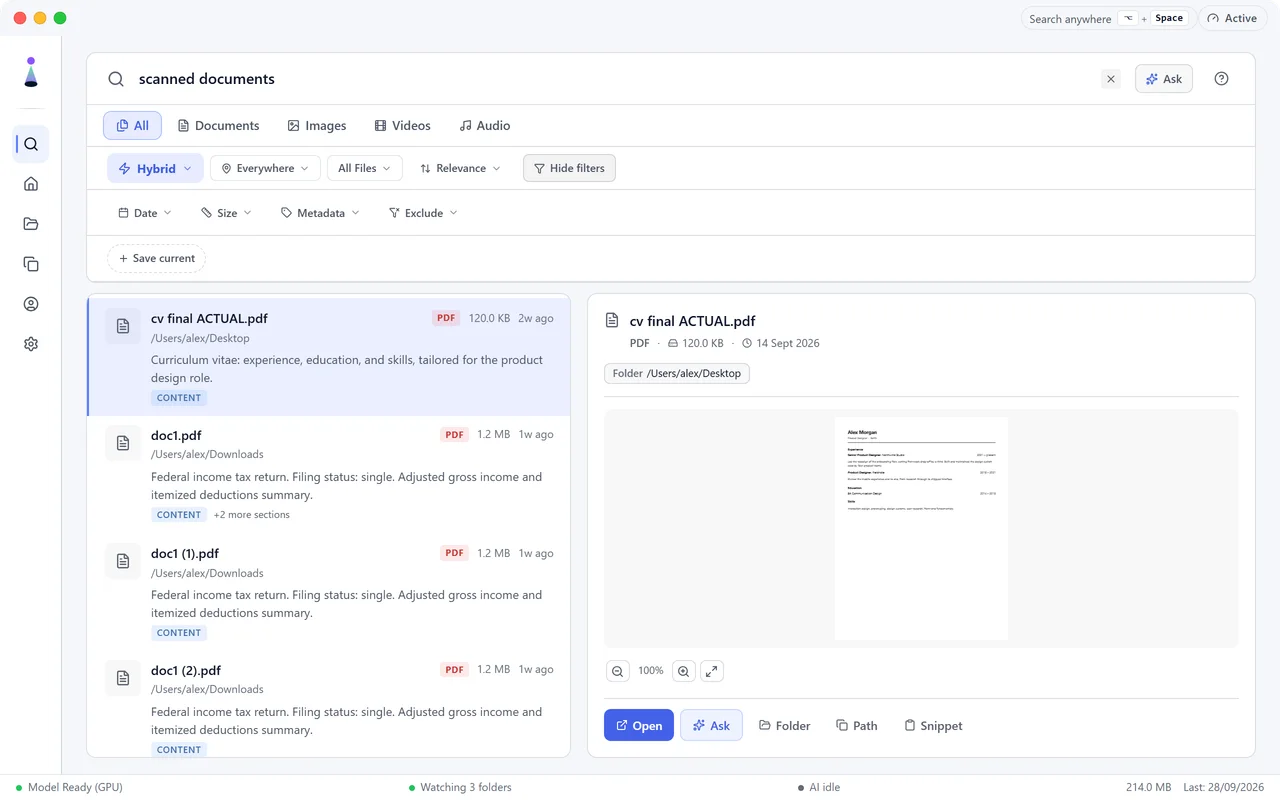
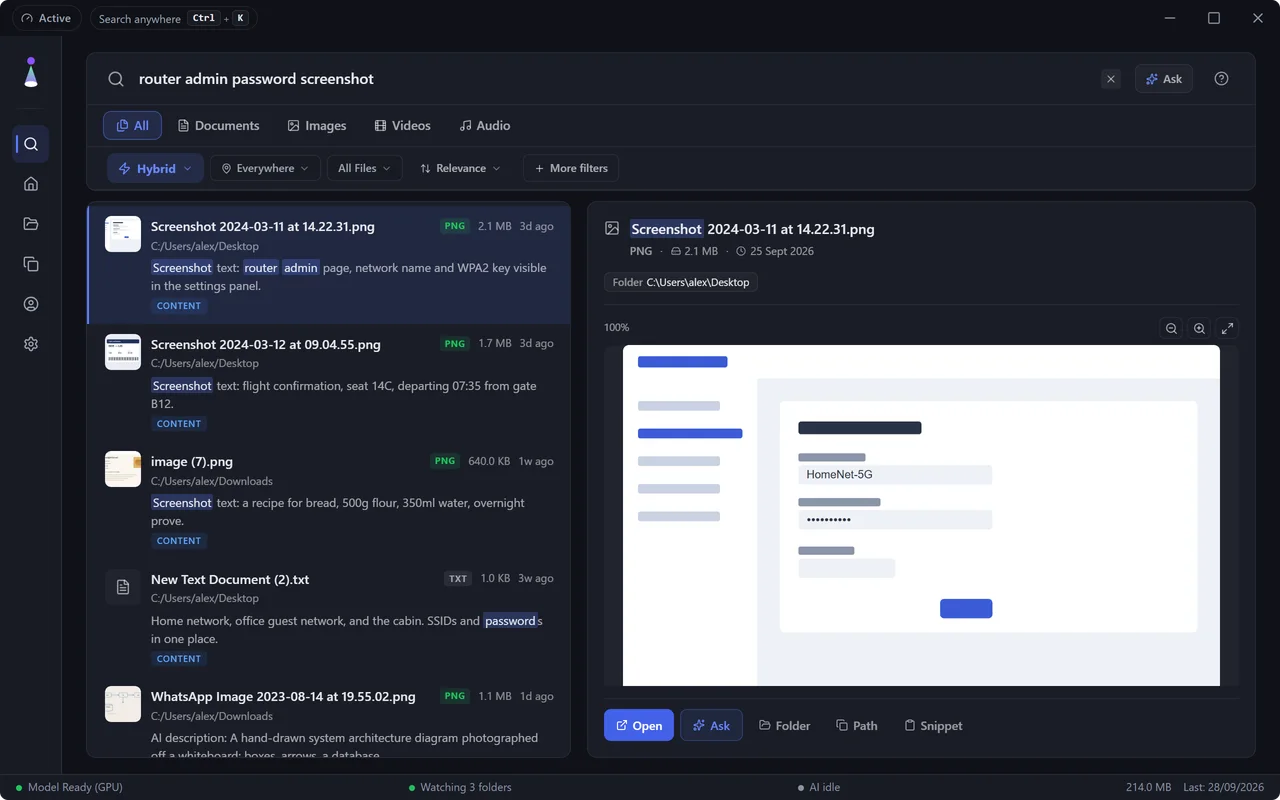
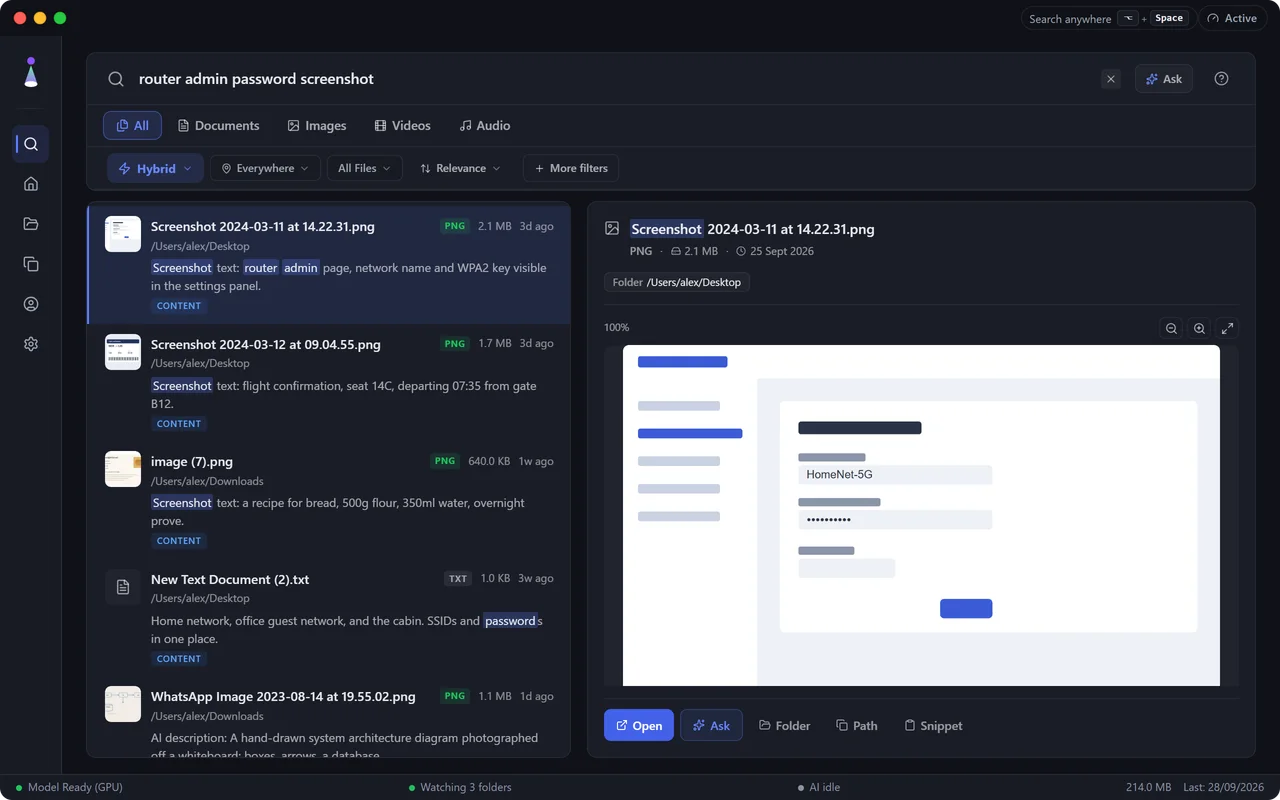
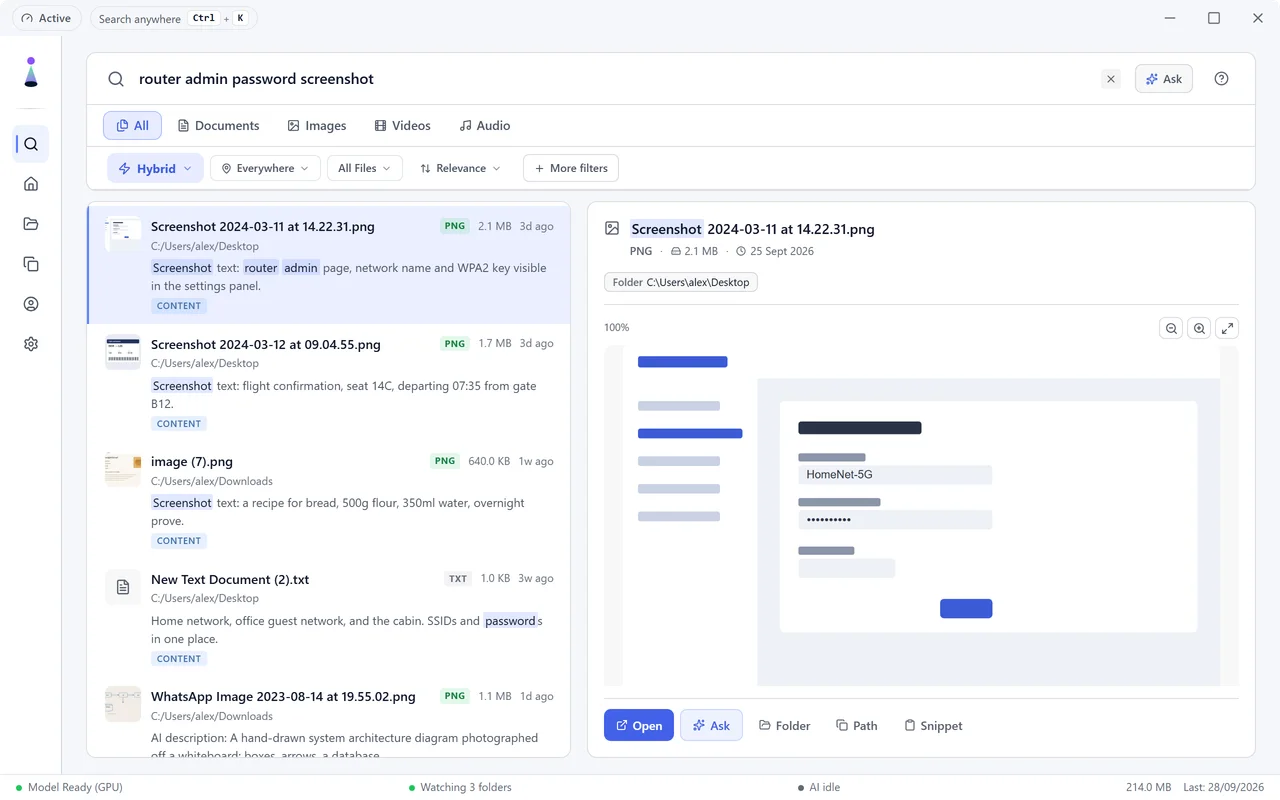
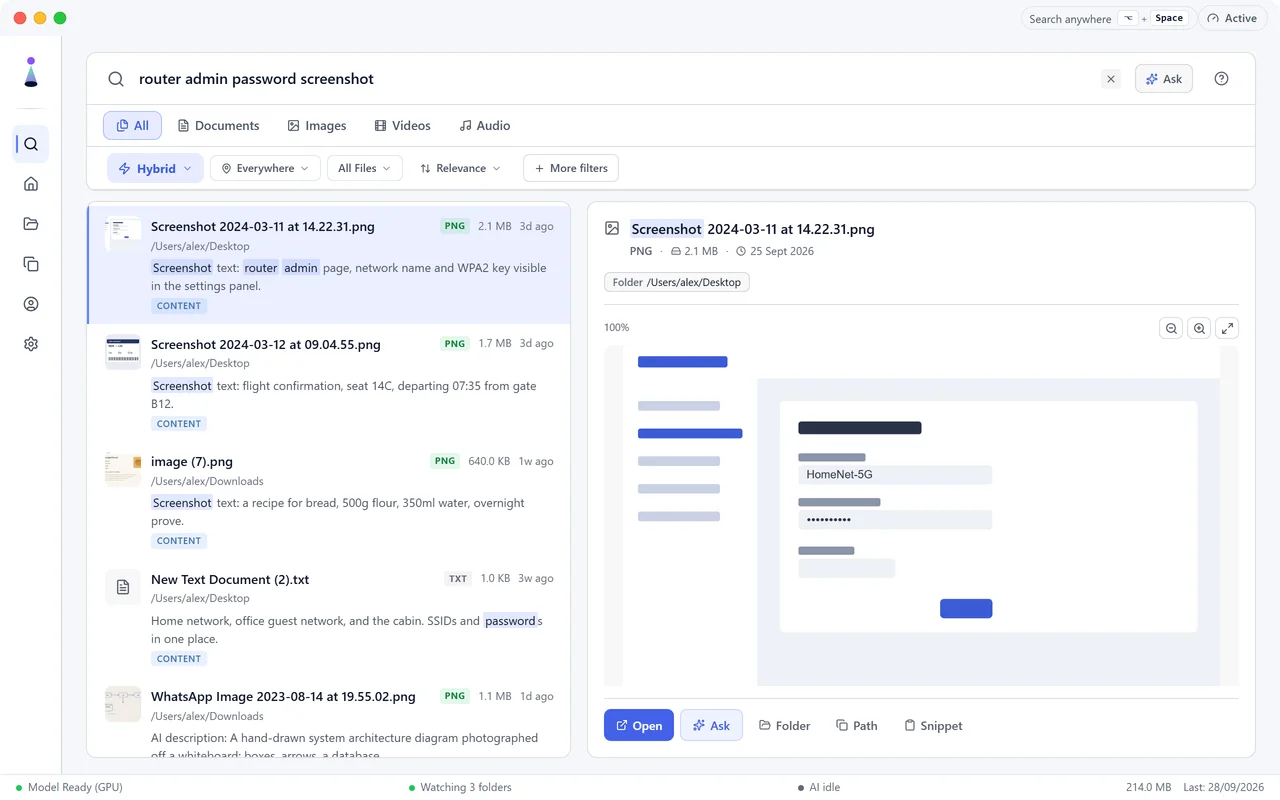
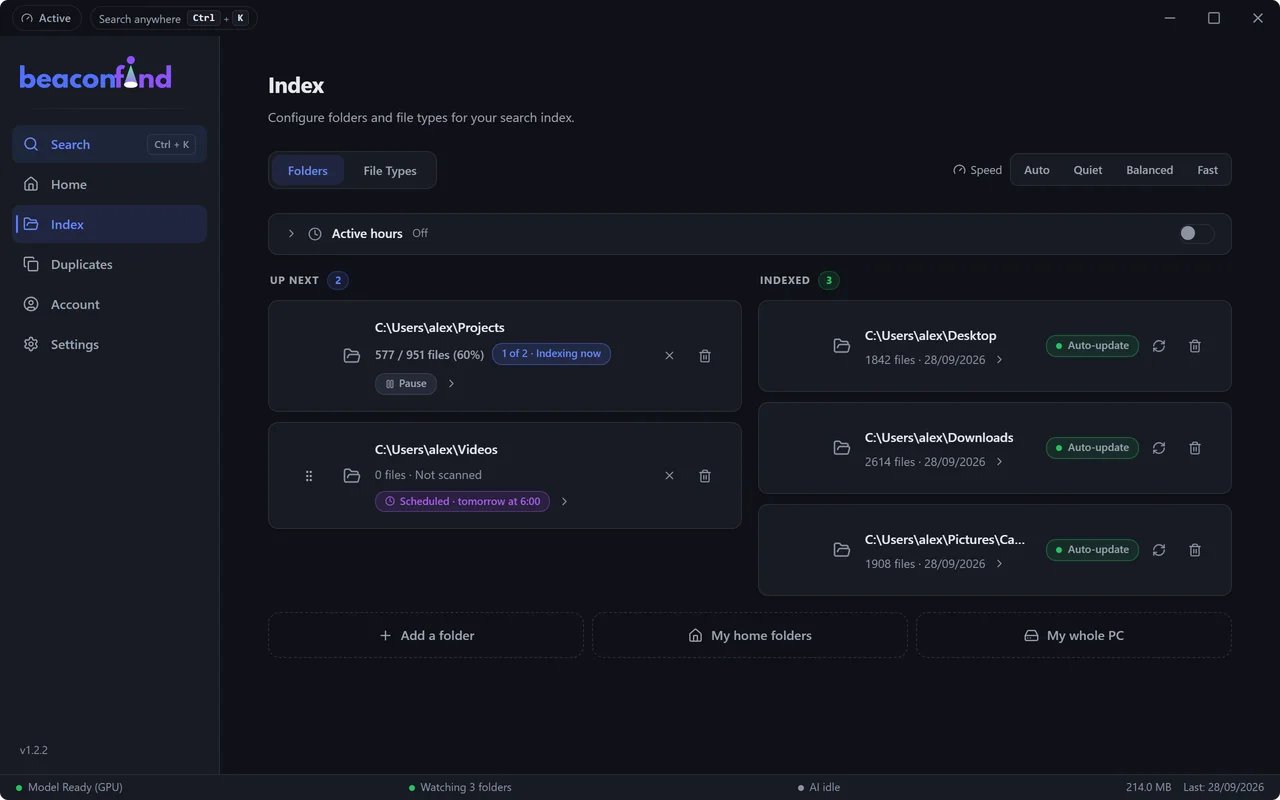
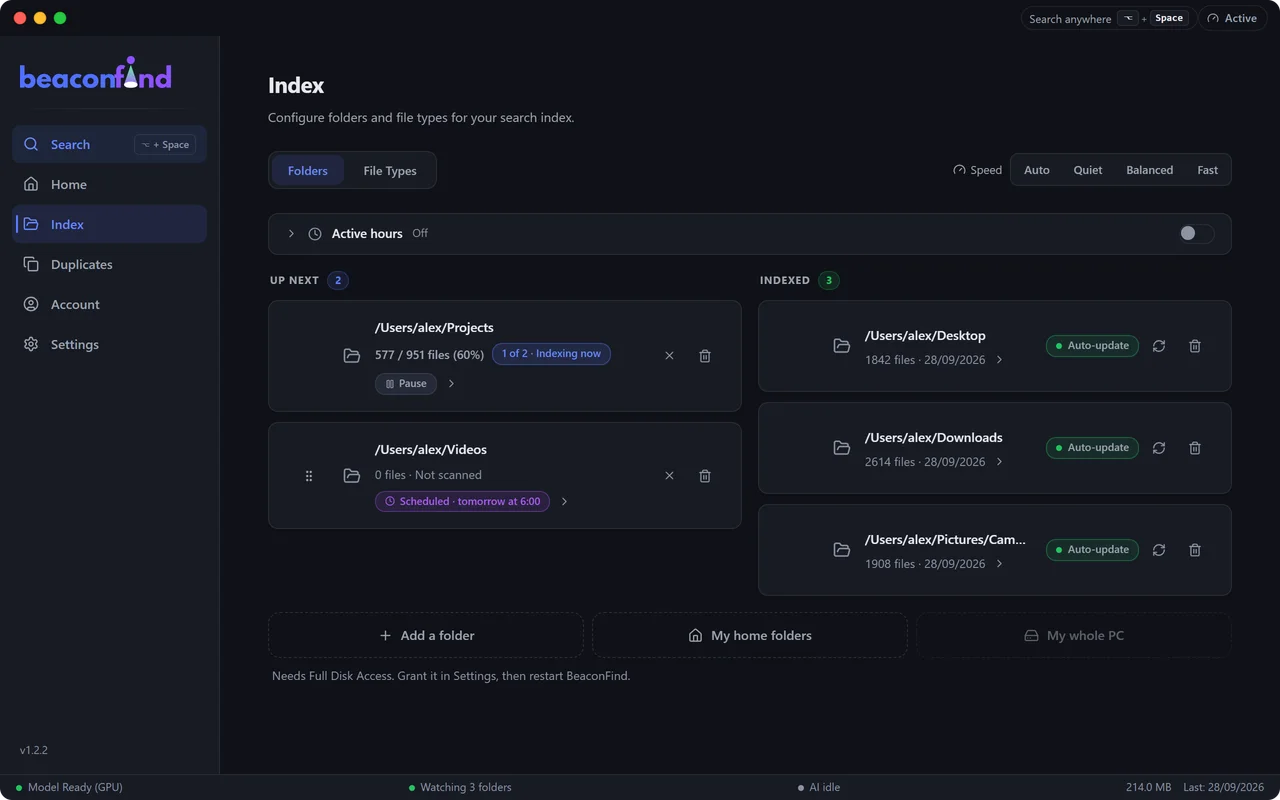
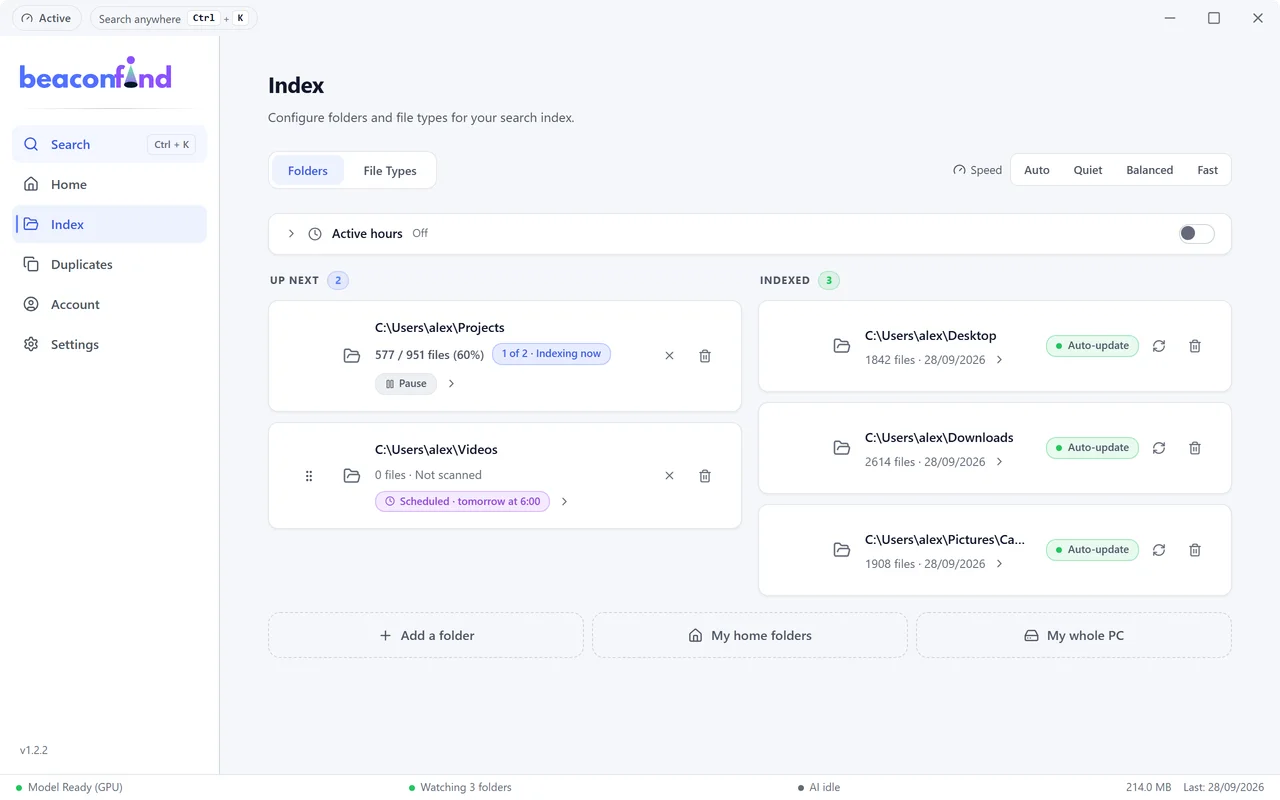
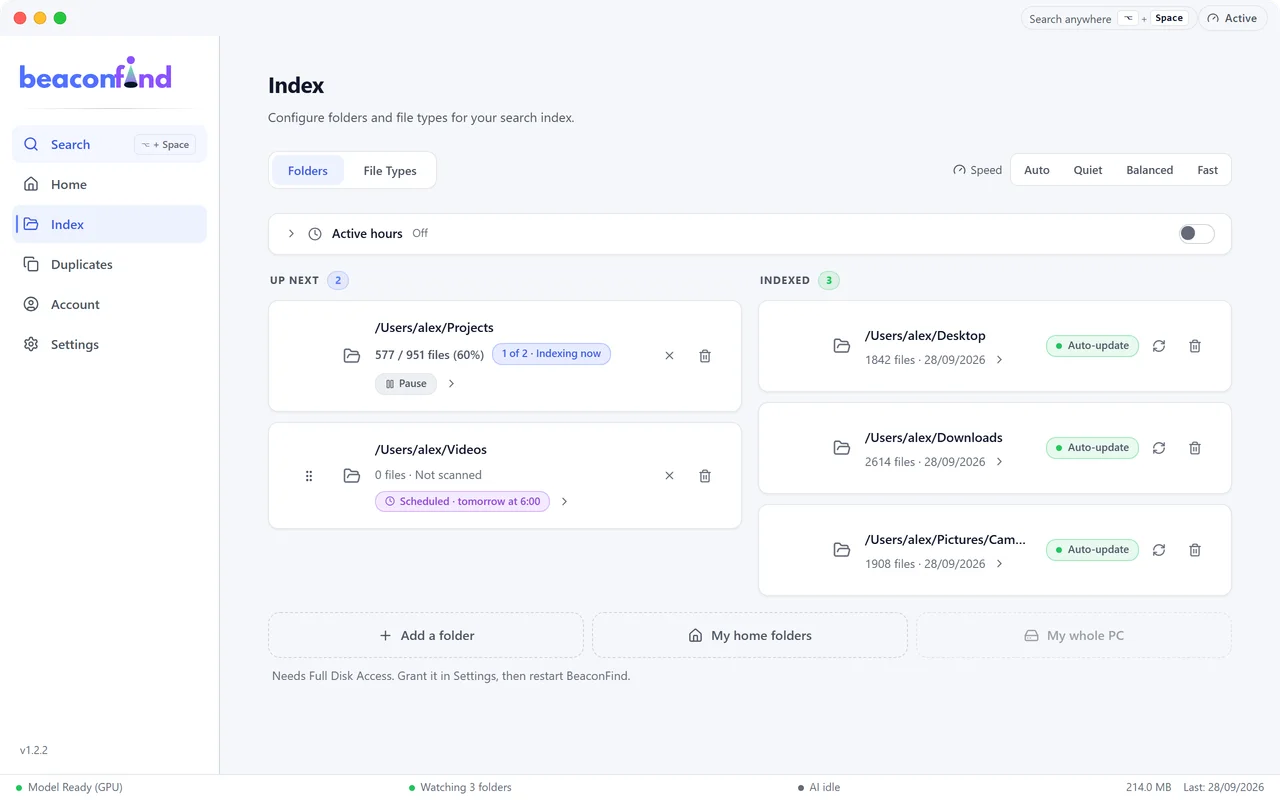
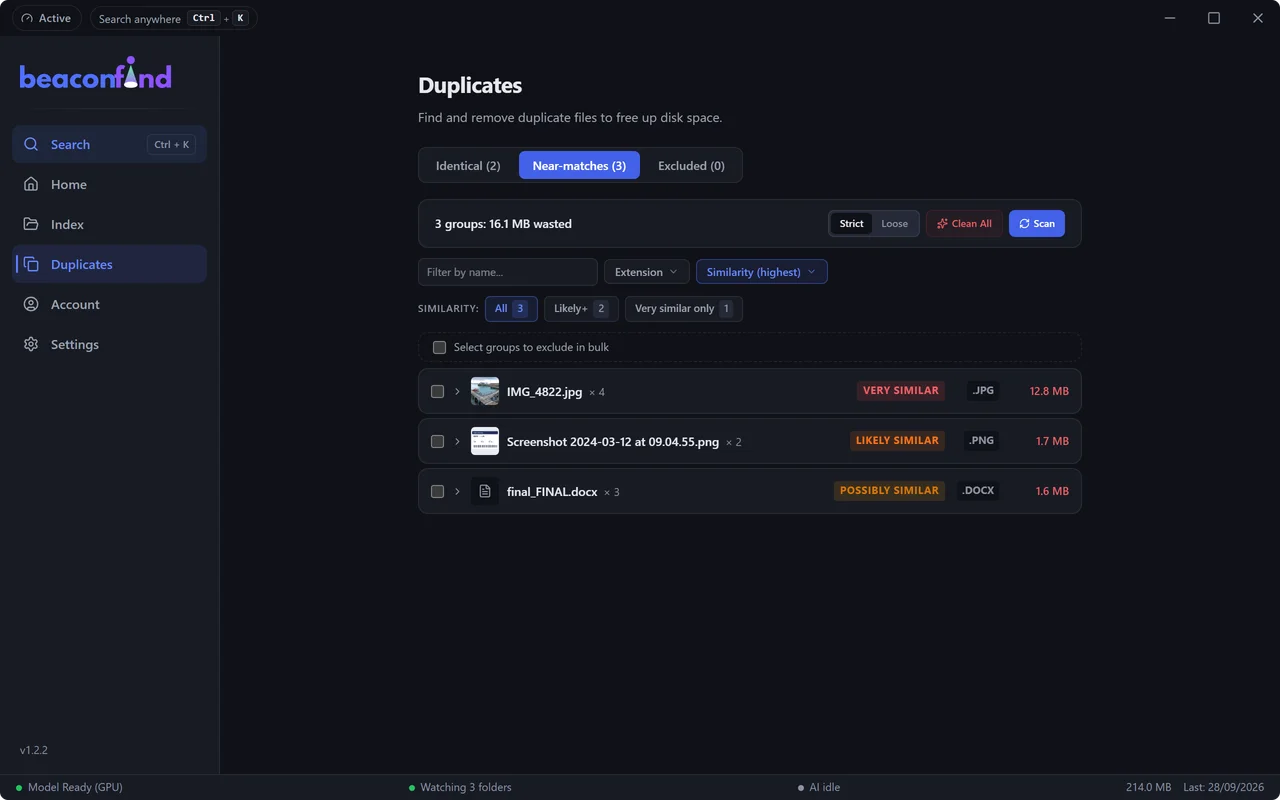
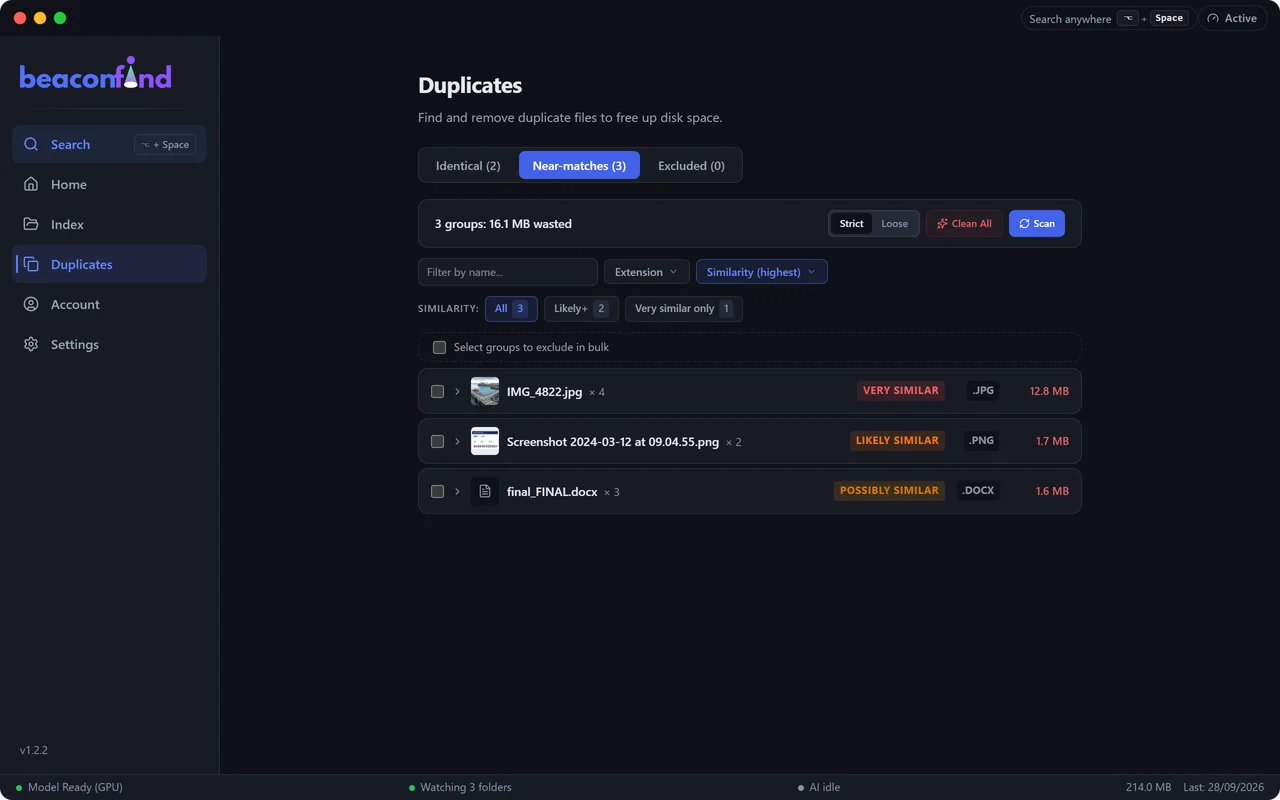
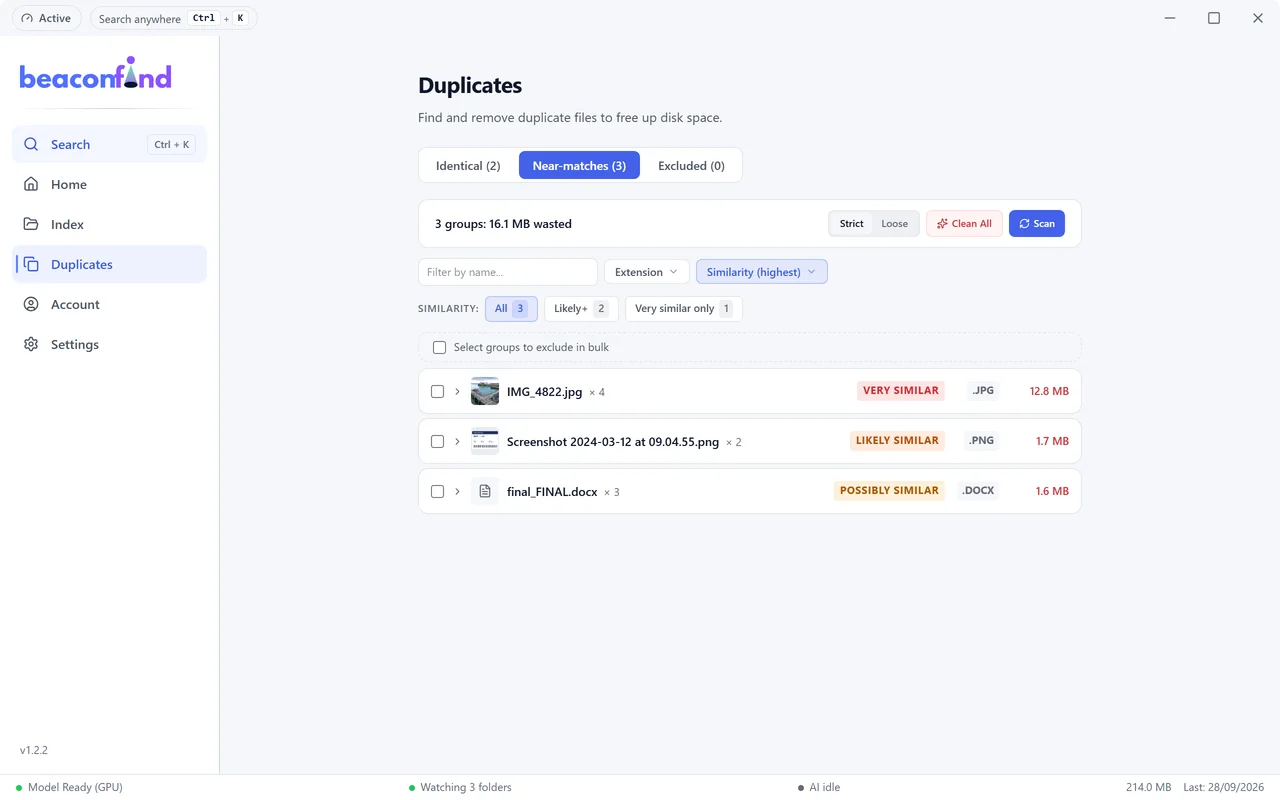
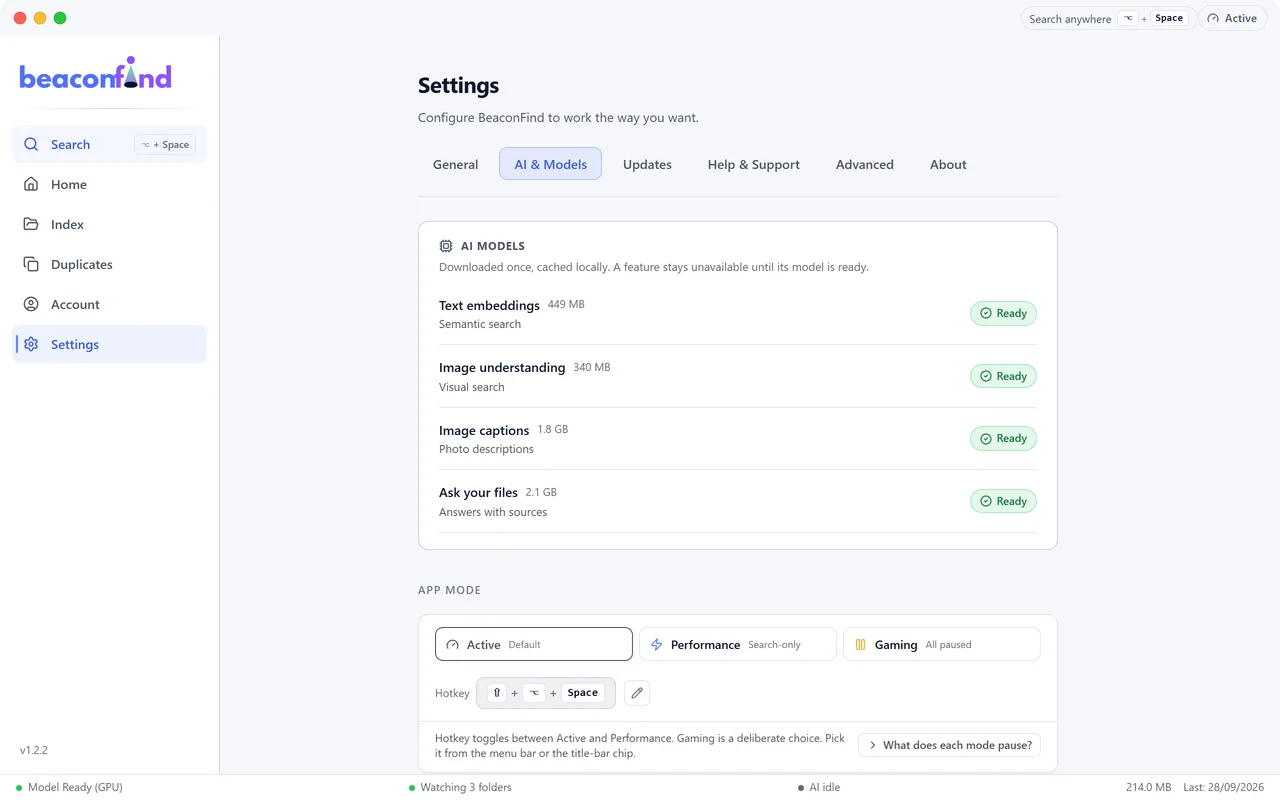
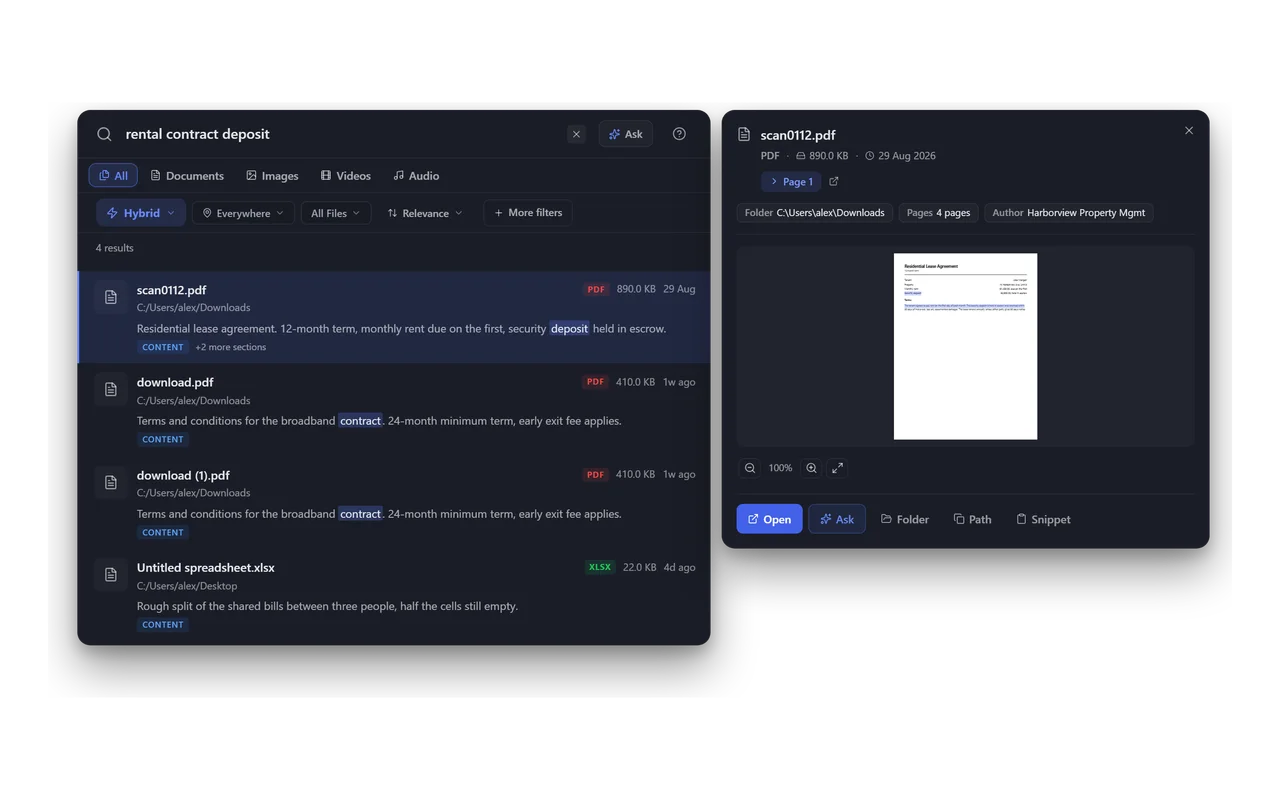
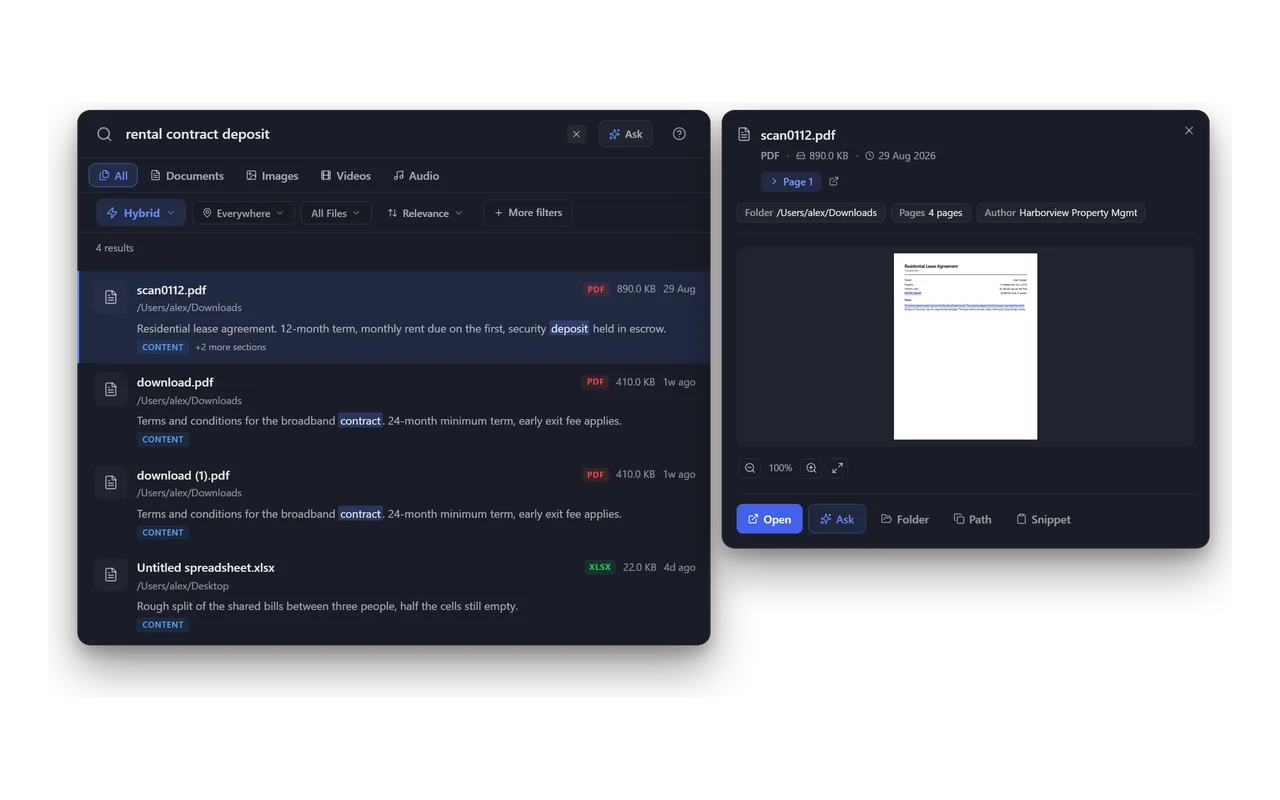
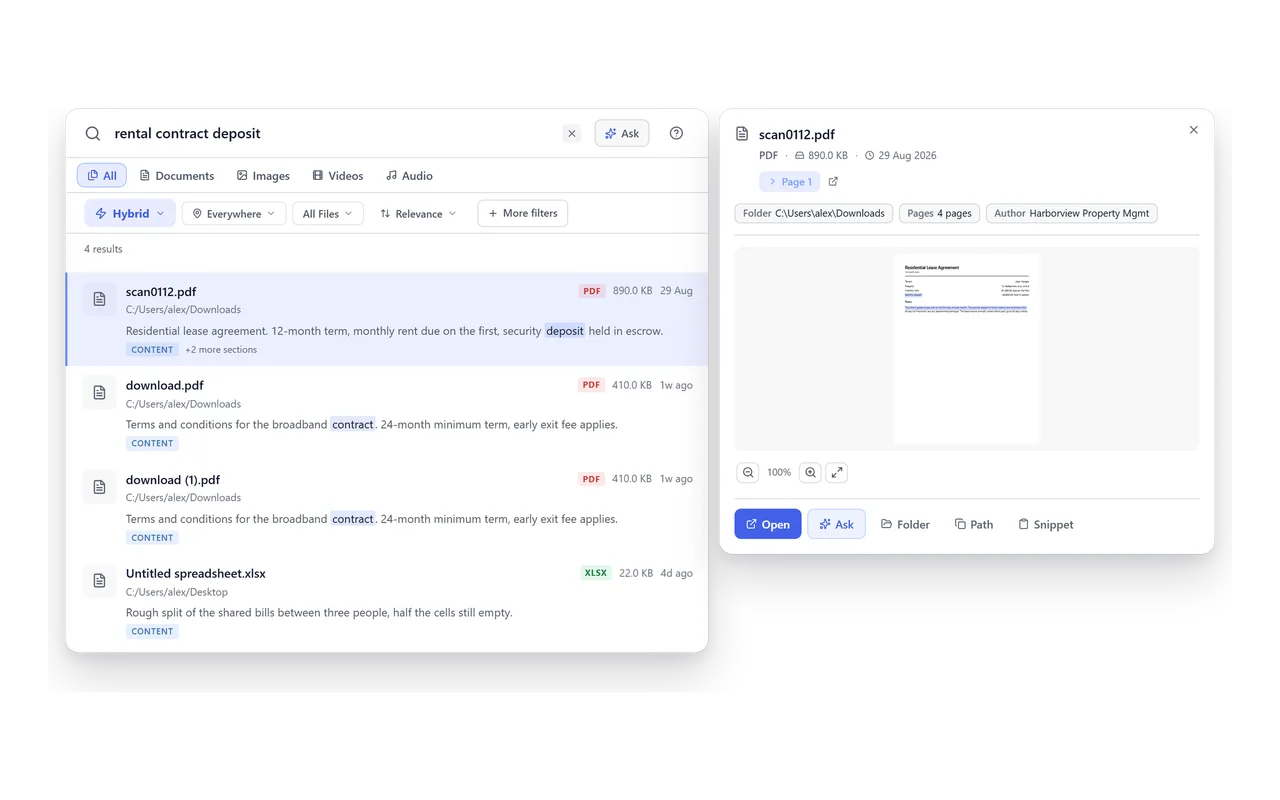
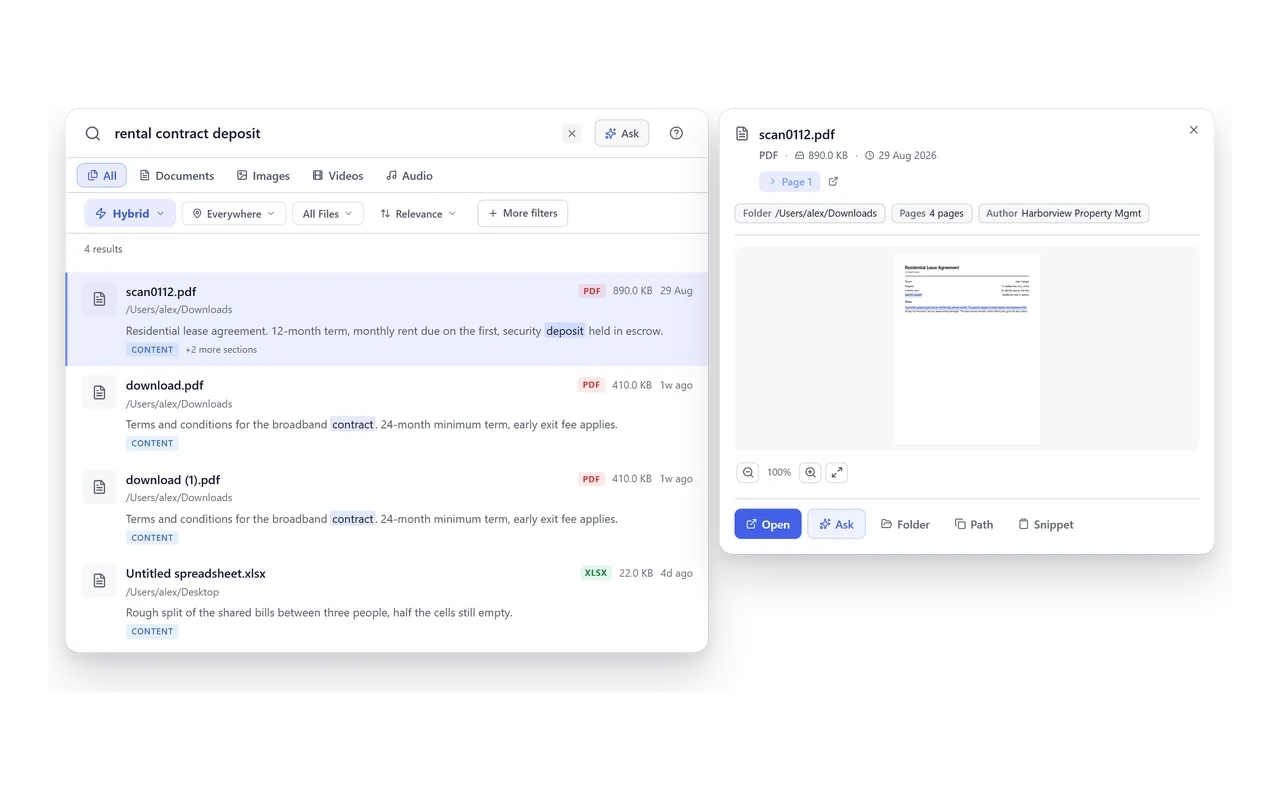
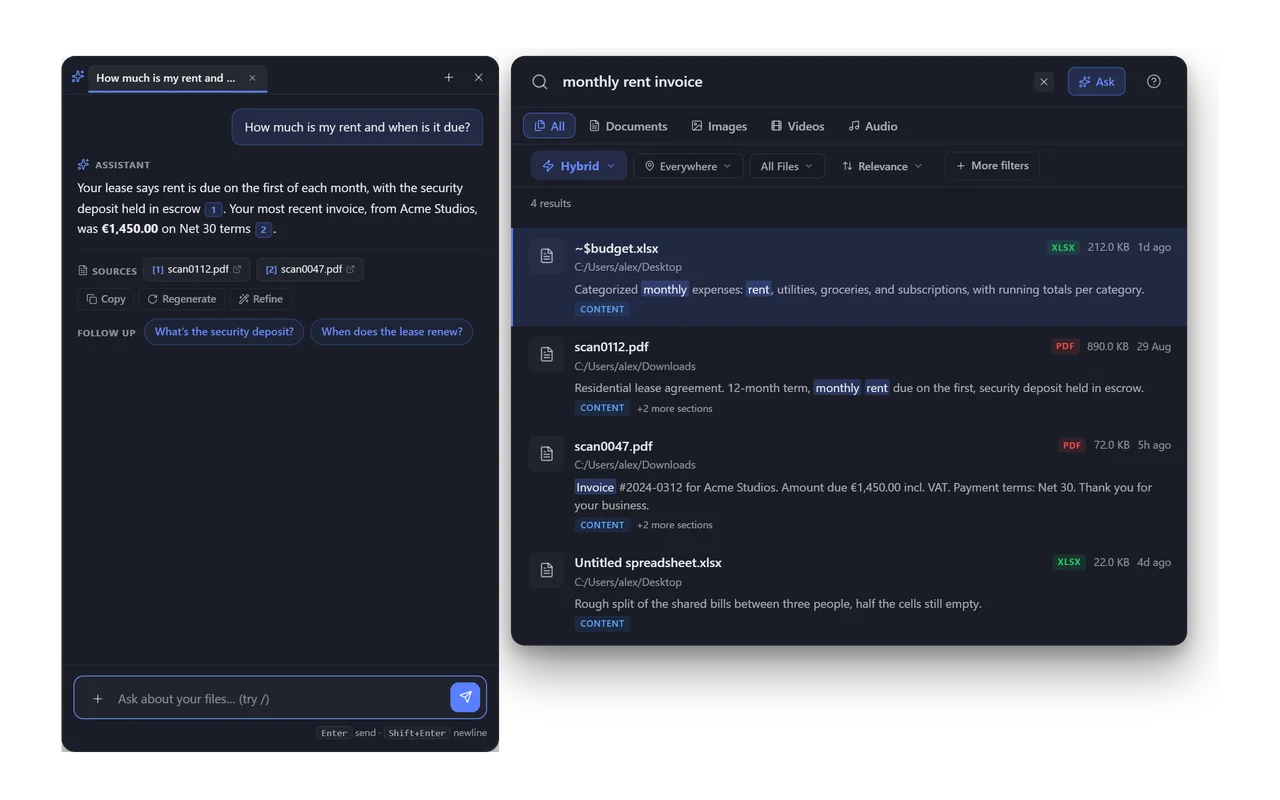
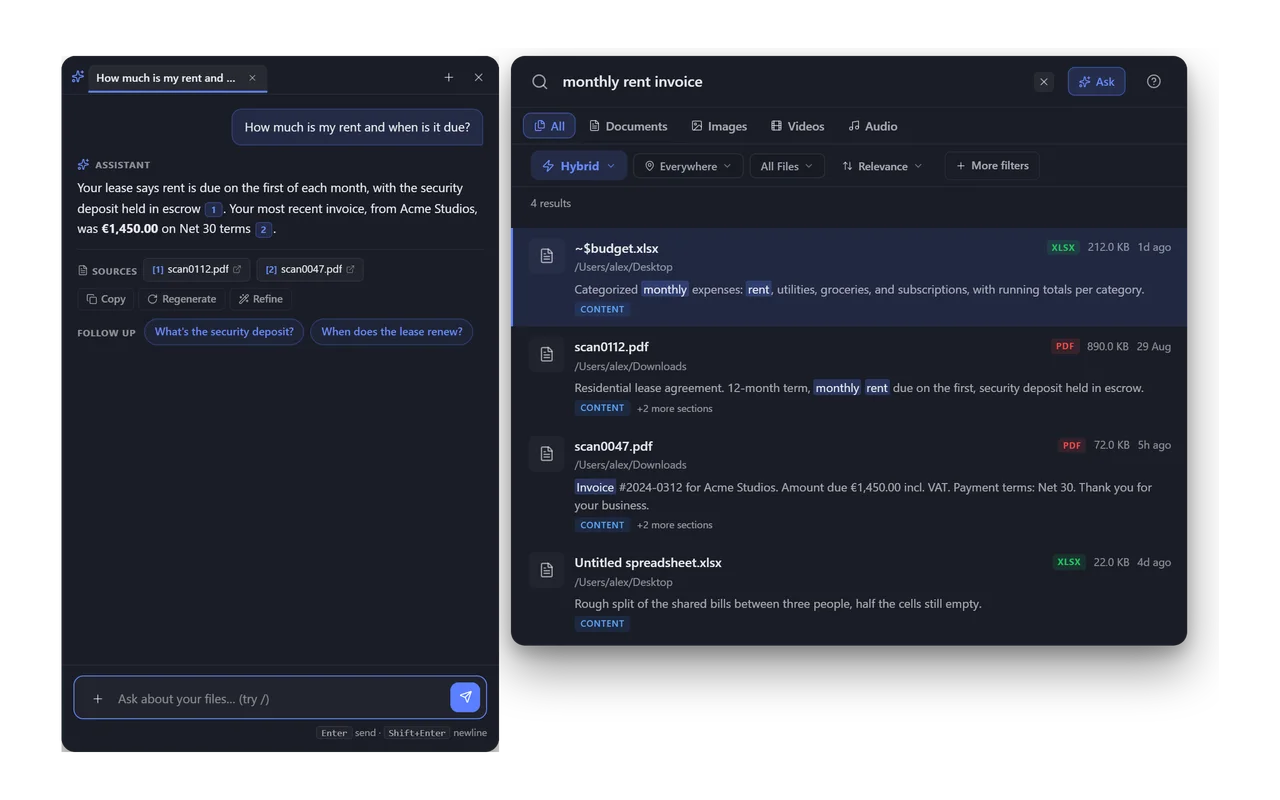
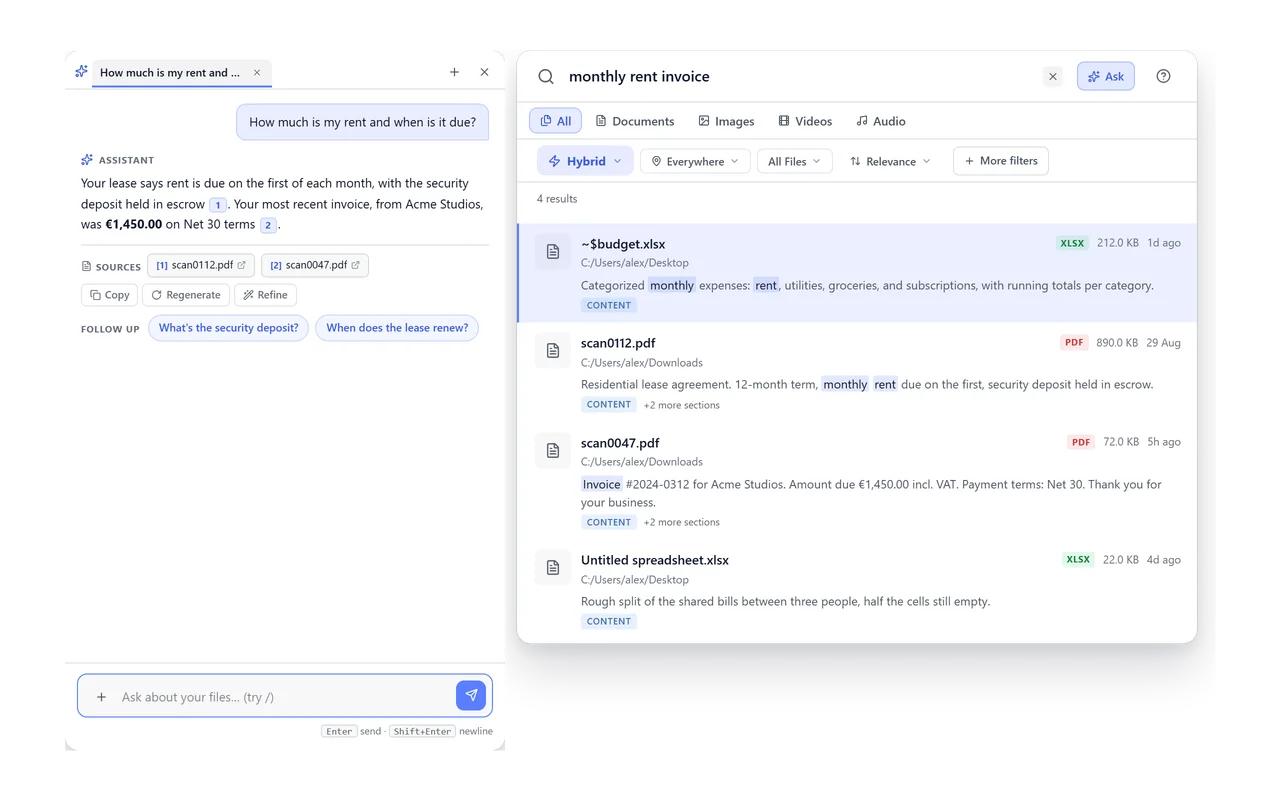
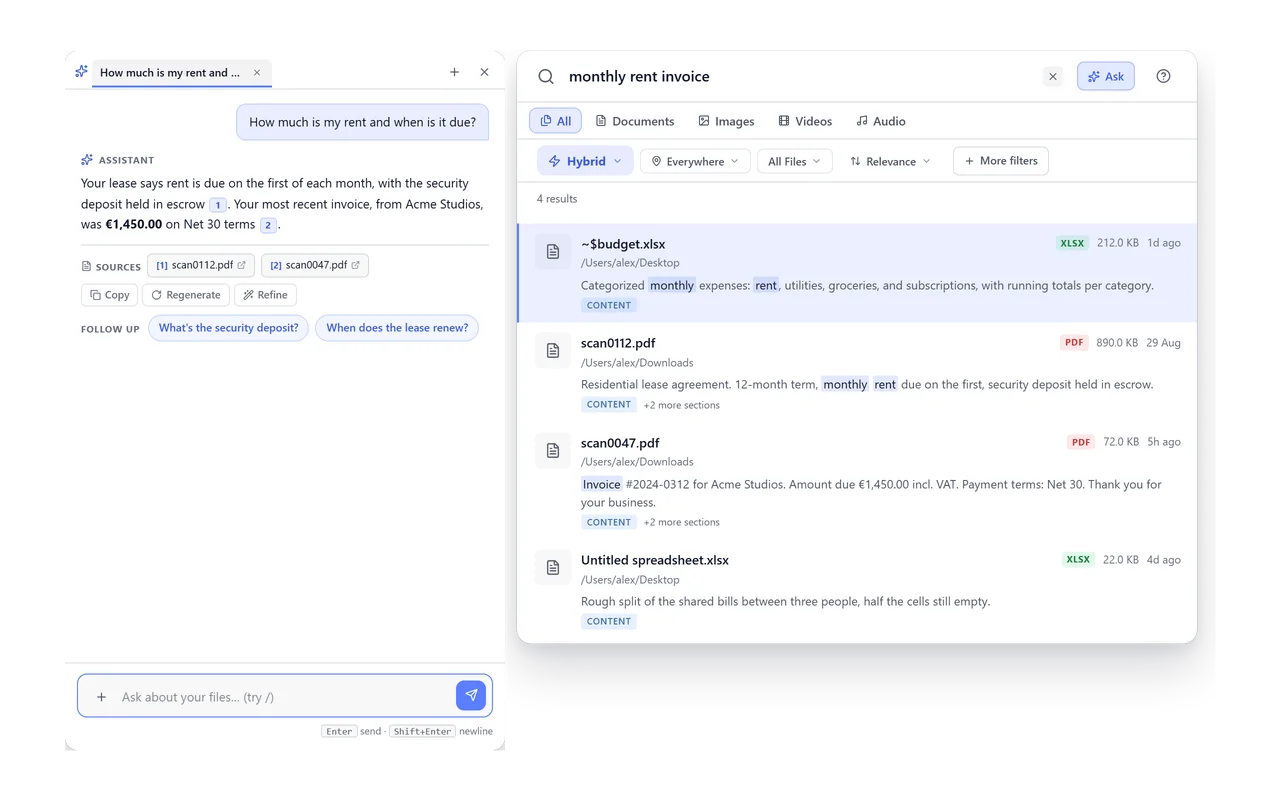
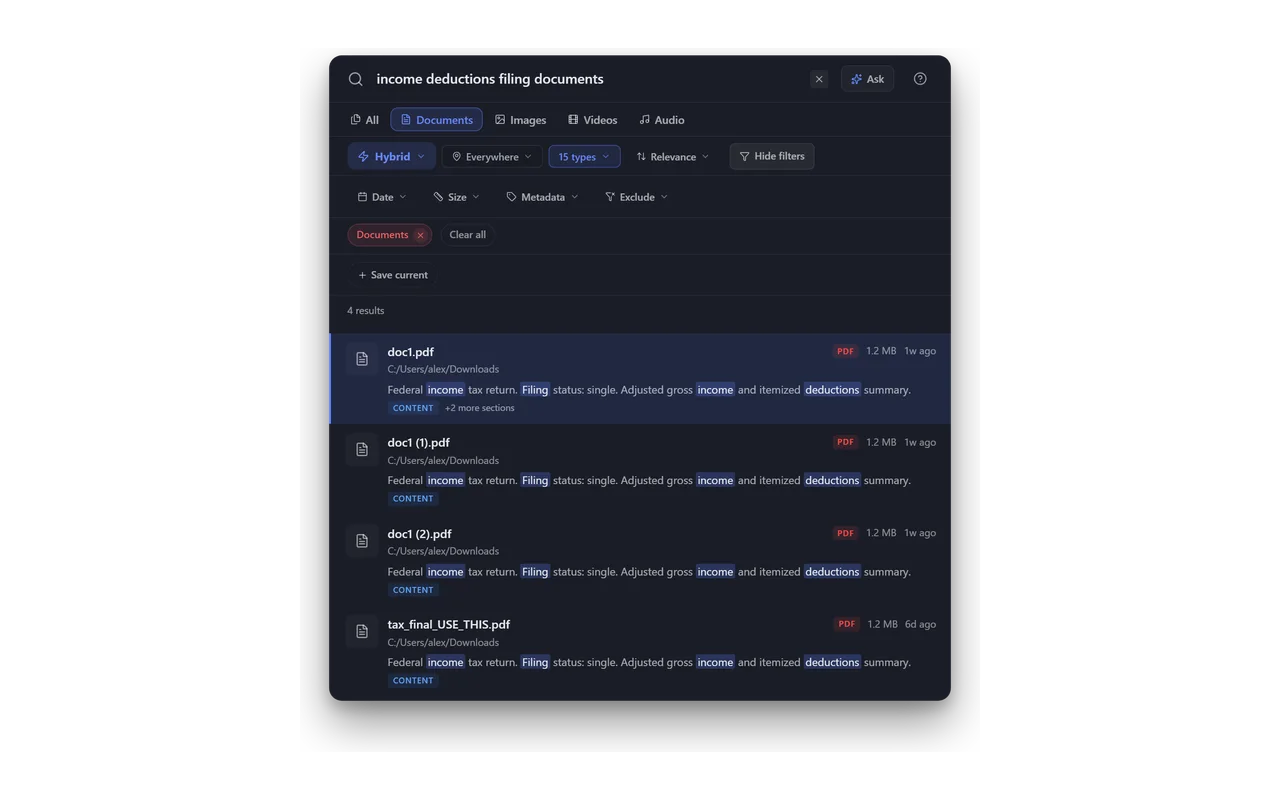
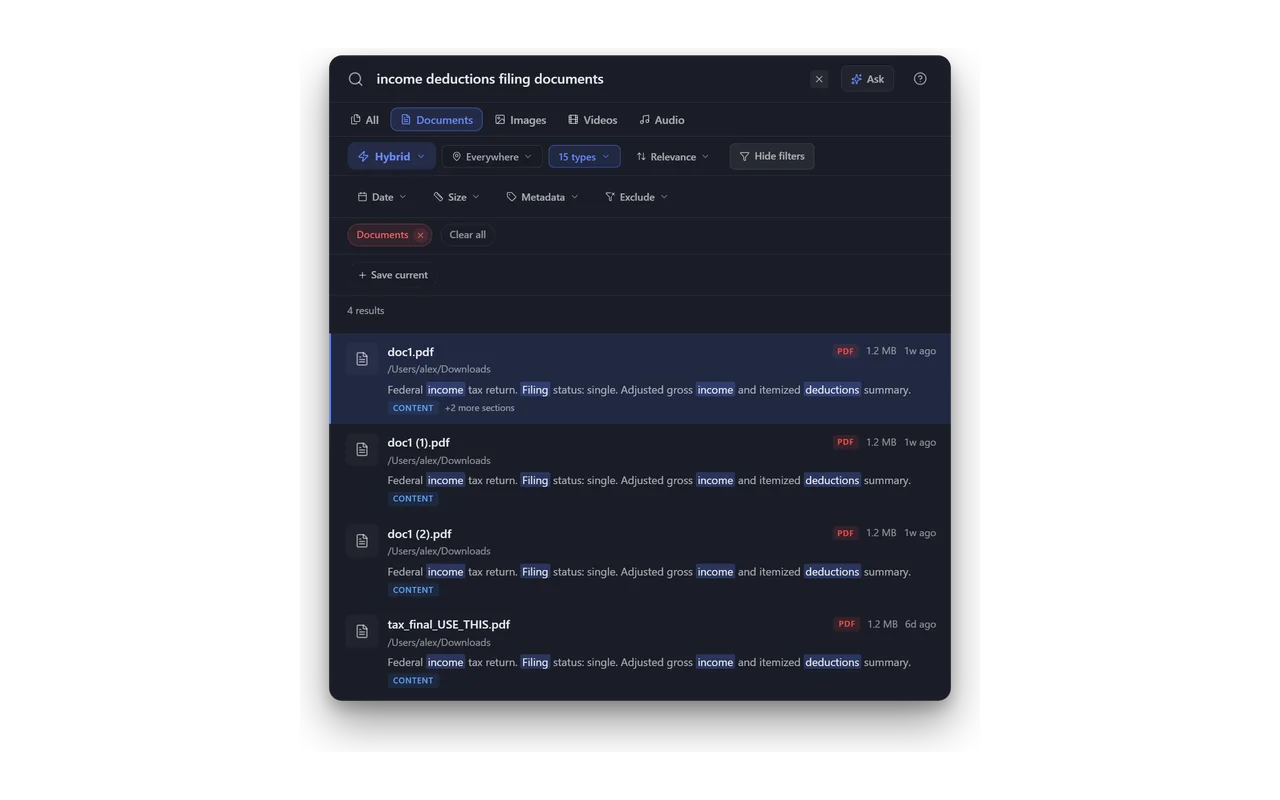
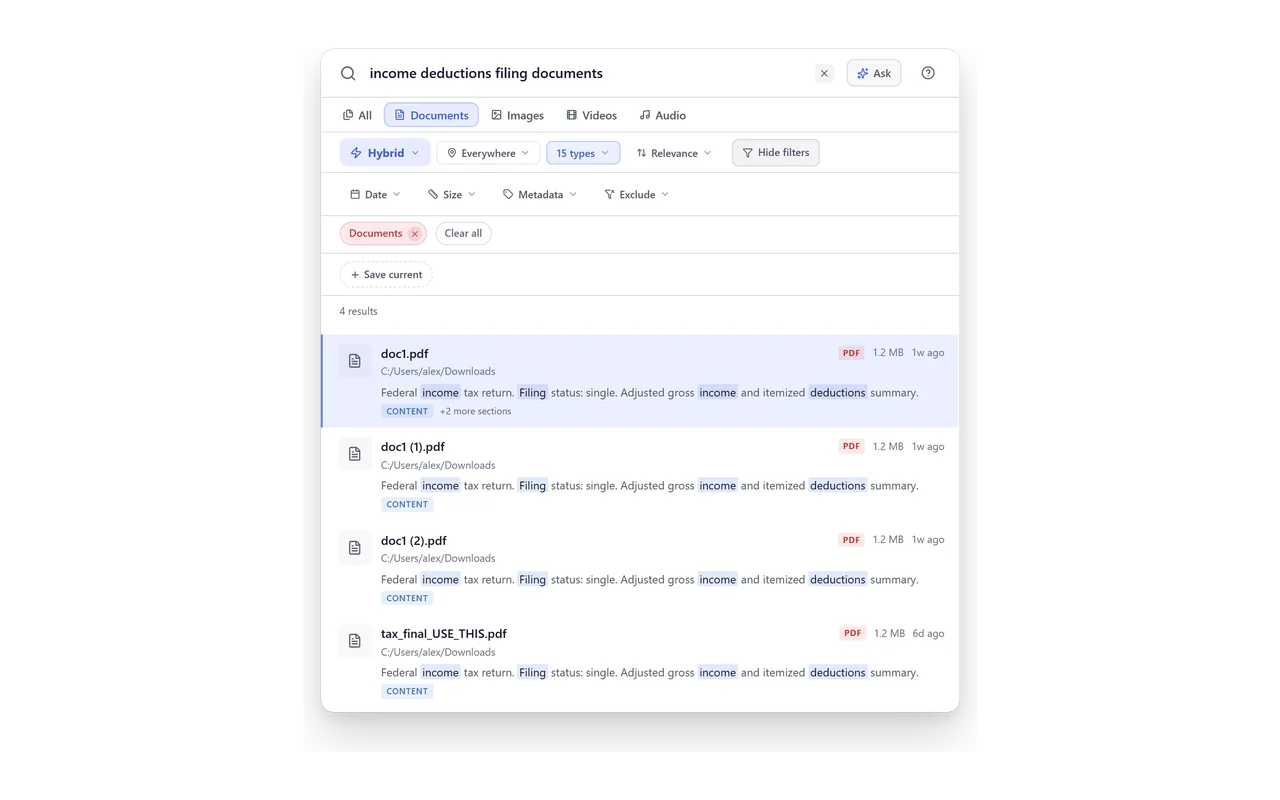
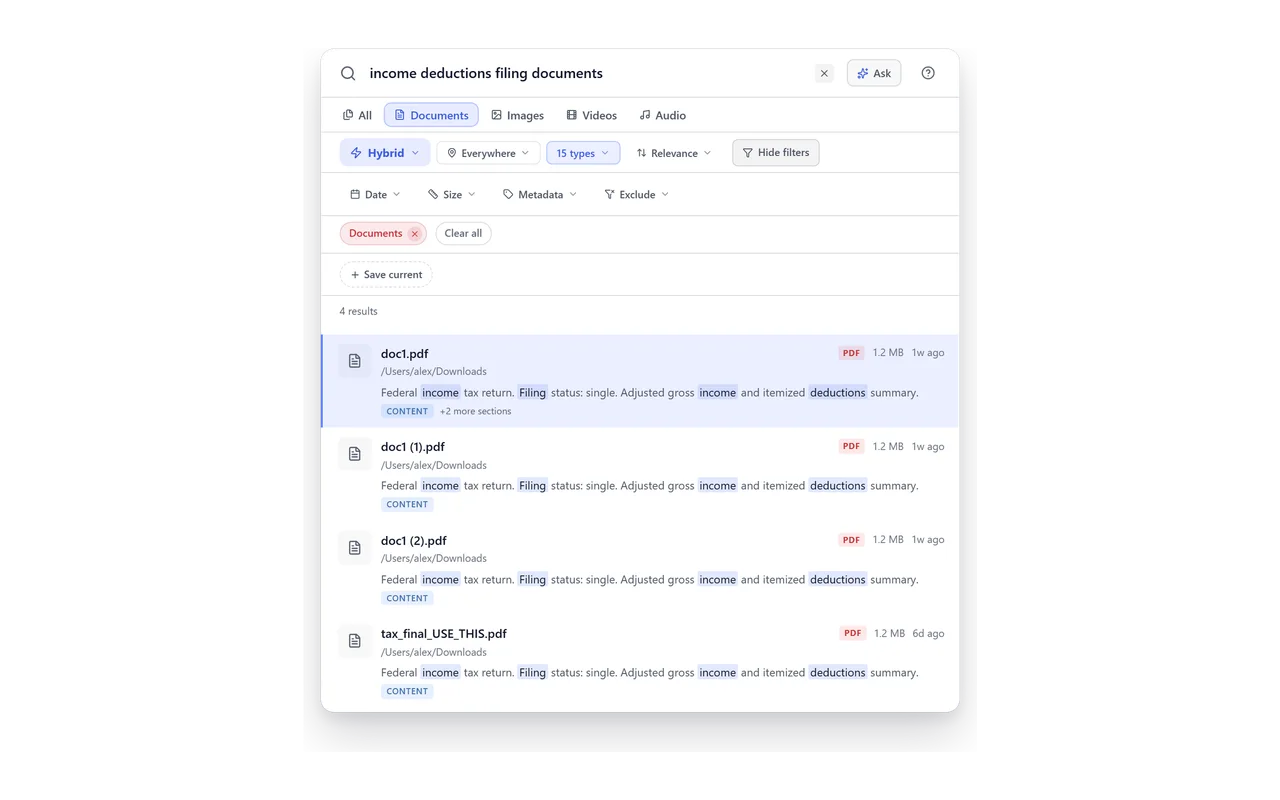



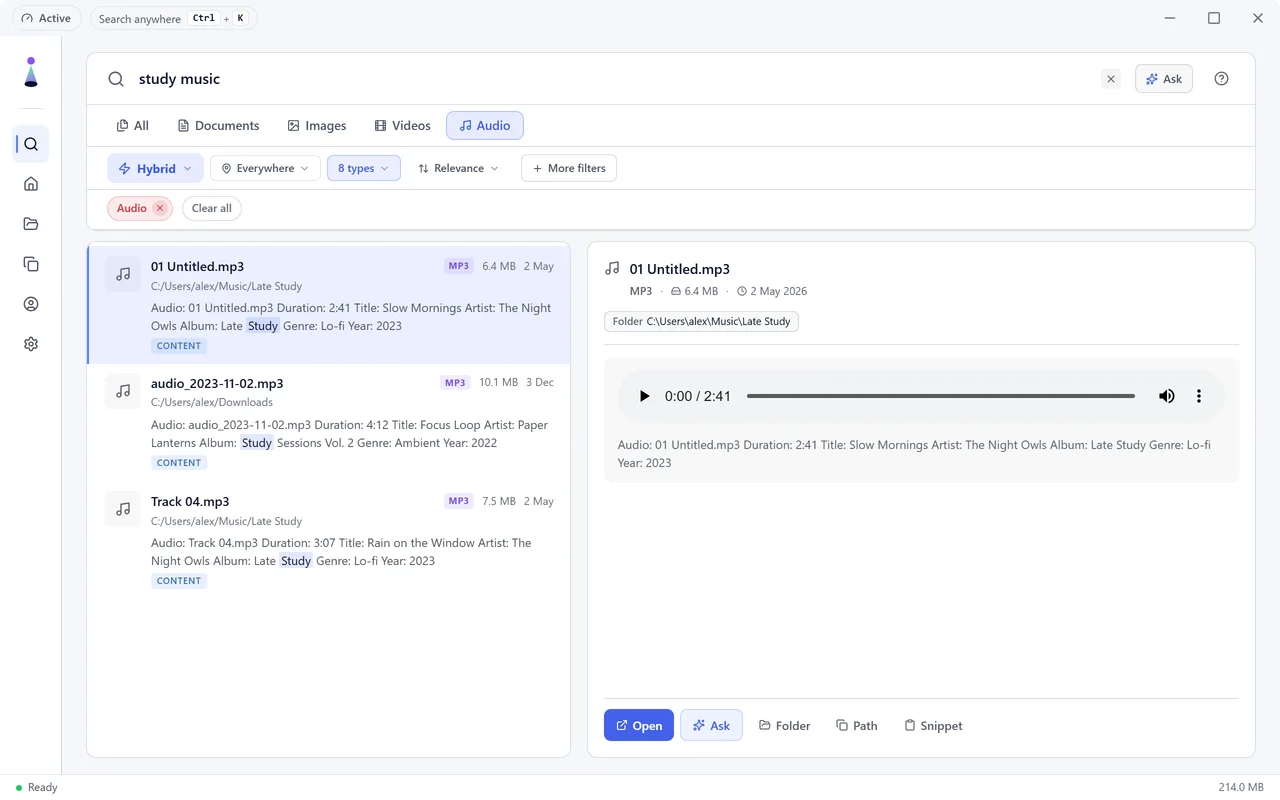
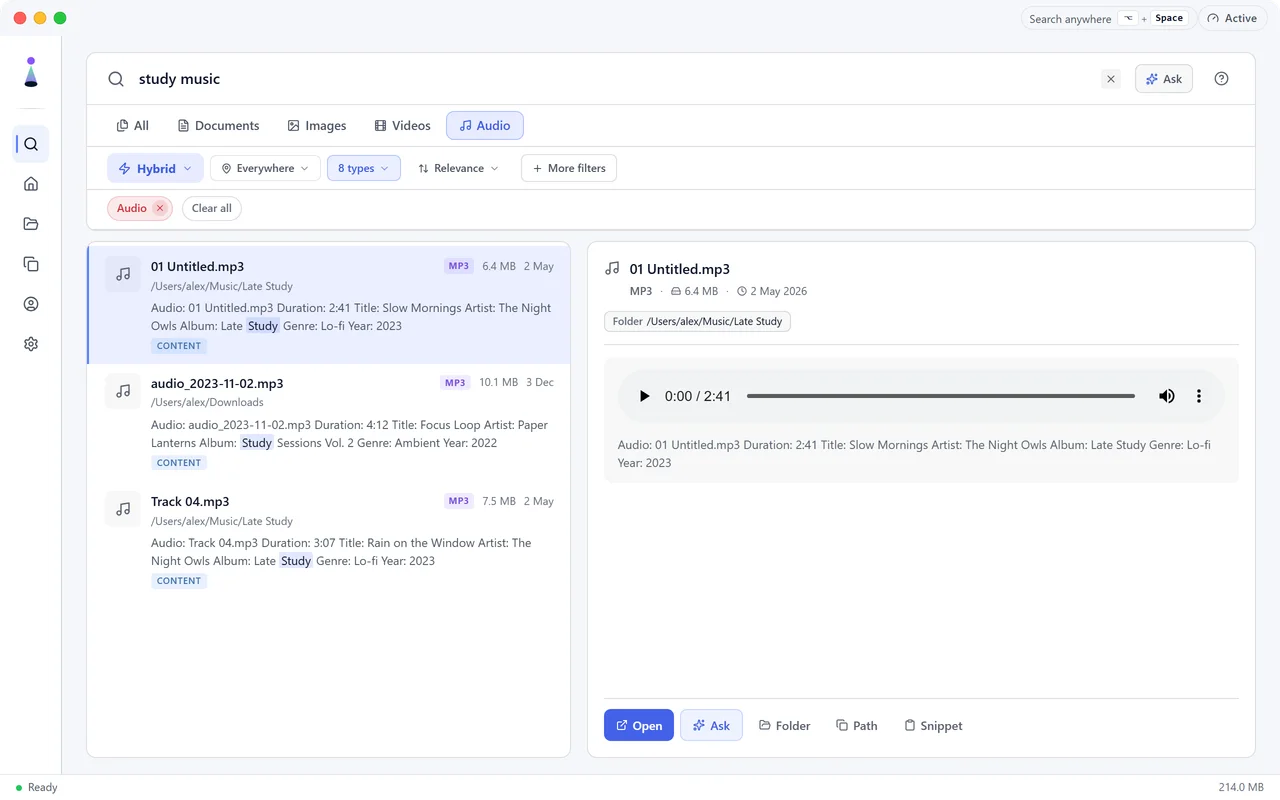
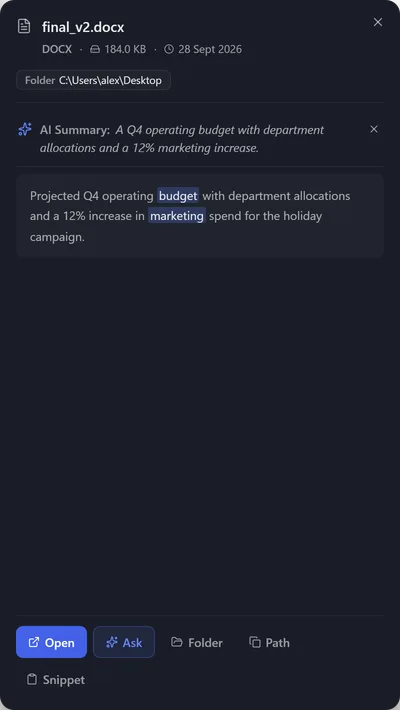
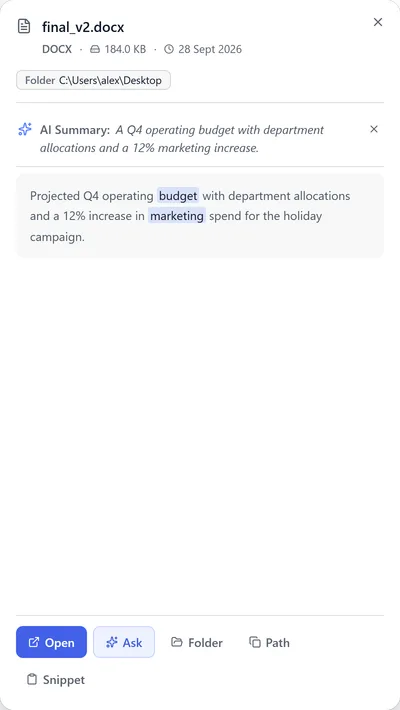
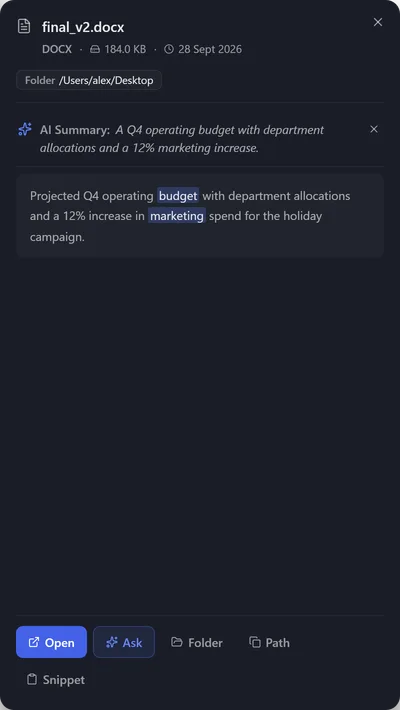
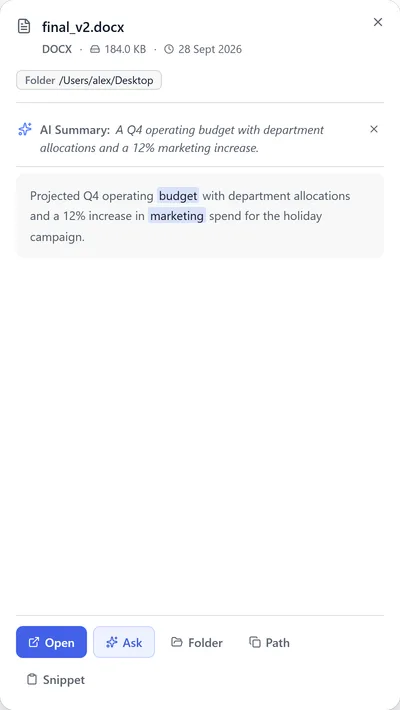
Type it the way you would say it to a colleague, like “that tax document from last year”. BeaconFind reads what is inside your files, so tax_final_USE_THIS.pdf comes up first even though you never typed its name. The passage that matched is shown under each result, so you can see why it was found.
- 50+ languages Type in one language, find files in another.
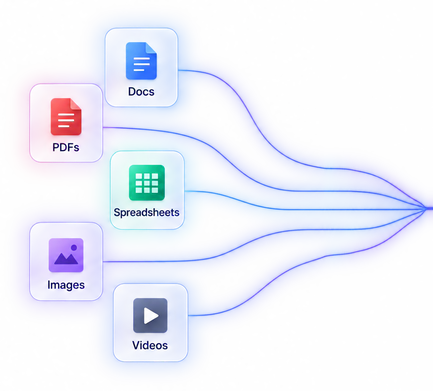
- 70+ file types Indexed by their contents.
Control
Everything you can steer.
Filters & saved views
Stack type, date, size and metadata filters, then save the set and reuse it in one click.
Find duplicates
Spot identical and near-identical files and reclaim the space they waste.
AI rename
Turn final_v3_FINAL(2).docx into a name that says what’s inside.
Active hours
Tell it to index only overnight, or only while you’re away.
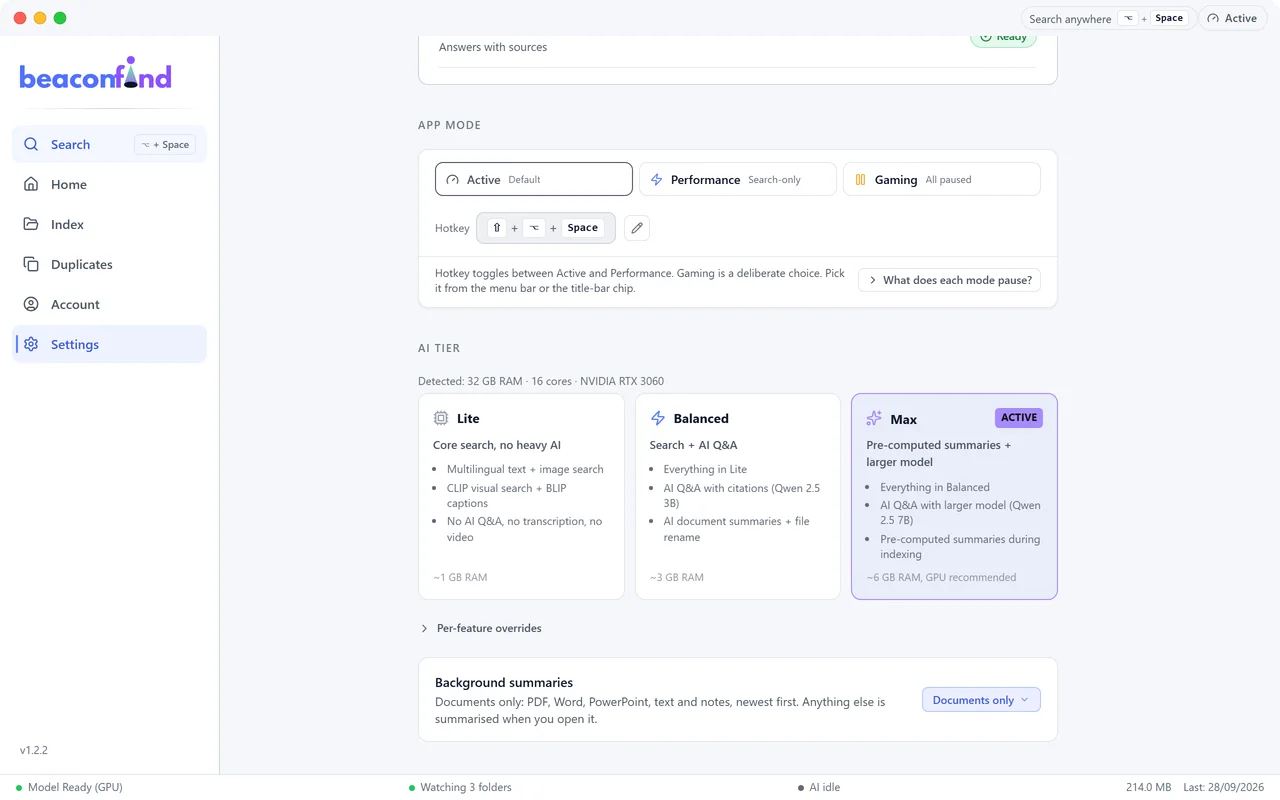
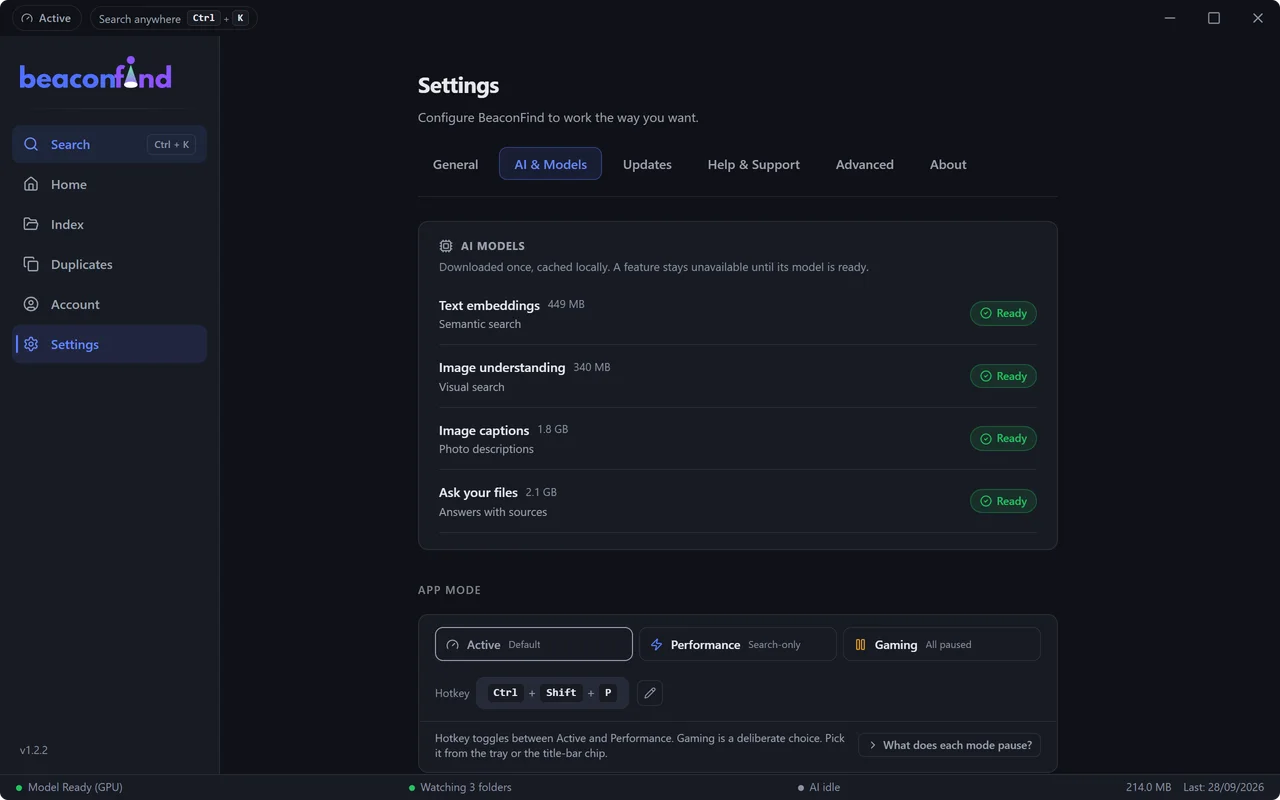
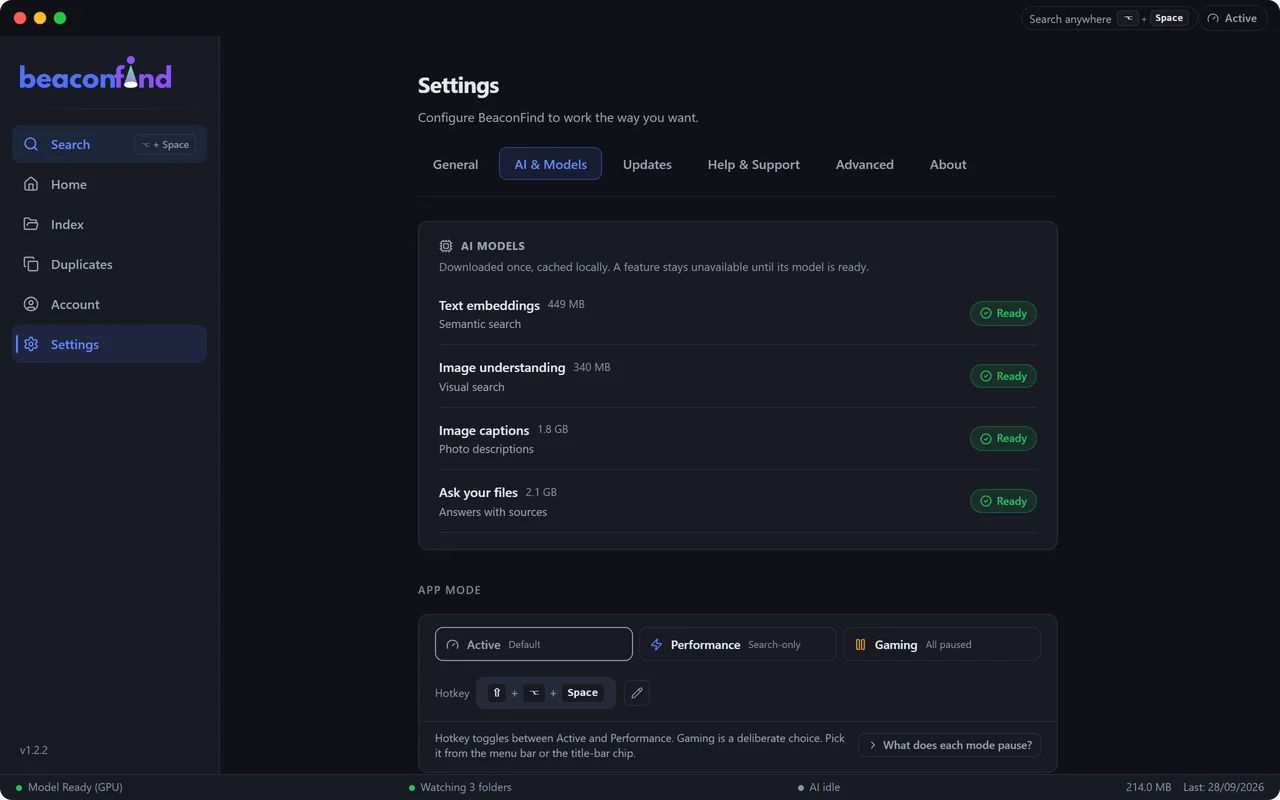
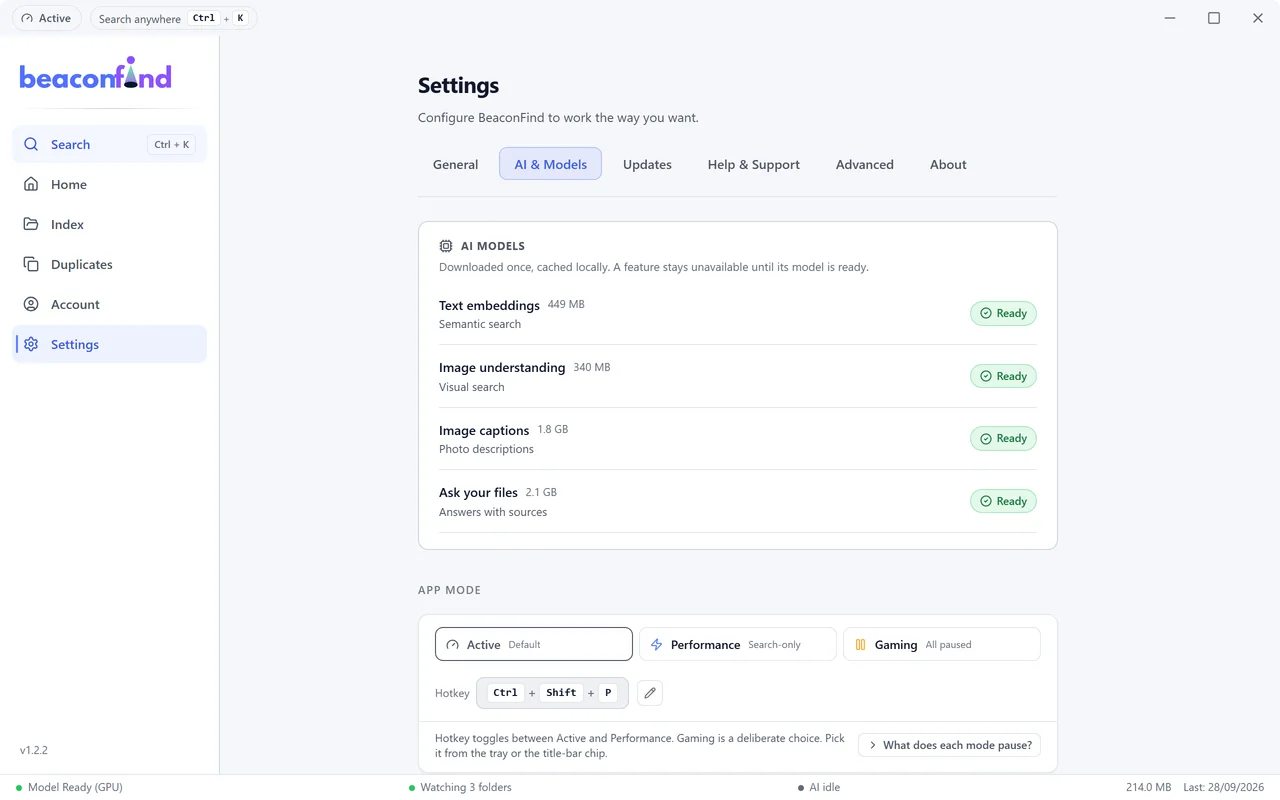
Performance & Gaming modes
One switch pauses background work and frees the GPU for your game.
Adapts to your machine
Picks a light or full AI tier to match your machine, GPU or not.
Under the hood, private by design
Local AI search,
running on your machine.
The whole stack ships inside the app and runs on your own machine.
Indexing once, in the background
- ReadingPulls the text out of 70+ file types, scanned pages and screenshots included.UnderstandingAI models turn every passage and every picture into meaning.
- Encrypted index, on your machine
Searching every time you ask
- MatchingYour words are matched by meaning and by keyword at the same time.RankingThe best matches are merged into one list and put in order.
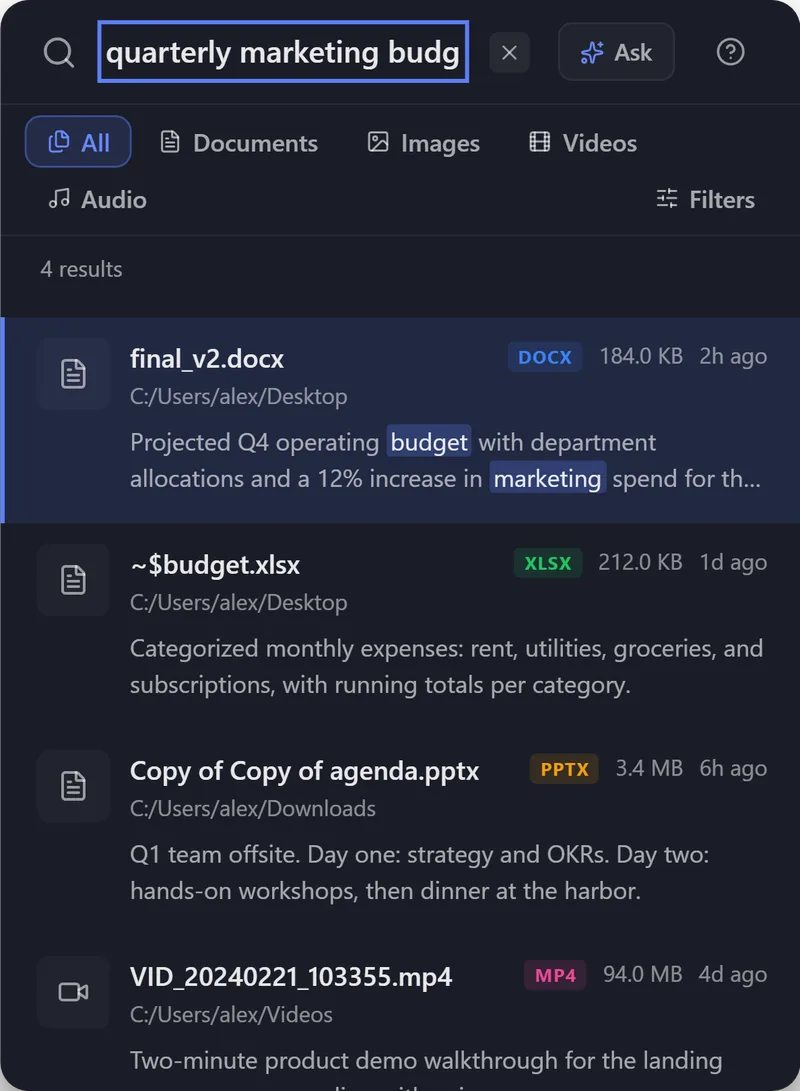
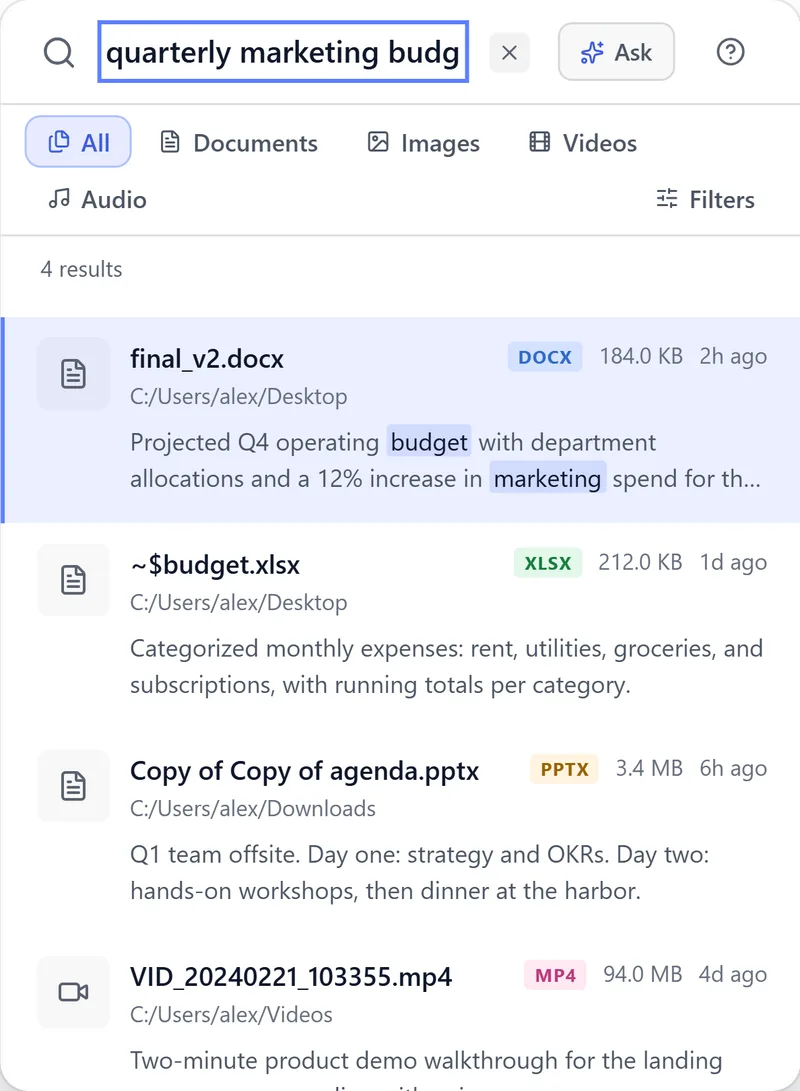

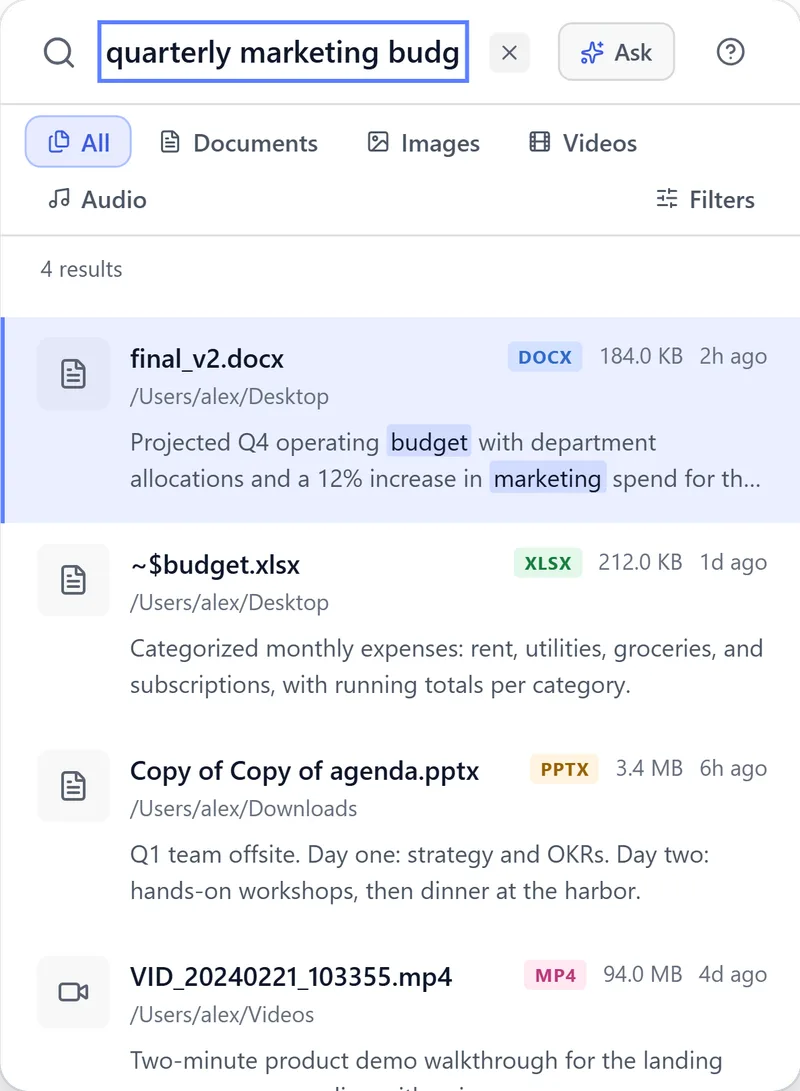
Or ask a question: a language model on your machine answers from these results, with sources.


- On-device AIRuns entirely on your machine
- No telemetryYour files stay private
- Encrypted at restYour index is always encrypted
- Works offlineSearch without a connection
Pricing
Pricing: pick your plan.
Same full app either way: search by meaning, local AI chat, photo search, OCR, 70+ file types, everything on your own machine. The only difference is how you pay.
- Everything in BeaconFind
- For 1 PCMac
- Cancel anytime
- Everything in BeaconFind
- Up to 3 of your devices
- Free updates, forever
Every plan starts with a 14-day free trial (no card, just an email for your key) and comes with a 30-day money-back guarantee.
Go ahead, press it for real.
Go ahead, press it for real.
Ready when you are.
Full features for 14 days. No card, just an email for your key.
Full features for 14 days. No card, just an email for your key.
One license covers Mac and Windows, so the same key activates both.
On first run it downloads the AI models once (about 0.8 GB on the light tier, a few GB on higher ones), then works fully offline.
What it needsDownload for Mac instead
What it needsDownload for Windows instead
Will Windows or my browser warn me?
It might, because the app is new. It’s signed by its developer (not “Unknown publisher”), and SmartScreen reputation builds up over time. If your browser asks, click Keep; if Windows shows a blue box, click More info, then Run anyway. If you’d rather skip all of that, the Microsoft Store listing above installs the same build. You can also check this exact file on VirusTotal before you run it.Your download is on the way
Because it's a brand new app, Windows or your browser might ask you to confirm before it opens. That's normal, and it's completely safe.
If your browser asks, just click Keep.
If Windows shows a blue box, click More info, then Run anyway.
It arrives as a disk image, and it's notarized by Apple, so macOS opens it without a warning. Two steps and you're done.
Open the downloaded BeaconFind.dmg.
Drag BeaconFind into Applications, then open it from there.
Everything stays on your machine. Nothing runs until you open it. · Virus scan · Didn't start?
FAQ
Questions about AI file search.
Still unsure? Email [email protected] and a real person answers. Something broken? Report a problem.
Is my data really private?
Yes, and it's built in, not promised. Your database is encrypted on disk with a key derived from your machine, so copying the folder to another PCMac leaves it unreadable. Want to be sure? Block BeaconFind at your firewall. Search, indexing and AI all keep working, because they were never talking to a server.
What is AI file search?
Search that finds files by what they say or show, not only by their names. You describe what you remember, like "the invoice from the plumber", and BeaconFind matches it against the text inside your documents, what your photos show and the file names, so the right file comes up even when you don't remember what you called it. More in how semantic file search works.
How is it different from Windows Search and Spotlight?
Windows Search and Spotlight match the words you type. BeaconFind also matches meaning, so a search for "salary" can find a document that says "compensation". It reads inside 70+ file types, including the text in scanned PDFs and screenshots, and finds photos by what is in them. Side by side: Windows Search alternative and Spotlight alternative.
Can it search inside scanned PDFs and photos?
Yes. On-device text recognition reads scanned PDFs and screenshots (PNG, WebP, BMP and TIFF), so their words become searchable. Photos are found by describing what they show, like "dog on a beach". See searching scanned documents and screenshots.
Which systems does it run on?
Windows 10 and 11 (64-bit), and macOS 12 or later on Apple Silicon (M1 or newer). One license covers both, so the same key activates the app on your PC and your Mac. Intel Macs are not supported. Linux is on the roadmap.
What's in the free trial?
Everything, for 14 days. No card, no password, just an email so we can send you your key. If you love it, pick monthly or lifetime. If not, just uninstall.
Monthly or lifetime, what's the difference?
It's the same app either way. Monthly bills every month and you can cancel anytime; lifetime is a one-time payment that covers up to 3 of your devices, Windows or Mac, and includes free updates forever.
How many devices can I use?
A lifetime license covers up to 3 of your own PCsMacs; the monthly plan covers 1 PCMac. You can deactivate a device anytime from Settings, Account (or portal.beaconfind.app) to free up a slot.
Can I get a refund?
Yes, a 30-day money-back guarantee, no questions asked.
Will Windows warn me when I install it?
It might, because the app is new. The installer and the app are both signed, so it's not “Unknown publisher”, but SmartScreen reputation still builds up with downloads over time. If you see a blue box, click More info, then Run anyway. You can confirm the signature yourself: right-click the file, Properties, Digital Signatures.
Will it slow down my computer?
It indexes quietly in the background, and a resource governor eases off the moment you touch the machine. You can also pause it, or switch to Performance or Gaming mode, anytime. Search itself is instant.